What did I do wrong when following Blender Guru’s Donut Tutorial? I made a lot of mistakes when I first started modeling the HAPPY DRAGON DONUT, share in the comments if you can find them!
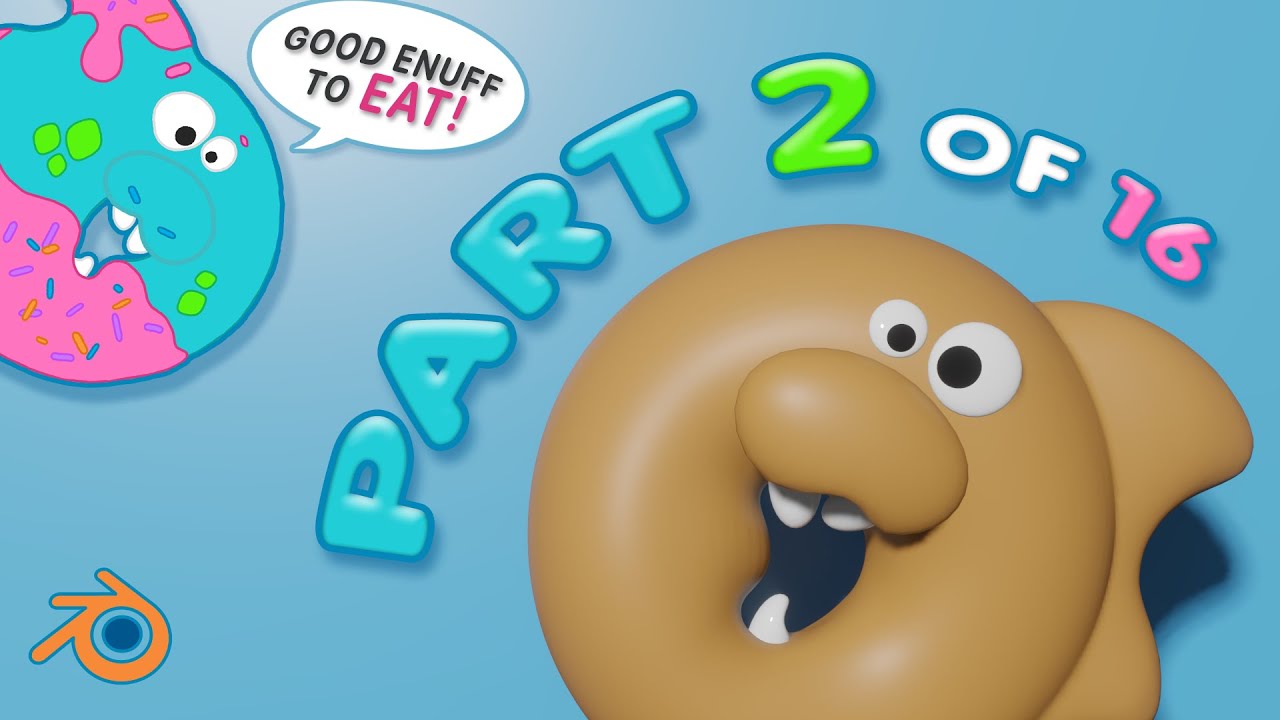
Follow along in this first timelapse video of Part 2 out of 16-part 🍩 saga, where I start 3D modeling my original Happy Dragon Donut design in Blender 3.0. I began by blocking out basic shapes, and ended up with quite a dense mesh and a lot of geometry.
Check out the timestamps below if you’re curious about the steps:
00:00 Following Part 2 / 16 of Blender Guru’s Donut Tutorial
00:10 Object parameters, measurements, applying scale
00:30 Adding Reference Images
00:40 Blocking out Fins & adding the drop
02:53 Smooth brush in Sculpt Mode to shape Fins
03:33 Blocking out mouth, eyes, snout & teeth
07:06 Shrink/Fatten the donut
08:33 Merging Fins together - Booleon modifier & Ctrl + J to join
09:13 Clear up Topology - Remesh modifier, Using Relax from Loop Tools
10:09 Reshaping the teeth
10:44 Shift + R Voxel Remesh grid, Remesh again to get rid of crease
11:22 Smoothing out Fin tips in Sculpt Mode
12:05 Finished render (for now)
This is the series where I follow Blender Guru's 16 Part Donut Tutorial 🍩 This video is part 2!
• HAPPY DRAGON DONUT 🐉 🍩 - Ref Image from ... Part 1: Drawing Reference Image & Setting Up Blender
• Retopoed My HAPPY DRAGON DONUT with Blende... Part 3: Modifiers & RetopoFlow Demo
• Icing Goop With Blender Guru Donut Pt 4 / ... Part 4: Modeling & Remesh Tools
• How to clean up topology in Blender? Retop... Part 5: Sculpting & RetopoFlow Demo for Icing
• 3D Rendering Happy Dragon Donut in Blender... Part 6: Rendering in Cycles & Eevee
• How to Begin Texturing in Blender (Bonus: ... Part 7: Texturing & Indenting Icing with Boolean Modifier
• See How to 3d Edge Flow with Zero Experien... Part 8: Texture Painting & Manual Edge Flow Demo
• . • . • . • . • . • . • . • . • . • . • . • . • . • . • . • . • . • . • . • . • . • . • . • . • . •
Hi, I’m Jelli, and I’m learning 3D modeling in Blender 3.0. I love making art, watching anime and playing video games. Don’t tell anyone, but I’m really a ryuu musume dragongirl 🤫
🍪 Link Crumbs
.•• Pinterest - / jellibeandragon
.•• Instagram - / jellibeandragon
.•• Facebook - / jelli.bean.7965
.•• Twitch - / jellibeandragon
.•• Tiktok - / jellibeandragon
Music Credits:
it's different - Shadows (feat. Miss Mary) [NCS Release]
Music provided by NoCopyrightSounds
Free Download/Stream: http://ncs.io/shadows
Watch: • it's different - Shadows (feat. Miss Mary)...
Culture Code - Make Me Move (feat. KARRA)
(James Roche Remix) [NCS Release]
Music provided by NoCopyrightSounds
Free Download/Stream: http://ncs.io/jrmmm
Watch: / b9rpuarn
Time To Talk Ft. Georgia Michel - Time To Talk [NCS Release]
Music provided by NoCopyrightSounds
Free Download/Stream: [http://ncs.io/TTT]
BEAUZ - Illusion (feat. Crunr) [NCS Release]
Music provided by NoCopyrightSounds
Free Download/Stream: http://ncs.io/
(this video is about: What Did She Do Wrong? - HAPPY DRAGON DONUT Part 2 / 16, Blender Guru's Donut 3.0 Timelapse,3D modeling,blender3.0,donut,happy dragon donut,jelli,jellischool,jellibeandragon,blender tuto,new to blender,blender,blender sculpting tutorial beginner,blender merge objects,booleon modifier,blender boolean modifier,how to apply boolean modifier in 3.0 blender,remesh blender,voxel remesh grid,blender voxel remesh grid,how to smooth mesh in sculpt mode without changing the shape,how to remesh in blender,blender tutorial,how to remesh a sculpt,smooth brush in blender 3.0,smooth sculpt mode,blender sculpt mode,blender sculpting,full blender timelapse,blender tutorial, blender relax loop tool,blender join objects,blender join objects crease,blender topology,blender block out)

Информация по комментариям в разработке