Logo video2dn
  • Сохранить видео с ютуба
  • Категории
    • Музыка
    • Кино и Анимация
    • Автомобили
    • Животные
    • Спорт
    • Путешествия
    • Игры
    • Люди и Блоги
    • Юмор
    • Развлечения
    • Новости и Политика
    • Howto и Стиль
    • Diy своими руками
    • Образование
    • Наука и Технологии
    • Некоммерческие Организации
  • О сайте

Скачать или смотреть Blender 5: Bundles & Closures + Repeat Zones — Data-Driven Scientific Visualization (Full Tutorial)

  • Depict Labs
  • 2025-11-19
  • 558
Blender 5: Bundles & Closures + Repeat Zones — Data-Driven Scientific Visualization (Full Tutorial)
  • ok logo

Скачать Blender 5: Bundles & Closures + Repeat Zones — Data-Driven Scientific Visualization (Full Tutorial) бесплатно в качестве 4к (2к / 1080p)

У нас вы можете скачать бесплатно Blender 5: Bundles & Closures + Repeat Zones — Data-Driven Scientific Visualization (Full Tutorial) или посмотреть видео с ютуба в максимальном доступном качестве.

Для скачивания выберите вариант из формы ниже:

  • Информация по загрузке:

Cкачать музыку Blender 5: Bundles & Closures + Repeat Zones — Data-Driven Scientific Visualization (Full Tutorial) бесплатно в формате MP3:

Если иконки загрузки не отобразились, ПОЖАЛУЙСТА, НАЖМИТЕ ЗДЕСЬ или обновите страницу
Если у вас возникли трудности с загрузкой, пожалуйста, свяжитесь с нами по контактам, указанным в нижней части страницы.
Спасибо за использование сервиса video2dn.com

Описание к видео Blender 5: Bundles & Closures + Repeat Zones — Data-Driven Scientific Visualization (Full Tutorial)

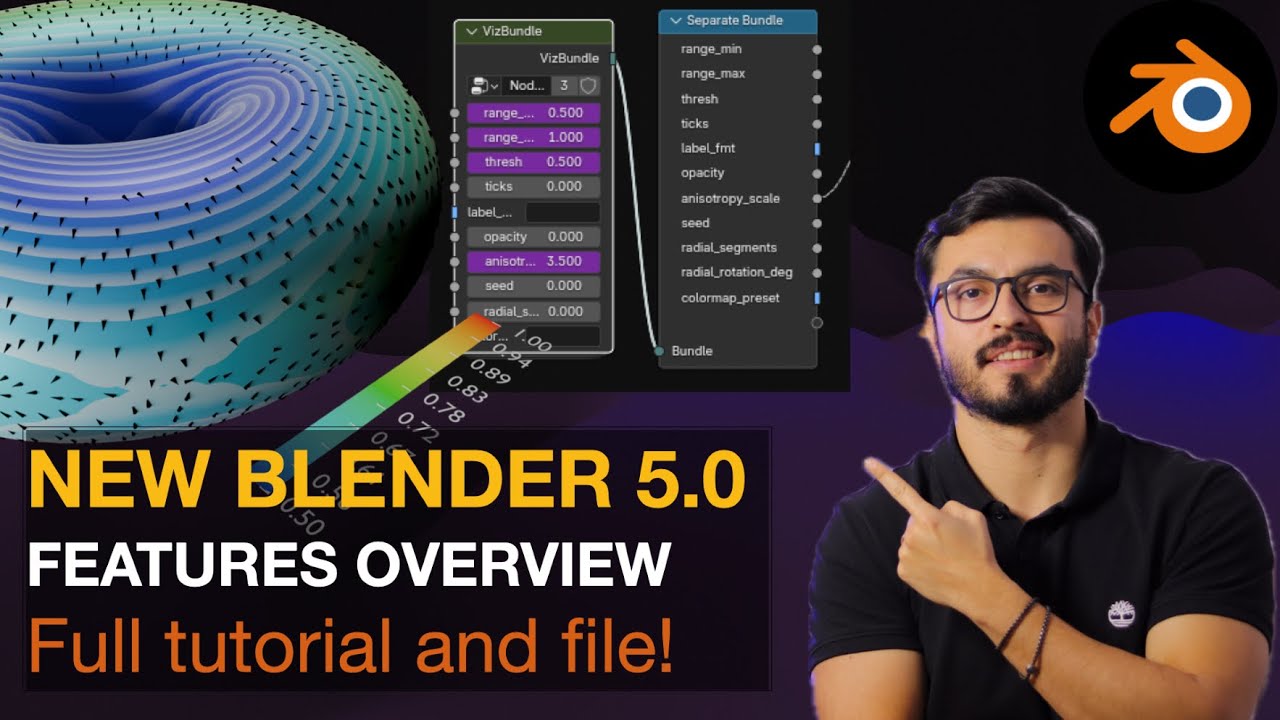
Build a VizRig in Blender 5 that controls voxels, points, and pixels from one place. We pack parameters into a VizBundle, evaluate a single FieldProcessor (Closure) across Geometry Nodes and the Shader Editor, and use a Repeat Zone for bands/highlights. You’ll sample a named grid, orient glyphs with Grid Gradient, and drive a synced colorbar + labels—all from an external controller.

What you’ll learn
-Set up a scalar VolumeDomain and write a named grid (field)
-Use a VizBundle and Evaluate Closure to keep GN + Shader in sync
-Build shader passes with a Repeat Zone (Base → Bands → Highlight)
-Orient cones from Grid Gradient (Z→Normal, X→Tangent, Pivot Z)
-Generate a colorbar, ticks, and labels from the same bundle
-Drive everything from an Empty with custom properties (the VizRig)

Chapters:
00:00 Intro & demo (one slider controls all)
01:43: Project blueprint
03:18 Domain setup — VolumeDomain, Mesh→Density Grid, Field→Grid, Store Named Grid "field"
10:40 Torus wiring — Sample Grid, Evaluate Closure outputs
11:18 Glyphs — Grid Gradient, project to tangent, Align Rotation (Z→Normal, X→Tangent), scaling/culling
29:20 Material — Repeat Zone passes (Base → Bands → Highlight)
45:45 Legend — colorbar, ticks, labels (Repeat Zone for numbers)
59:14 Drivers / external controls — VizDriver (Empty) properties → Bundle
1:04:40 Changing range & ticks live — end-to-end sync check
1:09:10 Outro & next steps
------------------------------------------
▶️ .blend (project + node groups) — link here:
https://drive.google.com/file/d/1TDfD...
------------------------------------------
Blender 5, Geometry Nodes, Shader Nodes, Scientific Visualization, Data Visualization, Grid Nodes, Bundles, Closures, Repeat Zone, Scalar Field, Colorbar, Glyphs, Gradient, VizRig
#Blender5 #GeometryNodes #ShaderNodes #ScientificVisualization #DataViz #GridNodes #Bundles #Closures #RepeatZone #ScalarField #Colorbar #Glyphs #VizRig

Комментарии

Информация по комментариям в разработке

Похожие видео

  • О нас
  • Контакты
  • Отказ от ответственности - Disclaimer
  • Условия использования сайта - TOS
  • Политика конфиденциальности

video2dn Copyright © 2023 - 2025

Контакты для правообладателей [email protected]