Logo video2dn
  • Сохранить видео с ютуба
  • Категории
    • Музыка
    • Кино и Анимация
    • Автомобили
    • Животные
    • Спорт
    • Путешествия
    • Игры
    • Люди и Блоги
    • Юмор
    • Развлечения
    • Новости и Политика
    • Howto и Стиль
    • Diy своими руками
    • Образование
    • Наука и Технологии
    • Некоммерческие Организации
  • О сайте

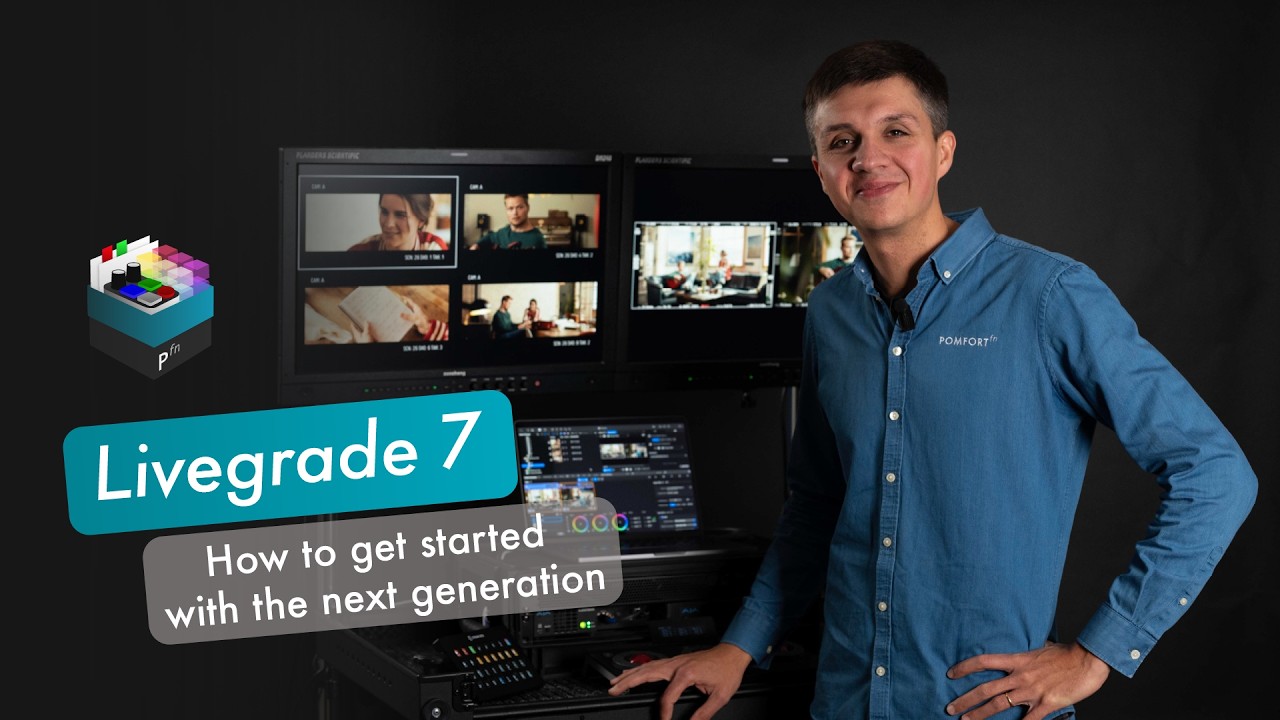
Скачать или смотреть Demo - Livegrade 7: How to make your move to the next-gen Livegrade

  • Pomfort
  • 2026-02-17
  • 163
Demo - Livegrade 7: How to make your move to the next-gen Livegrade
pomfortsoftwaremediaSilverstackLiveGradeClipHouse
  • ok logo

Скачать Demo - Livegrade 7: How to make your move to the next-gen Livegrade бесплатно в качестве 4к (2к / 1080p)

У нас вы можете скачать бесплатно Demo - Livegrade 7: How to make your move to the next-gen Livegrade или посмотреть видео с ютуба в максимальном доступном качестве.

Для скачивания выберите вариант из формы ниже:

  • Информация по загрузке:

Cкачать музыку Demo - Livegrade 7: How to make your move to the next-gen Livegrade бесплатно в формате MP3:

Если иконки загрузки не отобразились, ПОЖАЛУЙСТА, НАЖМИТЕ ЗДЕСЬ или обновите страницу
Если у вас возникли трудности с загрузкой, пожалуйста, свяжитесь с нами по контактам, указанным в нижней части страницы.
Спасибо за использование сервиса video2dn.com

Описание к видео Demo - Livegrade 7: How to make your move to the next-gen Livegrade

Are you about to upgrade from Livegrade Pro or Studio (v6.5) to Livegrade 7? This video will help you easily navigate the new interface, locate familiar features, and learn about all the new exciting capabilities and extension modules.

CHAPTERS
00:00 Welcome
00:36 Hardware setups
01:42 PART 1: Navigate the new interface
01:44 Configure Inputs/Outputs in the Slot Manager
04:26 Apply a look
04:55 Grading modes
05:27 Node list
06:09 Create stills
06:42 Update shots
08:28 Update shots
09:06 PART 2: New capabilities
09:26 Multi-view mode
13:58 Configure multiple outputs
16:06 Multi-grade by linking nodes
16:43 Use case: Grade 2 cameras simultaneously
18:31 Use case: Regrade a take shot with 2 cameras
19:40 Use case: Adjust an entire scene
21:55 Match cameras
25:18 PART 3: More new features explained quickly
25.52 New metadata features
26:45 Filter to tailor output views
27:05 Markers
27:17 New features for sharing stills
27:55 Dual pipeline looks for HDR/SDR
29:02 PART 3: New extension modules
29:26 Module: Multi-Playback and Audio
29:52 Module: Outputs and Streaming
30:33 Module: Key and Mix
31:02 I/O Pack


FURTHER INFORMATION
▪️Product page:http://pomfort.com/livegrade
▪️Comprehensive list of all features: https://pomfort.com/livegrade/features/

GET STARTED
▪️Download your free trial here: https://pomfort.com/livegrade/try/
▪️Head to the Knowledge Base for documentation: http://kb.pomfort.com/livegrade

Комментарии

Информация по комментариям в разработке

Похожие видео

  • О нас
  • Контакты
  • Отказ от ответственности - Disclaimer
  • Условия использования сайта - TOS
  • Политика конфиденциальности

video2dn Copyright © 2023 - 2025

Контакты для правообладателей [email protected]