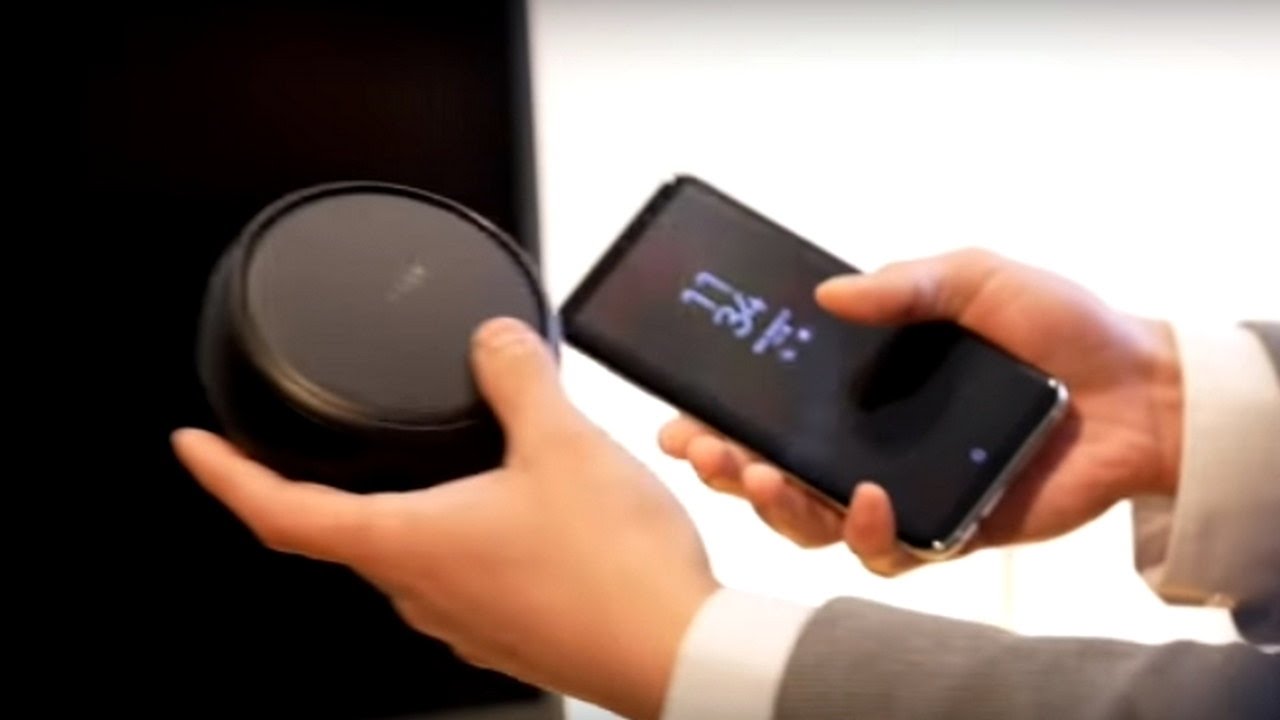
Alongside its new Galaxy S8 and Galaxy S8 Plus smartphones, Samsung also unwrapped a new docking accessory designed to harness the power of the Galaxy S8. Called Samsung DeX, it’s meant to allow you to use the Galaxy S8 as a replacement for a fixed desktop computer.
Does it deliver on its promise? Is Samsung DeX the future of smartphones and computing, or is it just another attempt to use smartphones to kill the PC industry? Find out in our Samsung DeX review!
For years, companies have tried different methods to make the smartphone a viable PC replacement. In 2011, the Motorola Lapdock was the first dock to do this, and provided connections for physical keyboards, a mouse, and other peripherals. Apple then tried to use AirPlay to accomplish something similar, although it acted like little more than screen sharing. Then there was HP’s Elite X3, which ended up coming close with its Desk Dock before also failing to be widely adopted.
The biggest challenge plaguing these solutions were that they all tried to mirror the smartphone screen to the desktop, Samsung’s previous mobile docks for the Galaxy S4 and Note 2 included. Samsung is hoping that the time is ripe for another attempt and in the DeX station, we have an accessory that’s mostly well thought out and has some very smart features as well.
DeX works only with the Galaxy S8 and Galaxy S8 Plus, which is a shame as it would have been nice to have support for older Samsung (and other Android) devices as well. That said, the dock comes with an Ethernet port, two USB ports for connecting peripherals such as a keyboard and mouse, and a HDMI port to connect to your desktop monitor.
Samsung DeX – Can Your Smartphone Replace a PC...???
The top of the DeX station flips down to reveal the USB Type-C port, where you’ll plug in your Galaxy S8. This also acts as a fan to cool your Galaxy S8 or Galaxy S8 Plus in DeX mode. Also, thanks to the USB Type-C port, it charges your phone at the same time as powering the DeX experience.
Samsung DeX has a lot of potential, but in its current form, it’s certainly a little raw. The number of apps compatible with DeX is pretty small, and, short of Microsoft Word, lacking in any depth of quality. At the launch of the Galaxy S8 – where DeX was made official – Samsung confirmed that Adobe would bring Photoshop and Lightroom to DeX, but at the time of writing (a few days before the US release of the Galaxy S8), these apps weren’t available to test.
Of course, you can open all the apps that exist on your Android phone but most retain their mobile equivalents. For example, WhatsApp shows up as mobile (which is to be expected), but pressing the enter key doesn’t send a message, and there’s no keyboard shortcut to do so. This means you have to move the mouse and select the send key every time. Similarly, Google Chrome only displays in mobile mode, and often crashes. If you do want to browse the internet and don’t mind using a different browser, Samsung has optimised its own internet browser to offer the full website experience.
The browsing experience is seemingly on-par with Microsoft’s Edge browser and Google Chrome, although there is a touch of latency when scrolling as DeX seemingly struggles to support resource-intensive websites. When resizing a window, Samsung’s browser does well to resize the content accordingly but to get the full experience (and not a responsive version of the site), you need to go into fullscreen mode before resizing the window down.
Samsung DeX works in a similar way to Microsoft’s Universal Windows Platform where the same apps could run in both mobile and desktop depending on whether docked to a PC. DeX takes the same premise but without widespread support for apps, it proves to be a little limited. However, what Samsung does have going for itself is that the Galaxy S8 and S8 Plus are likely to sell in more volume than most, if not all, of the Lumia Windows Phones that Microsoft managed to shift.
The biggest challenge facing Microsoft at the time was persuading developers to adapt their apps to support UMA, or in most cases, even develop their apps for Windows 10 Mobile in the first place. For Samsung, this should be a much easier bridge to cross. Plus, if the additional development resources required to develop for DeX are minimal – either via ease of software or incentives from the company – we will hopefully see developers flock to adapt their apps for Samsung DeX.

Информация по комментариям в разработке