Logo video2dn
  • Сохранить видео с ютуба
  • Категории
    • Музыка
    • Кино и Анимация
    • Автомобили
    • Животные
    • Спорт
    • Путешествия
    • Игры
    • Люди и Блоги
    • Юмор
    • Развлечения
    • Новости и Политика
    • Howto и Стиль
    • Diy своими руками
    • Образование
    • Наука и Технологии
    • Некоммерческие Организации
  • О сайте

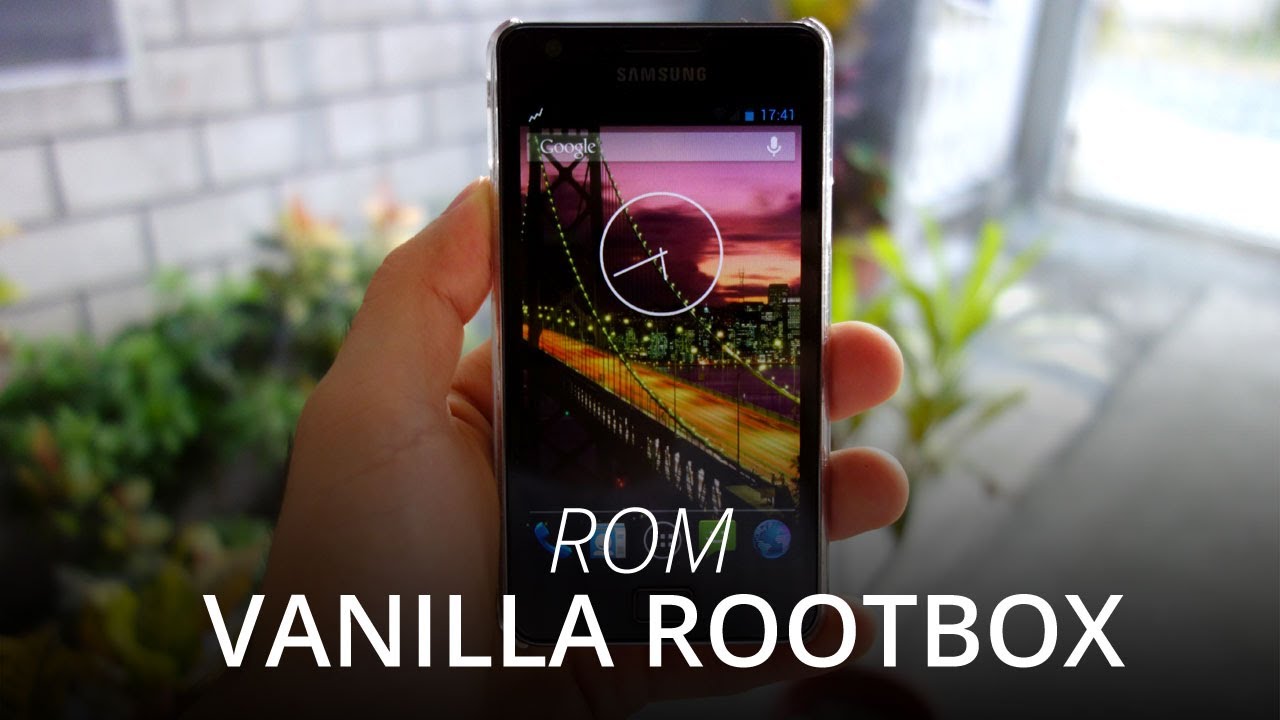
Скачать или смотреть How to Install Vanilla RootBOX (Jelly Bean 4.2.2) on the Samsung Galaxy S2 i9100

  • mangochico
  • 2013-04-02
  • 54828
How to Install Vanilla RootBOX (Jelly Bean 4.2.2) on the Samsung Galaxy S2 i9100
WiredmashWiredmash.comJose FarrugiaPhilippinesCebuPinoySamsungGalaxy S2GT-i9100i9100AndroidJelly BeanAndroid (operating System)SmartphoneMobileTechnologyROMFirmwareCustom ROMCellCell phoneVanilla RootBOXAOSPAOKP4.2.2Phone
  • ok logo

Скачать How to Install Vanilla RootBOX (Jelly Bean 4.2.2) on the Samsung Galaxy S2 i9100 бесплатно в качестве 4к (2к / 1080p)

У нас вы можете скачать бесплатно How to Install Vanilla RootBOX (Jelly Bean 4.2.2) on the Samsung Galaxy S2 i9100 или посмотреть видео с ютуба в максимальном доступном качестве.

Для скачивания выберите вариант из формы ниже:

  • Информация по загрузке:

Cкачать музыку How to Install Vanilla RootBOX (Jelly Bean 4.2.2) on the Samsung Galaxy S2 i9100 бесплатно в формате MP3:

Если иконки загрузки не отобразились, ПОЖАЛУЙСТА, НАЖМИТЕ ЗДЕСЬ или обновите страницу
Если у вас возникли трудности с загрузкой, пожалуйста, свяжитесь с нами по контактам, указанным в нижней части страницы.
Спасибо за использование сервиса video2dn.com

Описание к видео How to Install Vanilla RootBOX (Jelly Bean 4.2.2) on the Samsung Galaxy S2 i9100

Full Guide - http://www.wiredmash.com/how-to-insta...

Requirements:
Rooted Samsung Galaxy S2 GT-i9100

Download:
1. Vanilla RootBOX - http://rootbox.basketbuild.com/index....
2. GApps - http://goo.im/gapps/gapps-jb-20130301...

Guide:

1. Download the latest Vanilla RootBOX ROM and Google Apps (Google doesn't include the stock Apps in their AOSP builds).

2. Connect your Samsung Galaxy S2 via a microUSB to your computer and transfer both downloaded ZIP files to your SD Card.

3. Create a "DCIM" folder and a subfolder called "Camera" -- "DCIM/Camera". The Vanilla RootBOX ROM allows pictures to be saved on your external SD Card unlike some other ROMs.

4. Turn off your Samsung Galaxy S2

5. Head over to Recovery Mode by pressing the Volume Up + Home Button + Power Button for 10 seconds. The Samsung Galaxy S2 Boot screen should blink twice.

6. Once in Recovery Mode, select Install zip from sdcard then Choose zip from sdcard by pressing the Power/Lock Button. Look for the Vanilla RootBOX ZIP file and install it. After it's done installing, head back up the menu and select Choose zip from sdcard again. This time install the GApps ZIP file you downloaded.

7. As you are coming from a different platform and ROM (In my case I was coming from the official Samsung Galaxy S2 XWLSJ Firmware), one must do a Wipe Data/Factory
Reset and a Wipe Cache Partition.

8. Head back to the Recovery Menu and select Reboot System Now.

9. Give it a few minutes for it to bootup and you're done.

Don't forget to click the like button and subscribe button on top, it only takes a second. Thanks!

Visit Us:
http://www.wiredmash.com

And don't forget to follow us:
  / wiredmash  
  / wiredmash  

Комментарии

Информация по комментариям в разработке

Похожие видео

  • О нас
  • Контакты
  • Отказ от ответственности - Disclaimer
  • Условия использования сайта - TOS
  • Политика конфиденциальности

video2dn Copyright © 2023 - 2025

Контакты для правообладателей [email protected]