Logo video2dn
  • Сохранить видео с ютуба
  • Категории
    • Музыка
    • Кино и Анимация
    • Автомобили
    • Животные
    • Спорт
    • Путешествия
    • Игры
    • Люди и Блоги
    • Юмор
    • Развлечения
    • Новости и Политика
    • Howto и Стиль
    • Diy своими руками
    • Образование
    • Наука и Технологии
    • Некоммерческие Организации
  • О сайте

Скачать или смотреть How to Remove Microsoft Screen Time Limits & Parental Controls without Admin 2026

  • Epic Guide
  • 2026-02-04
  • 621
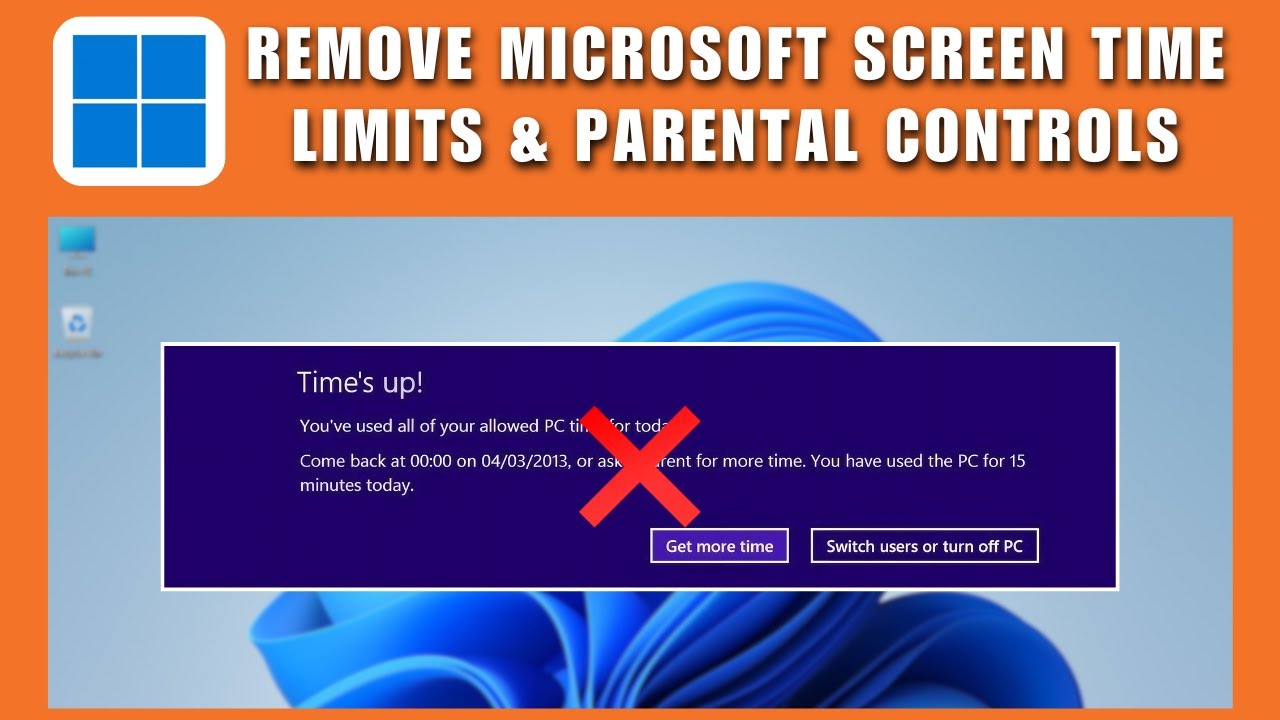
How to Remove Microsoft Screen Time Limits & Parental Controls without Admin 2026
how to remove microsoft screen time limitsremove parental controls windowsbypass microsoft family safetydisable screen time limits windowsparental control removal without adminmicrosoft family safety not workingremove pc screen time limithow to remove microsoft screen time limits without adminhow to disable microsoft family featureshow to disable parental controls on windowsmicrosoft family features how to turn offhow to turn off microsoft family features
  • ok logo

Скачать How to Remove Microsoft Screen Time Limits & Parental Controls without Admin 2026 бесплатно в качестве 4к (2к / 1080p)

У нас вы можете скачать бесплатно How to Remove Microsoft Screen Time Limits & Parental Controls without Admin 2026 или посмотреть видео с ютуба в максимальном доступном качестве.

Для скачивания выберите вариант из формы ниже:

  • Информация по загрузке:

Cкачать музыку How to Remove Microsoft Screen Time Limits & Parental Controls without Admin 2026 бесплатно в формате MP3:

Если иконки загрузки не отобразились, ПОЖАЛУЙСТА, НАЖМИТЕ ЗДЕСЬ или обновите страницу
Если у вас возникли трудности с загрузкой, пожалуйста, свяжитесь с нами по контактам, указанным в нижней части страницы.
Спасибо за использование сервиса video2dn.com

Описание к видео How to Remove Microsoft Screen Time Limits & Parental Controls without Admin 2026

How to Remove Microsoft Screen Time Limits & Parental Controls without Admin 2026

In this guide, you’ll learn how to remove Microsoft screen time limits and Parental Controls without admin access in 2026 using a practical workaround that works on most Windows systems. If you’re dealing with restrictions caused by Microsoft Family Safety, such as limited usage hours or blocked access, this tutorial explains how to bypass Microsoft Family Safety and regain normal access to your PC.

Many users face issues where Microsoft Family Safety is not working properly, yet screen time limits and parental controls remain active. This method focuses on how to disable Microsoft Family features directly from Windows settings and services, helping you remove PC screen time limits without needing an administrator account. It’s especially useful if you’re locked out during certain hours and want to understand how to turn off Microsoft Family features safely.

You’ll also see how to disable parental controls on Windows by stopping related services and adjusting system settings that control Microsoft Family features. This approach can help if you’re searching for how to remove Microsoft screen time limits without admin rights or looking for a reliable parental control removal without admin solution. The steps covered here apply to both Windows 10 and Windows 11 systems in 2026.

By following this tutorial, you’ll learn how to disable screen time limits on Windows, how to turn off Microsoft Family features, and how to remove parental controls that restrict your daily usage. This is a helpful solution for anyone who wants full access to their computer without constant limitations caused by Microsoft Family Safety.

❤️ Support Me: https://buymeacoffee.com/epicguide

👉 Hire Me:
https://buymeacoffee.com/epicguide/extras
https://rebrand.ly/epicguides

👉 Hire a Professional - https://rebrand.ly/fiverrhelp

📧 Contact Me: [email protected]

🔗 Links and Resources:

▶ REQUEST VIDEOS - https://docs.google.com/forms/d/e/1FAIpQLS...

🙏Thanks for watching this video 📺 If you want to see more videos from Epic Content then please 🆂🆄🅱🆂🅲🆁🅸🅱🅴 and press the bell 🔔 icon to turn on all notifications! So you don't miss all the new videos we publish.

👍If you liked our videos then be sure to like them.

💬 Please tell us your opinion in the comments below. We respond to everyone!

🔗Please share this video if you found value in it and think it can help other people.

👁️If you enjoyed watching this video then check out our playlists for many more videos.

⏩    • Online Knowledge  

📝Scripted, 🎙️Narrated, and ✂ Edited by Epic Content Team.

♪🎬 This video is for educational purposes only. All the footage used is licensed through from stock footage websites except for parts about the topic that have been used under fair use to enhance the creativity and art of the video. Some clips and scenes were taken from different sources to give some context about the topic and have been used under fair use.

✉ However, If there are any issues, questions, concerns, or if any content owners would like their content removed, please contact us by email at [email protected] we will happily cooperate and take it down! The content will be REMOVED as soon as possible.

⚠️ This channel is for educational purposes only. All posted content is to add value to the viewers. We own licenses and permissions for all the content used in this video except parts about the topic that have been used under fair use.

© FAIR-USE COPYRIGHT DISCLAIMER:

Copyright Disclaimer Under Section 107 of the Copyright Act 1976, allowance is made for "fair use" for purposes such as criticism, commenting, news reporting, teaching, scholarship, and research. Fair use is a use permitted by copyright statutes that might otherwise be infringing. Non-profit, educational, or personal use tips the balance in favor of fair use.

#️⃣ This video is related to…

Комментарии

Информация по комментариям в разработке

Похожие видео

  • О нас
  • Контакты
  • Отказ от ответственности - Disclaimer
  • Условия использования сайта - TOS
  • Политика конфиденциальности

video2dn Copyright © 2023 - 2025

Контакты для правообладателей [email protected]