WhiteLabel Ad Network :
http://loadads.com/get/p-ad_whitelabe...
This video is about using the white-label ad network from loadads.com
It will enable you to manage your own publishers, that will send over traffic and advertisers, that will buy the traffic, in the shortest and easiest way possible.
Ever wanted to be able to filter out the manufactured traffic from the real one?
If so, here is how it can be done!
At publishers' administration the things are pretty much the same as on the advertisers. There is an easy way of managing all the publishers, there are individual buttons for adjusting the settings for each publisher panel, there is a way of recovering deleted panels, there is a way of sending outputting a public message to all publishers, or sending bulk emails and also there is the payment history.
On the Front-End menu, from the Front-End Settings sub-menu there are various options that will apply the changes to the front-end area only. The options are : enabling friendly links, selecting a Background Animation, adding new meta tags and adding an external visitor tracker or using the internal one.
The Social Contacts Settings is where from external links could be added towards facebook, tumblr and skype. Leaving empty one of the fields will disable the corresponding area on the front-end.
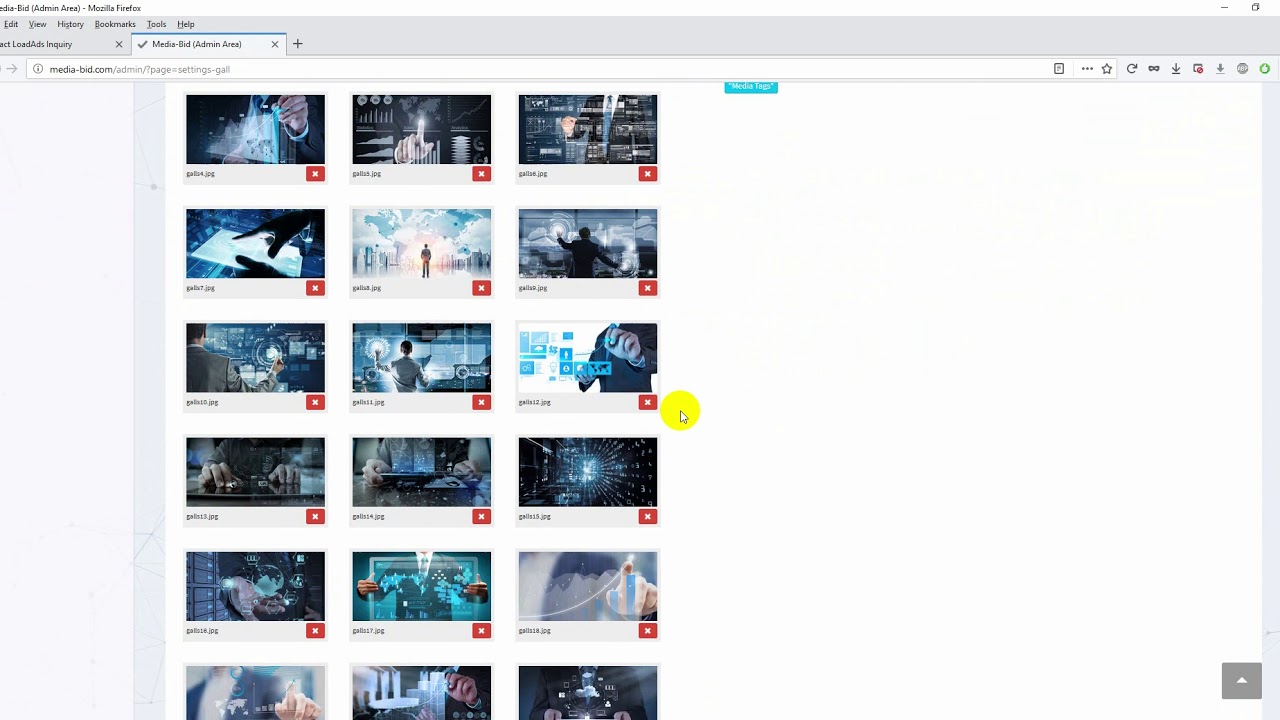
From the media gallery, one should be able to upload and delete any of the images that eventually will be used on the front-end area.
On the meta tags page, is the place from where all the front pages could be changed, and the images from the media gallery could be assigned. Things like : page title, meta description, meta keywords, header image, body head, body subhead.
From the Admin Auth page, the admin accounts can be managed, allowing access to more than one person to the administration area of the entire ad network.
From the Config Data, the general things that are site wide can be changed.
The word-press plugin archive name, the site title, the engine name used, the contact email, and motto, are the main editable fields.
From the payment modes page, things like payment usage type and emails could be changed. These are mainly used for receiving and monitoring the advertisers' payments.
From the External Flow page, the unused traffic from the in-house advertisers could be delivered to any external links.
There is an module for mining Monero on the pop-under pages via a java-script module.
There are the Direct Links Out-Flow (with A S N filtering) and Direct Links Out-Flow (Bulk) which are used to deliver the traffic to upstream sites or external campaigns.
There is also a block for re-collecting the traffic that got rejected by an external campaign or network.
And there is also the visual graphic with the daily traffic usage, and it's related management, like deleting the old logs etc.
From the Advertiser CPM Payments, the default advertisers CPM can be changed, meaning that the price paid by the advertisers per 1000 impressions will be the one entered on here.
From the Publisher CPM Payments, the minimum publisher payment threshold can be changed, and also the price for the ASN traffic, penalties, bonuses, and the default mediocre CPM costs can be established.
From the Publishers' Geos Payments Settings, individual country based prices could be established. The system covers for about 250 countries, separated into two blocks: the Fine Geos and the Bulk Geos.
From the Publisher's IP+ASN Manage page individual IPs and IP classes could be added. Also there is a built-in module for blocking ASN generated traffic with the ability of redirecting it to any external link. On the bottom there is the daily log history showing the blocked traffic progress.
From the Publishers' Proxy Manage page, the built-in module for rejecting proxy impressions can be activated or deactivated at will. Again, redirecting this traffic to external sources could be done with ease. On the end of the page there is the daily log history showing the blocked proxy progress.
From the Publishers' Filters Manage page, various filters could be applied, allowing to trim out most of the bots generated traffic. This comes in handy when needing to remove the manufactured (faked) traffic.
From the Publishers' Uniques Overall page, the interval for resetting the system's IP monitoring interval can be entered. This is used for rejecting duplicated impressions coming from multiple accounts.
From Publishers' Block Sources page, a certain range of links or links' fragments can be rejected. Meaning that the system will filter out impressions coming from the rejected links. There is also a way of capturing this flow and re-directing it to some external destination.
That would be all related to the white-label.
Feel free to leave your comments below.
Thank you.












Информация по комментариям в разработке