THE VIDEO UPLOADED IS NOT MY ORIGINAL CONTENT AND WAS REUPLOADED HERE AFTER THE ORIGINAL CHANNEL WAS TERMINATED, PERMISSIONS FROM THE OTHER PARTY WAS APPROVED AND WAS SAFELY REUPLOADED AGAIN.
Timestamps
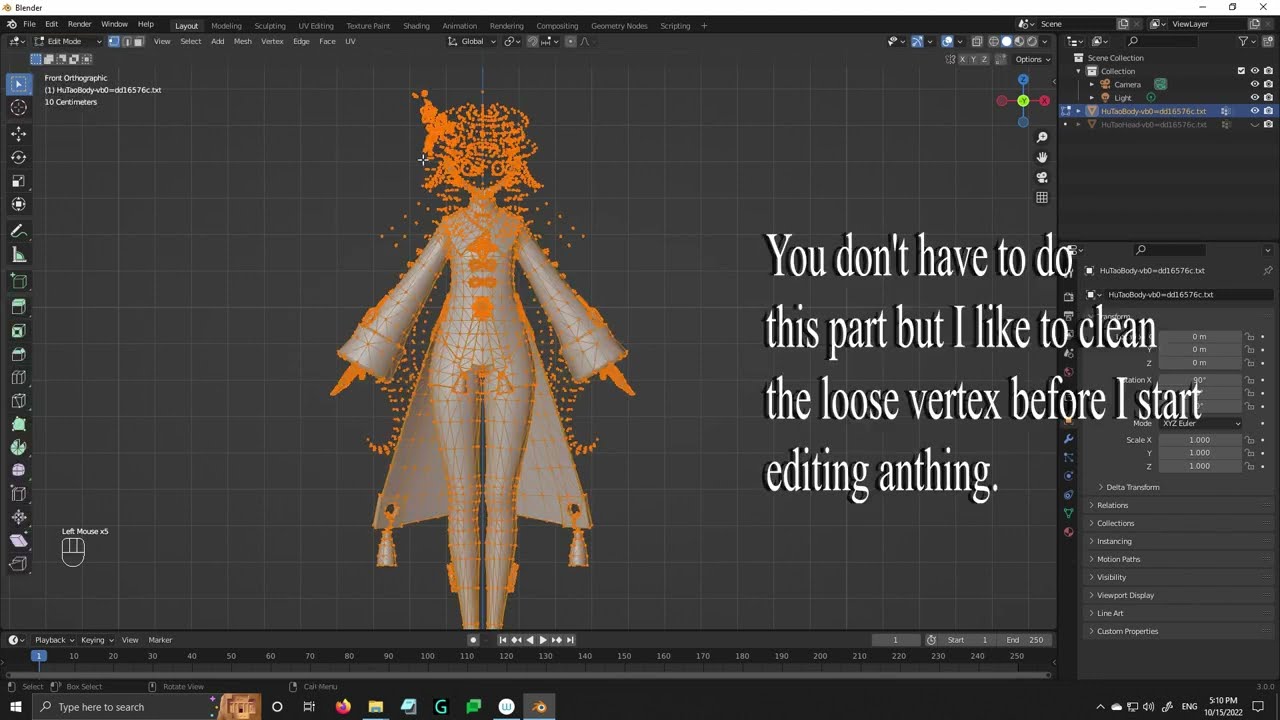
Part 1: Blender Import Character Model - 0:00
Part 2: Importing and Exporting - 1:15
Part 3: Adjusting the Model - 1:50
Part 4: Changing the Model - 2:20
Part 5: Adjusting the sideview - 3:20
Part 6: Final Product - 4:10
Part 7: Testing in-game - 5:10
Tools used for importing and exporting the Hu Tao model:
blender plugin → https://github.com/SilentNightSound/G...
character models → https://github.com/SilentNightSound/G...
Blender 4.2 → https://www.blender.org/download/rele...
Official Discord and getting into modding: / discord
FAQs that might be asked:
Q: What is the Blender version?
A: The version in the video is a past version but can still be replicated up to Blender 4.2 as it only uses Proportional editing which past versions already have.
Q: Does this work on all Hoyoverse games? (e.g. Genshin, Star Rail, ZZZ)
A: It works on all games even back when ZZZ wasn't yet released, and thanks to the new XXMI Tool by LeoMods on Github, it became easier to mod the Big 3 Hoyoverse games in general.
Q: Does the modelling tutorial also apply to Wuthering Waves?
A: The only thing we're changing is the model itself and not delving in deeper such as Weights, UV mapping, and Texture files, so confidently speaking, it should work with the proper tools and enough knowledge.
Q: How did you get permission or even manage to upload the video after the original poster's YouTube channel got terminated for reasons?
A: I was skeptical in uploading the video because of many things, for one, when I upload the video, it might get detected as a copyright infringed video because of the incidents regarding the channel around it, secondly, I don't have permission at all for uploading the video and I didn't want to upload it without permission anyway so either I must ask the original creator or risk my channel get DMCA for reuploading, but after getting the appropriate permission and uploading to test if YouTube will detect the video as flagged, it all worked in the end without errors whatsoever, so here we are.
Q: Are there more tutorials for modding like custom outfits and weapons?
A: There are a ton of materials and sources even in YouTube, but 90% of content can easily be found in the official Discord such as in-depth Google Doc files tutorials, tools, scripts, Blender add-ons, and questions are all present with it as well.
Q: As Genshin modding in general as a whole, will the system detect such applications used for modding and get my account banned?
A: 3DMigoto and every mod loader for Hoyoverse games has never, and will never tamper with the game files as it uses an entirely different way for modding the game. A good example of this when put simply, imagine you have a special type of glasses you use, and the things you see (which are the mods in-game) only appears in those glasses you are wearing which nobody else will ever see, that is what 3DMigoto is doing, putting the game with glasses on that are only visible to your side only and not messing with game files which the game cannot detect.
Disclaimer!
I do not own any of the videos or footage featured in this tutorial. The original content was removed, and I have been granted permission to re-upload it for educational purposes. All rights to the original material remain with the original creators. This video is intended solely to preserve the content for those who found it valuable.
If you are the original content owner and would like this video removed, please contact me directly, and I will promptly take it down.
For more resources and tutorials, check out: https://gamebanana.com/tuts/games/8552

Информация по комментариям в разработке