Logo video2dn
  • Сохранить видео с ютуба
  • Категории
    • Музыка
    • Кино и Анимация
    • Автомобили
    • Животные
    • Спорт
    • Путешествия
    • Игры
    • Люди и Блоги
    • Юмор
    • Развлечения
    • Новости и Политика
    • Howto и Стиль
    • Diy своими руками
    • Образование
    • Наука и Технологии
    • Некоммерческие Организации
  • О сайте

Скачать или смотреть How to Collimate (Zero) a Thermal Clip-On | AGM Rattler-C V2

  • AGM USA
  • 2025-12-30
  • 2674
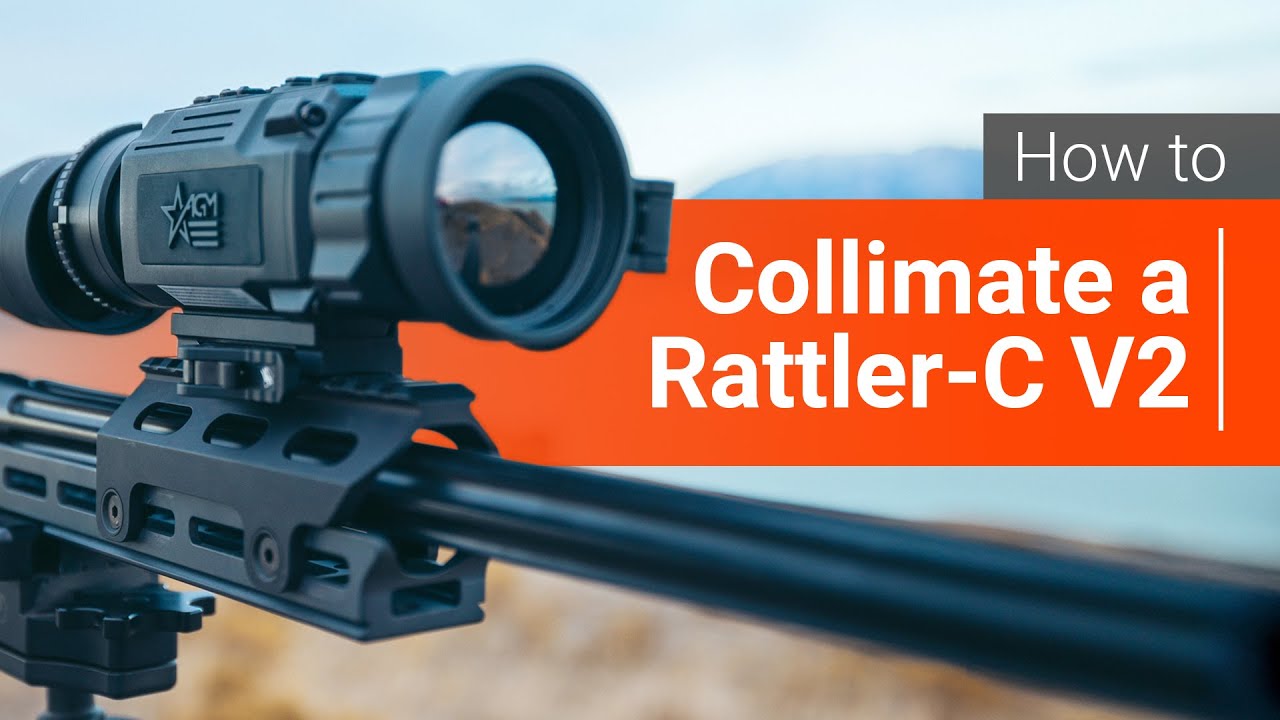
How to Collimate (Zero) a Thermal Clip-On | AGM Rattler-C V2
  • ok logo

Скачать How to Collimate (Zero) a Thermal Clip-On | AGM Rattler-C V2 бесплатно в качестве 4к (2к / 1080p)

У нас вы можете скачать бесплатно How to Collimate (Zero) a Thermal Clip-On | AGM Rattler-C V2 или посмотреть видео с ютуба в максимальном доступном качестве.

Для скачивания выберите вариант из формы ниже:

  • Информация по загрузке:

Cкачать музыку How to Collimate (Zero) a Thermal Clip-On | AGM Rattler-C V2 бесплатно в формате MP3:

Если иконки загрузки не отобразились, ПОЖАЛУЙСТА, НАЖМИТЕ ЗДЕСЬ или обновите страницу
Если у вас возникли трудности с загрузкой, пожалуйста, свяжитесь с нами по контактам, указанным в нижней части страницы.
Спасибо за использование сервиса video2dn.com

Описание к видео How to Collimate (Zero) a Thermal Clip-On | AGM Rattler-C V2

* This was filmed using a camera attachment on the back of the scope. The image will appear much clearer on your optic*

In this video, we walk through how to properly collimate (or zero) the AGM Rattler-C V2 thermal clip-on, step by step.

Many shooters refer to this process as “zeroing,” but thermal clip-on devices are collimated, not zeroed. Unlike a dedicated thermal scope, the Rattler-C V2 is designed to work in front of an already-zeroed day optic, and collimation ensures the thermal image aligns perfectly with your existing point of aim—without changing your rifle’s zero.

Whether you’re setting up your Rattler-C V2 for the first time or re-confirming alignment before a hunt, this guide covers:

How to navigate to the zeroing profiles

Shows the reticle leveling option for those using the bell housing adapter instead of rail mounting.

Using the freeze function to be extra precise

Adjusting the x and y axis to move your screen.

Tips to ensure consistent point-of-impact

This method helps preserve accuracy, prevent zero shift, and get the most out of your AGM thermal clip-on in real-world hunting and tactical applications.

If you need additional assistance feel free to contact us on our support line at 928-333-4300 or shoot us a message at [email protected] and we'll be happy to help :)

Interested in getting a Thermal Clip-on? Check them out here!
https://www.agmglobalvision.com/therm...

You'll find the best deals on these optics through any of our Authorized AGM Dealers: https://www.agmglobalvision.com/retai...

Комментарии

Информация по комментариям в разработке

Похожие видео

  • О нас
  • Контакты
  • Отказ от ответственности - Disclaimer
  • Условия использования сайта - TOS
  • Политика конфиденциальности

video2dn Copyright © 2023 - 2025

Контакты для правообладателей [email protected]