Click for more info and reviews of this CURT Trailer Brake Controller:
https://www.etrailer.com/Trailer-Brak...
Check out some similar Trailer Brake Controller options:
https://www.etrailer.com/fitguidebc.htm
Search for other popular Chevrolet Silverado 1500 parts and accessories:
https://www.etrailer.com/vehicle/2023...
https://www.etrailer.com
Don’t forget to subscribe!
/ etrailertv
Full transcript: https://www.etrailer.com/tv-install-c...
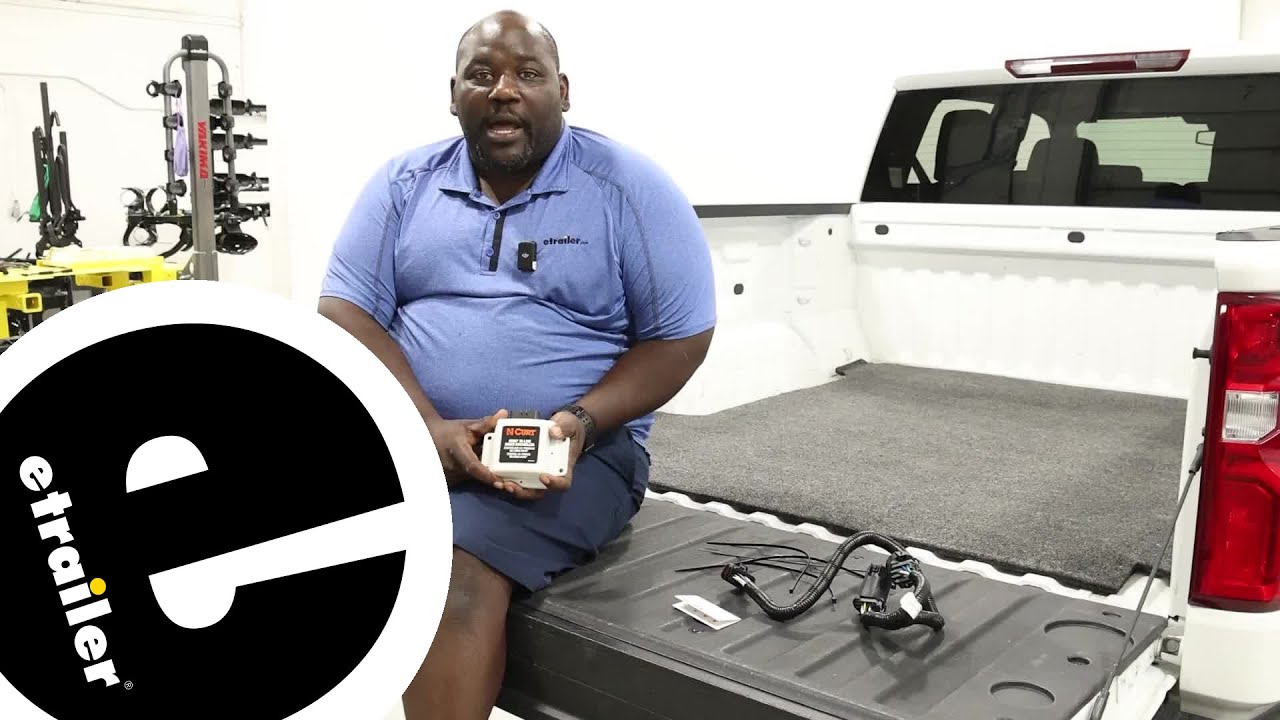
How's it going neighbors This is Ed here with etrailer.com, and we're taking a look at the CURT Echo In-line Brake Controller on our 2023 Chevrolet Silverado. Adding a brake controller to your vehicle is gonna allow you to get more control of your trailer as you're going down the road. And in some areas, once you hit weight requirements, you're required to have a brake controller by law. Something like this in-line is a real easy way to get your vehicle equipped with trailer brakes without having to do any complex wiring. Your entire kit is right here in front of us. You're gonna have your line that you're gonna plug into your factory 7-way, other end's gonna go into your Echo unit and then the Echo unit itself.
You could secure it either using double-sided tape on the back of the unit or the included zip ties. Your quick reference guide, you wanna keep that handy 'cause it's gonna have the QR code for you to download the One Auto app, as well as your pin number. To start your installation, you're gonna wanna identify on the back of your truck, your 7-way connector. This particular model I'm using for my demonstration actually has the factory towing system, so that's gonna give us additional connectors, but we're not gonna, we're gonna ignore that. So we only need the 7-way.
So if your vehicle does not have this 7-way connector, on underneath, you have a few different options with our etrailer.com. You can get the Universal 7-way Wiring Kit. There are also some kits that you can wire in, hardwire into the back of your vehicle to get that 7-way functionality. But in this case we already have a 7-way so I'm gonna crawl underneath and take a look at where our connections are. Underneath the truck your connector for your 7-way is right here and it's just held on with this white clamp here.
I think it's white, might be gray. You're gonna just pull that up here and then slide it over this notch and that's gonna allow you to pull it off. (clamp rattles) There we go. And now we're gonna grab our OEM connection (connection clicks) and connect it in here. So the orientation of your brake controller really isn't important.
You can mount it wherever. I'm just gonna use this bracket underneath here. And just make sure you find the position somewhere where you have a, you know you're not near anything that moves or is hot. (zip tie rips) All right, I'm gonna take my second zip tie and do the same. It takes a little fishing and I got it backwards. So what I'm gonna do is just flip it over, kind of go back and forth like flossing to make sure you have it flat. And we're just gonna tie it down. I'm gonna grab a pair of pliers to cinch it and then snip, and maybe another zip tie. No, no, I got enough play here. So we're just gonna make our connection. As you see, we getting 12 volt power. I'm just gonna tuck my wires away above the bracket for my hitch receiver. Now that we have the hardware installed, we're gonna pair it up to our phone. So we're gonna look for our Echo device and we're gonna pair, and right now we're looking for the Echo In-line Brake Controller, and we're gonna connect. Now it's gonna request the pin and we're successfully paired. So now we're gonna hook up our 7-way tester and we're gonna check the functionality of our brakes. Once you plug in your trailer, your app is gonna recognize that it's been plug, something's been plugged in, and that's gonna allow you to open the functions. You're gonna skip through a couple warnings here and this is where you're gonna be able to set up your device. So you can adjust your maximum output, as well as your sensitivity and your override buttons right here. And as you can see, when I tap the manual override, it's actually activating the brakes. And we're using a test box instead of a trailer, but you can see that we're actually getting power out to the brake lines and that's gonna stop it. Now you can adjust that output and, by going up to 90 here, something really aggressive. You can see that you can increase the output as well as the sensitivity of how much of that force is being applied when you press the button. The One Auto app will always be up once you're connected and that's gonna allow you to have control of the settings for your Echo. However, if y

Информация по комментариям в разработке