Discover the best practices for joining records of multiple dimension tables in SQL. Learn how to effectively manage your data using a star schema approach.
---
This video is based on the question https://stackoverflow.com/q/64356490/ asked by the user 'Andy' ( https://stackoverflow.com/u/6650995/ ) and on the answer https://stackoverflow.com/a/64356663/ provided by the user 'Kaede' ( https://stackoverflow.com/u/11608455/ ) at 'Stack Overflow' website. Thanks to these great users and Stackexchange community for their contributions.
Visit these links for original content and any more details, such as alternate solutions, latest updates/developments on topic, comments, revision history etc. For example, the original title of the Question was: what is the best way to join records of multiple dimension tables that are all connected by a common fact table
Also, Content (except music) licensed under CC BY-SA https://meta.stackexchange.com/help/l...
The original Question post is licensed under the 'CC BY-SA 4.0' ( https://creativecommons.org/licenses/... ) license, and the original Answer post is licensed under the 'CC BY-SA 4.0' ( https://creativecommons.org/licenses/... ) license.
If anything seems off to you, please feel free to write me at vlogize [AT] gmail [DOT] com.
---
The Ultimate Guide to Joining Multiple Dimension Tables Through a Common Fact Table
Joining records across multiple tables can seem daunting at first, especially when dealing with a star schema that incorporates several dimension tables tied to a single fact table. If you're new to SQL or struggling to connect the dots between your data structures, you’re in the right place. In this post, we'll break down a common scenario involving customer, product, and date tables linked through a fact table, and we'll equip you with the necessary SQL query to display the data in a tabular format.
Understanding the Problem
Let's consider a practical case:
You have a fact table containing sales records, including foreign keys to various dimension tables.
Your dimension tables include:
Customer: containing id and name
Product: containing id and price
Date: containing id and year
In this scenario, the structure might look like this:
Fact Table: cus_id, pro_id, date_id
Customer Table: id, name
Product Table: id, price
Date Table: id, year
Your goal is to join these tables in a way that allows you to display a table with the customer's name, the product's price, and the year of the transaction.
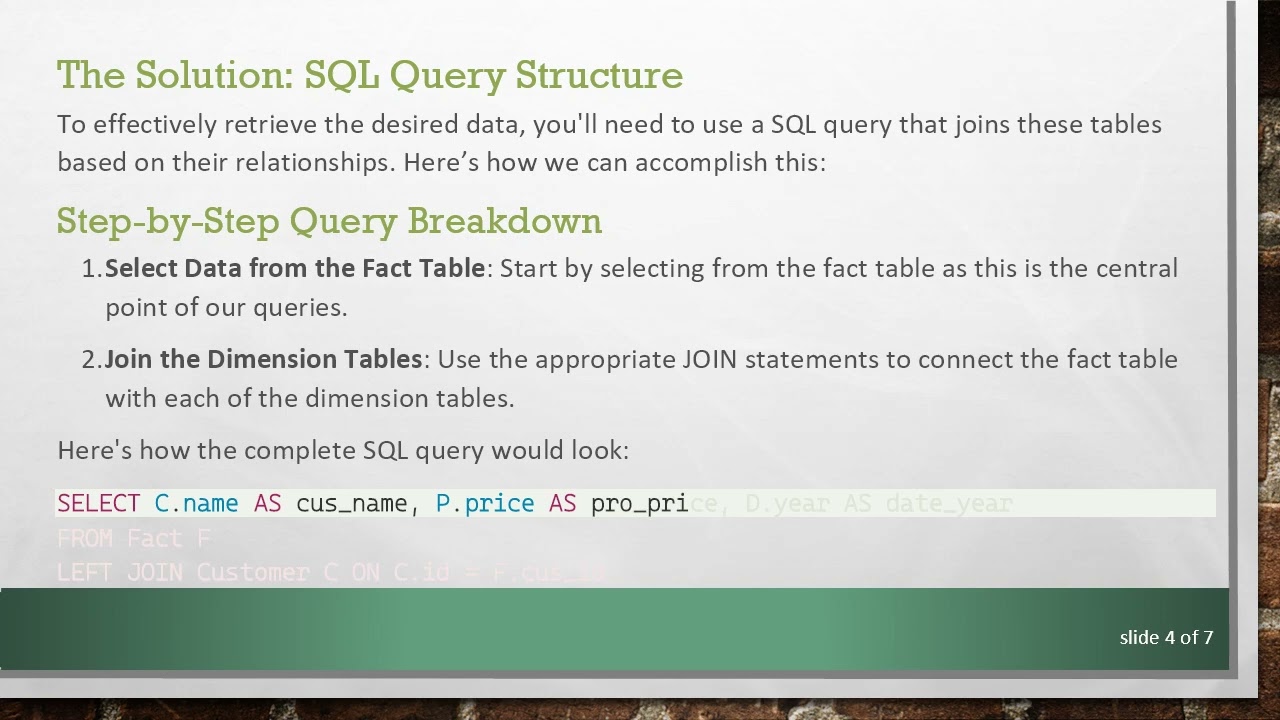
The Solution: SQL Query Structure
To effectively retrieve the desired data, you'll need to use a SQL query that joins these tables based on their relationships. Here’s how we can accomplish this:
Step-by-Step Query Breakdown
Select Data from the Fact Table: Start by selecting from the fact table as this is the central point of our queries.
Join the Dimension Tables: Use the appropriate JOIN statements to connect the fact table with each of the dimension tables.
Here's how the complete SQL query would look:
[[See Video to Reveal this Text or Code Snippet]]
Explanation of the SQL Query
FROM Fact F: This states that our primary table for the query is the Fact table, and we give it an alias F for easier reference.
LEFT JOIN Customer C ON C.id = F.cus_id: This indicates that we are joining the Customer table with the Fact table where the customer ID matches the foreign key in the fact table. The alias C allows us to easily reference the Customer table.
LEFT JOIN Product P ON P.id = F.pro_id: Similar to the customer join, this links the Product dimension to the fact table using the foreign key relationship.
LEFT JOIN Date D ON D.id = F.date_id: Finally, this connects the Date dimension table using the date ID.
Important Considerations
LEFT JOIN vs. INNER JOIN: The use of LEFT JOIN ensures that all records from the fact table are returned even if there are no matching records in the dimension tables. If you used INNER JOIN, only those records that have corresponding matches in all tables would be included, which might lead to missing essential data from the fact table.
Data Completeness: As noted, not all dates may appear in the fact table, meaning you may not get entries for every year in your date dimension. This can often reflect the nature of the dataset you’re working with.
Conclusion
Connecting multiple dimension tables through a common fact table using SQL might seem complicated initially, but with a structured approach, it's manageable. By following the breakdown above, you can efficiently join these tables and extract meaningful insights from your data. Practice this query structure with your own datasets, and over time, you'll become proficient in SQL joins.
If you have any questions or additional tips on joining tables or working with SQL, feel free to share!

Информация по комментариям в разработке