Logo video2dn
  • Сохранить видео с ютуба
  • Категории
    • Музыка
    • Кино и Анимация
    • Автомобили
    • Животные
    • Спорт
    • Путешествия
    • Игры
    • Люди и Блоги
    • Юмор
    • Развлечения
    • Новости и Политика
    • Howto и Стиль
    • Diy своими руками
    • Образование
    • Наука и Технологии
    • Некоммерческие Организации
  • О сайте

Скачать или смотреть 21 Rejumps in 1.28: Corner Rejumps

  • TheArgoyle
  • 2021-08-23
  • 32
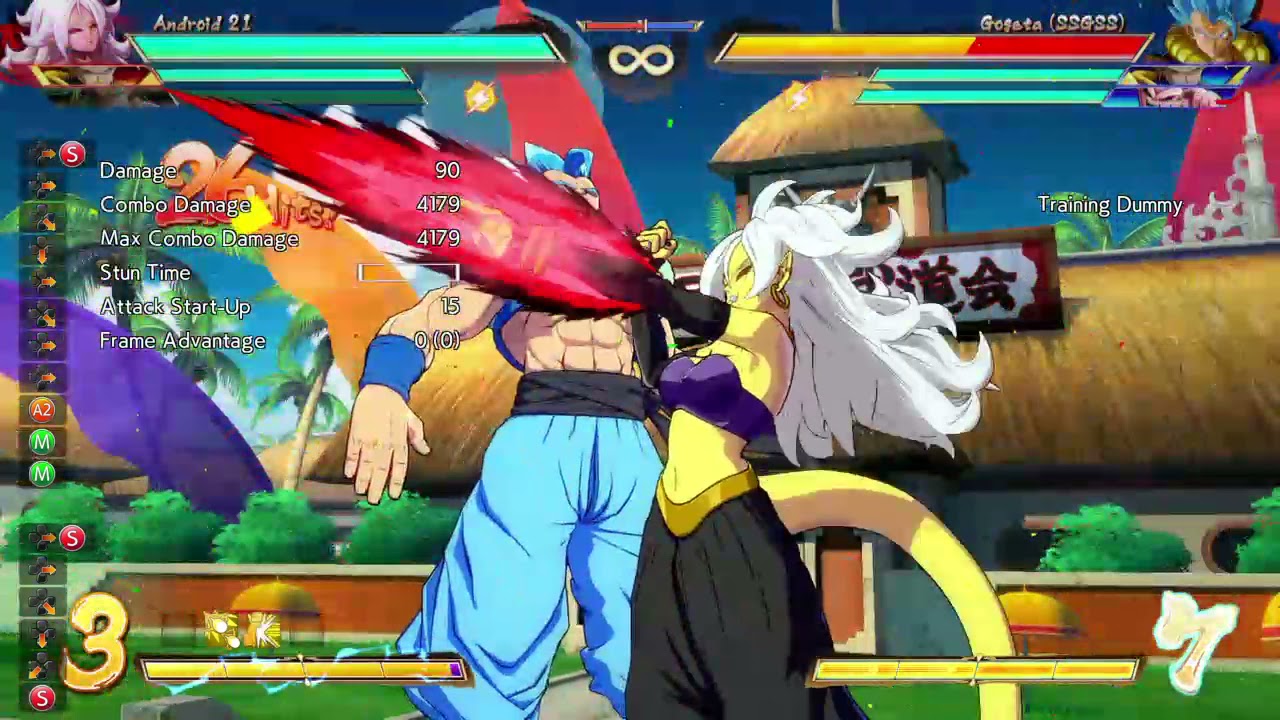
21 Rejumps in 1.28: Corner Rejumps
#PS4shareDRAGON BALL FighterZPlayStation 4Sony Interactive Entertainment
  • ok logo

Скачать 21 Rejumps in 1.28: Corner Rejumps бесплатно в качестве 4к (2к / 1080p)

У нас вы можете скачать бесплатно 21 Rejumps in 1.28: Corner Rejumps или посмотреть видео с ютуба в максимальном доступном качестве.

Для скачивания выберите вариант из формы ниже:

  • Информация по загрузке:

Cкачать музыку 21 Rejumps in 1.28: Corner Rejumps бесплатно в формате MP3:

Если иконки загрузки не отобразились, ПОЖАЛУЙСТА, НАЖМИТЕ ЗДЕСЬ или обновите страницу
Если у вас возникли трудности с загрузкой, пожалуйста, свяжитесь с нами по контактам, указанным в нижней части страницы.
Спасибо за использование сервиса video2dn.com

Описание к видео 21 Rejumps in 1.28: Corner Rejumps

Given I've devoted a lot of time to them recently, I figured I'd post a couple videos on rejumps in the current patch, starting with corners rejumps. 21 corner rejumps got much easier (I'm reluctant to say "trivially easy" because they still have two delays, but pretty close) in the current patch due to the "holding S" change. They no longer have any complicated inputs, although that depends some on your button setup. The easiest way I've found to do them is this:
After your 5H, delay the SD - this is still necessary for all rejump routes, but there is some wiggle room here. I've found the visual cue of the wall bonk white burst animation has made it very consistent for me.
After the SD hits, hit j.M right away.
Delay until you reach roughly the peak of the post-SD bounce.
Once at the peak, hit the SD button (assuming you have one) again. Since you've already SDed, this will come out as a j.H that hits while 21 is falling. Don't release the button, though, hold it.
As you're about to land, hold up/up forward (either seems to work in the corner, up forward is necessary if out of the corner). When you land, due to the "hold S" change this will come out as a super jump. You can now release the SD button.
Hit j.L immediately.

This became very natural for me very quickly following these steps. Hopefully they can help someone else who's struggling!

Final notes: This works from a decent distance outside the corner, and that distance can be slightly extended by adding a dash (note, just a forward dash, no dash jump, since the "hold S" installs the super jump) right when you land after the j.H, although exactly how MUCH a distance is hard to evaluate in motion. In my experience it will work almost from midscreen - from start position it will work if you do a jump in, but not if you do a 5M starter. Still, it may be worth taking the chance out of it and just doing the standard rejump route or another option (assist extension or the 236M ball combo) instead. Note that this method with the dash is also how you do the harder midscreen j.M j.H moonjump j.M route, and honestly input-wise with the "hold S" change that version is easier than the standard rejump, but due to the j.M being slower the timing on that is damn near frame perfect, regardless of the inputs. I've gotten the link once, but it's a doozy.

Комментарии

Информация по комментариям в разработке

Похожие видео

  • О нас
  • Контакты
  • Отказ от ответственности - Disclaimer
  • Условия использования сайта - TOS
  • Политика конфиденциальности

video2dn Copyright © 2023 - 2025

Контакты для правообладателей [email protected]