Logo video2dn
  • Сохранить видео с ютуба
  • Категории
    • Музыка
    • Кино и Анимация
    • Автомобили
    • Животные
    • Спорт
    • Путешествия
    • Игры
    • Люди и Блоги
    • Юмор
    • Развлечения
    • Новости и Политика
    • Howto и Стиль
    • Diy своими руками
    • Образование
    • Наука и Технологии
    • Некоммерческие Организации
  • О сайте

Скачать или смотреть Parametric Quilted Leather from a Swatch: Adobe Substance 3D Sampler

  • Fashion Professor Mamta
  • 2025-09-20
  • 38
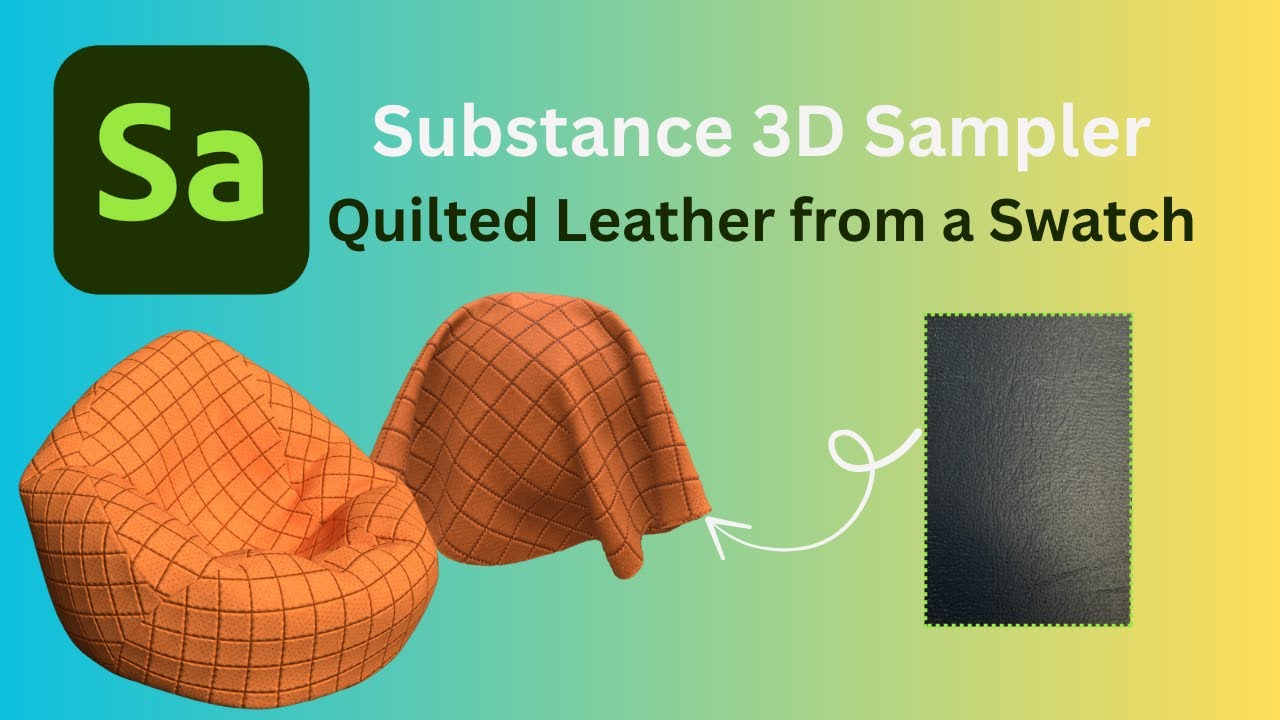
Parametric Quilted Leather from a Swatch: Adobe Substance 3D Sampler
Image to MaterialEqualizeMake it TileQuilt3D leatherSamplerAdobesubstance3Dperforate
  • ok logo

Скачать Parametric Quilted Leather from a Swatch: Adobe Substance 3D Sampler бесплатно в качестве 4к (2к / 1080p)

У нас вы можете скачать бесплатно Parametric Quilted Leather from a Swatch: Adobe Substance 3D Sampler или посмотреть видео с ютуба в максимальном доступном качестве.

Для скачивания выберите вариант из формы ниже:

  • Информация по загрузке:

Cкачать музыку Parametric Quilted Leather from a Swatch: Adobe Substance 3D Sampler бесплатно в формате MP3:

Если иконки загрузки не отобразились, ПОЖАЛУЙСТА, НАЖМИТЕ ЗДЕСЬ или обновите страницу
Если у вас возникли трудности с загрузкой, пожалуйста, свяжитесь с нами по контактам, указанным в нижней части страницы.
Спасибо за использование сервиса video2dn.com

Описание к видео Parametric Quilted Leather from a Swatch: Adobe Substance 3D Sampler

Learn how to transform a real leather swatch into a parametric, tileable material using Adobe Substance 3D Sampler. In this tutorial, I walk through the full material creation process, from importing your image using Image to Material, to refining it with Equalize, Crop, and Make it Tile, Scratch. I’ll also show you how to add variation and depth using the Color Variation and Quilt Stitch and perforate layers to achieve a polished, perforated, quilted leather effect.

Whether you're new to Sampler or looking to sharpen your material creation skills, this workflow is a great way to bridge the physical and digital worlds of material design.

🧰 Layers used:
Image to Material
Crop
Equalize
Make it Tile
Color Variation
Scratch
Quilt Stitch
Perforate
Subscribe my another YouTube Channel ‪@mamtasaharan2768‬
   / @mamtasaharan2768  
My Instagram https://www.instagram.com/mamtasaharan25/

Комментарии

Информация по комментариям в разработке

Похожие видео

  • О нас
  • Контакты
  • Отказ от ответственности - Disclaimer
  • Условия использования сайта - TOS
  • Политика конфиденциальности

video2dn Copyright © 2023 - 2025

Контакты для правообладателей [email protected]