Logo video2dn
  • Сохранить видео с ютуба
  • Категории
    • Музыка
    • Кино и Анимация
    • Автомобили
    • Животные
    • Спорт
    • Путешествия
    • Игры
    • Люди и Блоги
    • Юмор
    • Развлечения
    • Новости и Политика
    • Howto и Стиль
    • Diy своими руками
    • Образование
    • Наука и Технологии
    • Некоммерческие Организации
  • О сайте

Скачать или смотреть How-To Upgrade The Mazda Connect CMU Infotainment System

  • AutoX Advice
  • 2025-04-23
  • 47521
How-To Upgrade The Mazda Connect CMU Infotainment System
  • ok logo

Скачать How-To Upgrade The Mazda Connect CMU Infotainment System бесплатно в качестве 4к (2к / 1080p)

У нас вы можете скачать бесплатно How-To Upgrade The Mazda Connect CMU Infotainment System или посмотреть видео с ютуба в максимальном доступном качестве.

Для скачивания выберите вариант из формы ниже:

  • Информация по загрузке:

Cкачать музыку How-To Upgrade The Mazda Connect CMU Infotainment System бесплатно в формате MP3:

Если иконки загрузки не отобразились, ПОЖАЛУЙСТА, НАЖМИТЕ ЗДЕСЬ или обновите страницу
Если у вас возникли трудности с загрузкой, пожалуйста, свяжитесь с нами по контактам, указанным в нижней части страницы.
Спасибо за использование сервиса video2dn.com

Описание к видео How-To Upgrade The Mazda Connect CMU Infotainment System

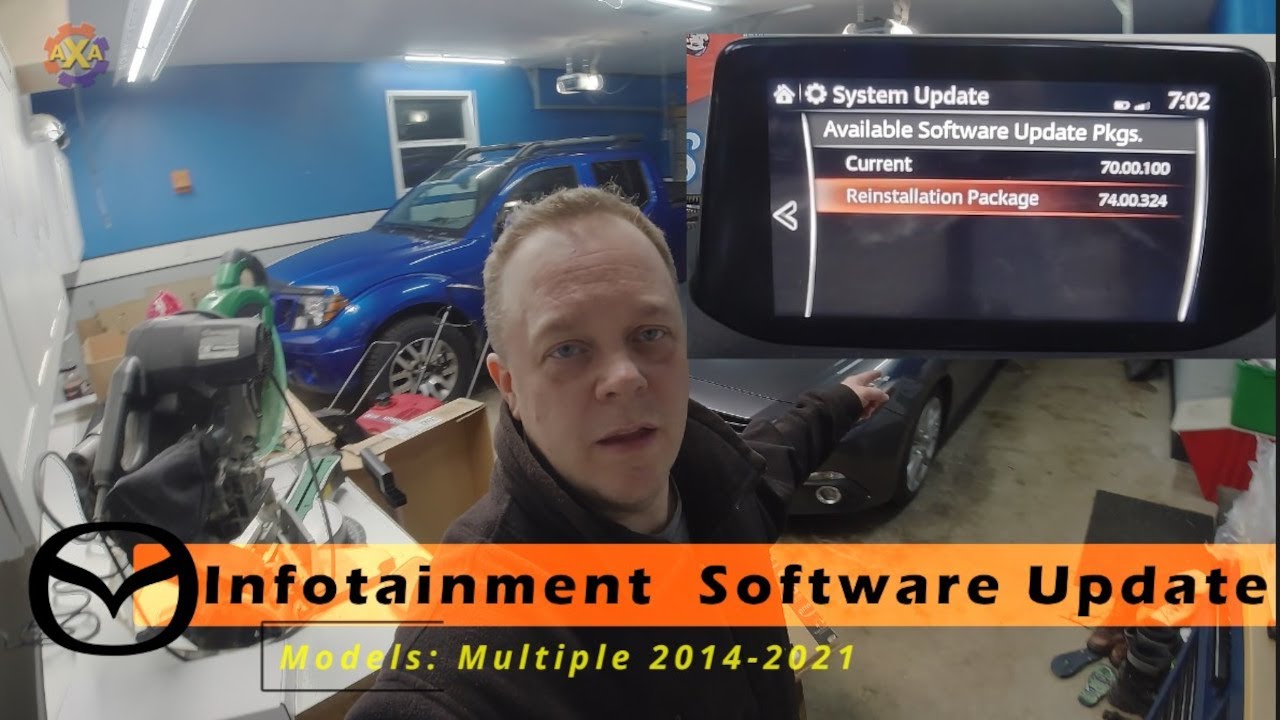
In this video I show how to go through the process of updating the Mazda Connect CMU infotainment system. All that is needed is a USB drive of 16 GB and the files found on the internet. I explain how to find the version number of the current system and then how to proceed through the upgrade process. I show how it's easier to update on the bench vs in the car, but at share how to setup the car as well.

NOTE: not started in the video but to be cautionary please remove the NAV card before the update when updating on the car. NAV cards go bad and have had issues rebooting the CMU when they are bad.


I update from 59.00.XXX to 70.00.XXX. The latest and final version is 74.00.324. At 74.00.310 the system is able to do Android Auto and Apple Car Play

Details on the multitude of versions and details of what's in those versions - https://www.cx3forum.com/threads/mazd...

Version 31.00.100 or below (25.00.200, 28.00.100 or 30.00.300) then the cmu must be updated to 31.00.100 first.

After 31.00.100 the cmu must be updated to 70.00.100. Then onto 74.00.324.

However, if the cmu is on 56.xx.xx or above the cmu can go to 74.00.324 with the single file update. I prefer to go to 70.00.100 as it's a lot more stable and I have the capabilities to fix the unit if the update goes bad at 70. At 74 the system is a bit more complex security wise and it is hard to go back versions.


NA N for North America, USA, Canada, Mexico, etc.
EU N for Europe and UK, etc.
4A N (ADR) for Australia, NZ, Middle East, Thailand, South Africa, Oceania, etc.

Since there has been a lot of request for files here are some links. These are not owned by me so use at your own risk:
NA, EU, 4A - https://drive.google.com/drive/folder...
NA - 74.00.324 & older - https://drive.google.com/drive/u/0/mo...
NA, EU, 4A (Other) https://drive.google.com/drive/folder...
EU 74.00.324 - https://drive.google.com/file/d/1F-Ms...

Special thanks to https://www.no-copyright-music.com/ for the music in the video.

Комментарии

Информация по комментариям в разработке

Похожие видео

  • О нас
  • Контакты
  • Отказ от ответственности - Disclaimer
  • Условия использования сайта - TOS
  • Политика конфиденциальности

video2dn Copyright © 2023 - 2025

Контакты для правообладателей [email protected]