Logo video2dn
  • Сохранить видео с ютуба
  • Категории
    • Музыка
    • Кино и Анимация
    • Автомобили
    • Животные
    • Спорт
    • Путешествия
    • Игры
    • Люди и Блоги
    • Юмор
    • Развлечения
    • Новости и Политика
    • Howto и Стиль
    • Diy своими руками
    • Образование
    • Наука и Технологии
    • Некоммерческие Организации
  • О сайте

Скачать или смотреть How to add guests and send invitations with Paperless Pro

  • Paperless Post
  • 2026-01-23
  • 41
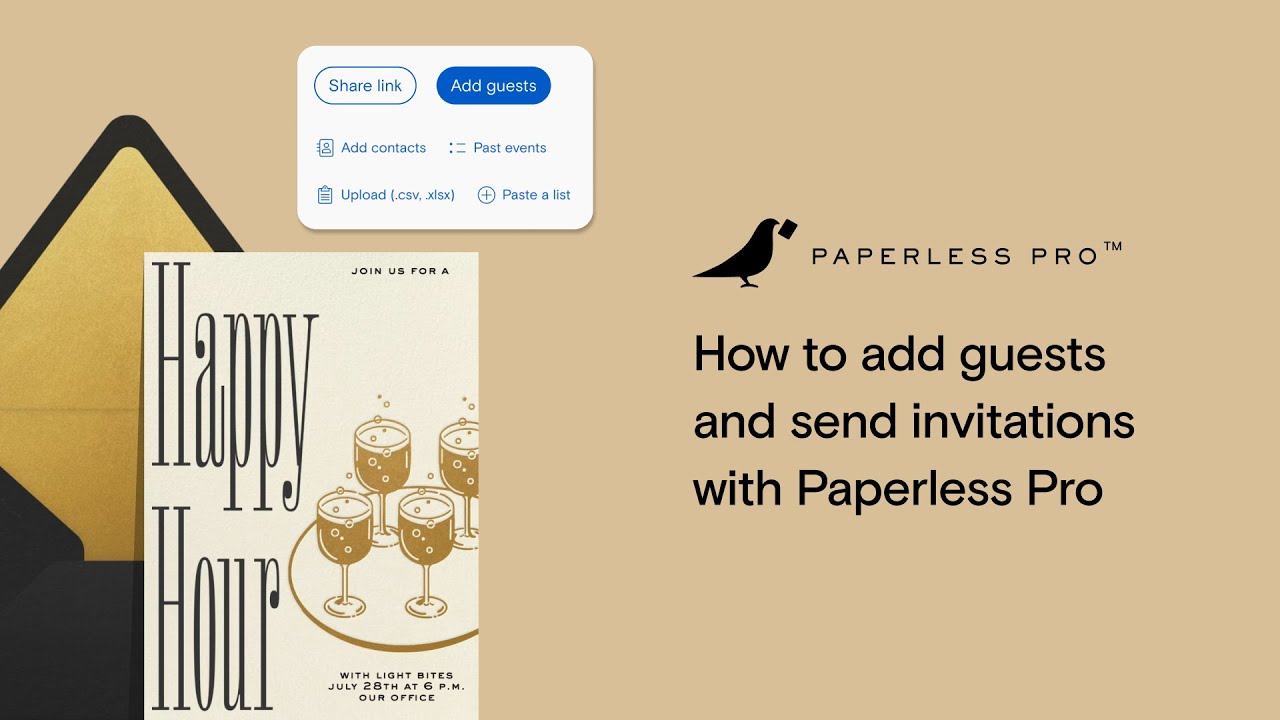
How to add guests and send invitations with Paperless Pro
  • ok logo

Скачать How to add guests and send invitations with Paperless Pro бесплатно в качестве 4к (2к / 1080p)

У нас вы можете скачать бесплатно How to add guests and send invitations with Paperless Pro или посмотреть видео с ютуба в максимальном доступном качестве.

Для скачивания выберите вариант из формы ниже:

  • Информация по загрузке:

Cкачать музыку How to add guests and send invitations with Paperless Pro бесплатно в формате MP3:

Если иконки загрузки не отобразились, ПОЖАЛУЙСТА, НАЖМИТЕ ЗДЕСЬ или обновите страницу
Если у вас возникли трудности с загрузкой, пожалуйста, свяжитесь с нами по контактам, указанным в нижней части страницы.
Спасибо за использование сервиса video2dn.com

Описание к видео How to add guests and send invitations with Paperless Pro

In this playlist video, Julia from the Customer Operations team at Paperless Post walks through exactly how to build your guest list and send your invitation—either directly through Paperless Pro (email/text) or via a shareable link you can distribute from your own channels.

You’ll learn how to:

Choose between Send via email/text (through Paperless Post) vs Share via a link (from your own messaging)
Customize the From name and email subject line so it matches your event
Add guests one-by-one with a name + email or phone number
Set total invited / plus ones (up to 10) per guest
Add a personal note that only goes to a specific recipient
Group households with Couple/Family sending so multiple people can RSVP together
Add additional household members without a contact method (e.g., children)
Upload a guest list in bulk using CSV/XLSX, including optional group names + per-guest total invited counts
Paste a list of contacts quickly using Paste list
Pull contacts from your Address Book or reuse guests from a past event
Optional controls: adult vs. child headcount, RSVP deadline, and max capacity
Customize your outgoing email design (logo, colors, styles, email blocks, hide/show elements)
Preview invitations for email and text, and send free test emails/texts before sending
Send immediately or schedule your mailing for later
Create a shareable link (custom URL, optional password protection, expires in 2 years)
Share via email, social, WhatsApp, Facebook, or generate a QR code for print materials
Understand the key difference: shareable links aren’t personalized, while sending through Paperless Pro lets you track opens and responses per guest

Whether you’re hosting a fundraiser, corporate event, nonprofit gathering, or internal meeting, these tools help you stay organized and communicate clearly with your guests—without extra work.

Note: All of these features are available even if you’re sending a save the date, announcement, or greeting (no RSVPs required).

Be sure to check out the rest of our demo series for walkthroughs on event setup, RSVP flows, design customization, and more.

Questions? Contact our Customer Operations team at [email protected]—we’re happy to help!

Комментарии

Информация по комментариям в разработке

Похожие видео

  • О нас
  • Контакты
  • Отказ от ответственности - Disclaimer
  • Условия использования сайта - TOS
  • Политика конфиденциальности

video2dn Copyright © 2023 - 2025

Контакты для правообладателей [email protected]