Logo video2dn
  • Сохранить видео с ютуба
  • Категории
    • Музыка
    • Кино и Анимация
    • Автомобили
    • Животные
    • Спорт
    • Путешествия
    • Игры
    • Люди и Блоги
    • Юмор
    • Развлечения
    • Новости и Политика
    • Howto и Стиль
    • Diy своими руками
    • Образование
    • Наука и Технологии
    • Некоммерческие Организации
  • О сайте

Скачать или смотреть Stop Prompting. Start Directing. (The Future of AI Film)

  • Kai Weissenfeld
  • 2026-02-20
  • 3353
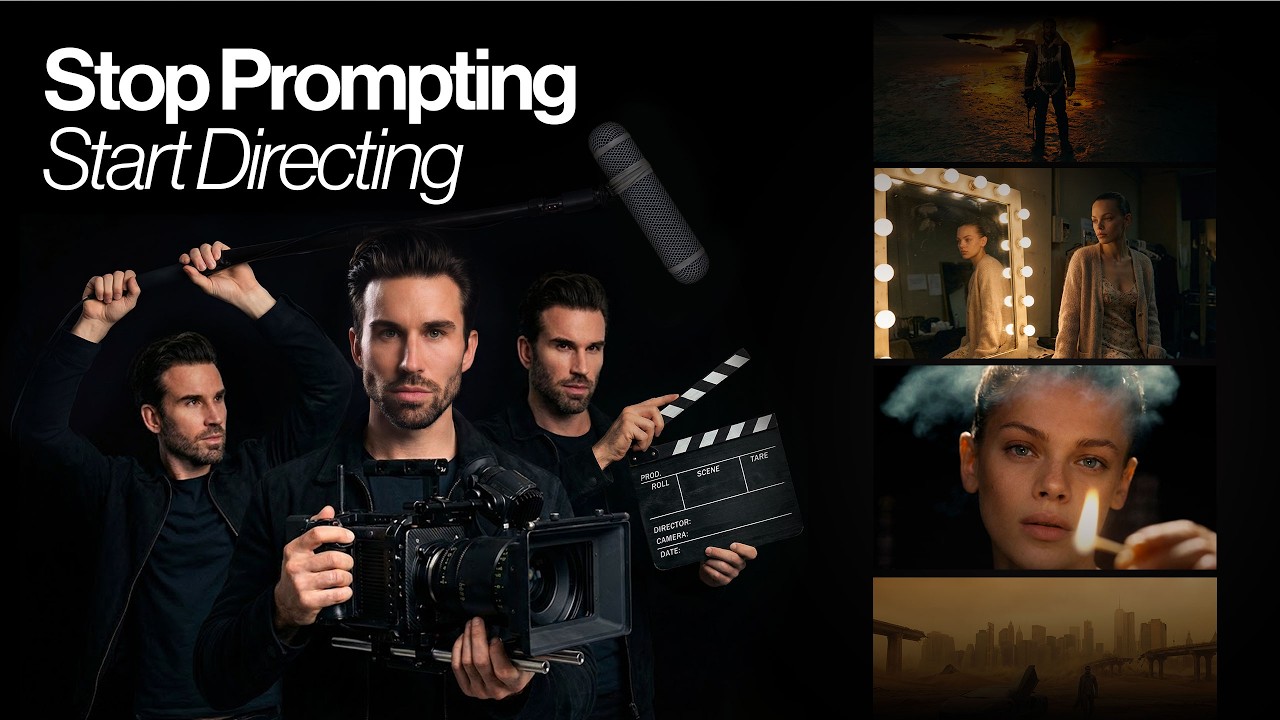
Stop Prompting. Start Directing. (The Future of AI Film)
  • ok logo

Скачать Stop Prompting. Start Directing. (The Future of AI Film) бесплатно в качестве 4к (2к / 1080p)

У нас вы можете скачать бесплатно Stop Prompting. Start Directing. (The Future of AI Film) или посмотреть видео с ютуба в максимальном доступном качестве.

Для скачивания выберите вариант из формы ниже:

  • Информация по загрузке:

Cкачать музыку Stop Prompting. Start Directing. (The Future of AI Film) бесплатно в формате MP3:

Если иконки загрузки не отобразились, ПОЖАЛУЙСТА, НАЖМИТЕ ЗДЕСЬ или обновите страницу
Если у вас возникли трудности с загрузкой, пожалуйста, свяжитесь с нами по контактам, указанным в нижней части страницы.
Спасибо за использование сервиса video2dn.com

Описание к видео Stop Prompting. Start Directing. (The Future of AI Film)

Try Luminel Studio and Kling 3.0 here: https://studio.luminel.ai

In this video, I introduce Luminel Studio, a completely new AI filmmaking workflow designed to feel like a real film set. No complicated prompting. No random results. Just structured cinematography tools — camera bodies, lenses, film looks, lighting setups — translated into AI.

Most AI generators force you to guess with words. Luminel lets you direct with tools. I’ll show you how to pick specific camera bodies (like the Arri Alexa), choose lenses (50mm, Anamorphic), set your aperture, and apply iconic movie looks (Blade Runner, 2001: A Space Odyssey) with a single click.

We will also cover how to keep your characters consistent across different scenes using reference images and how to animate your stills using the powerful Kling 3.0 integration.

Whether you are a filmmaker, photographer, or AI creator, this is the bridge between traditional cinema and generative AI.

Timestamps
00:00 - The problem with traditional filmmaking
00:31 - What is Luminel Studio?
01:28 - Creating the first scene: Rooftop (Camera & Lens setup)
03:11 - Animating with Kling 3.0
04:09 - Maintaining consistency: The "Space Odyssey" look
05:54 - Changing locations while keeping the "Look"
07:14 - My background: From Vogue to AI development
08:21 - Advanced Workflow: The "Blade Runner" Establishing Shot
10:16 - Action Sequence: Fight Club Style
12:09 - Upcoming features & Outro

Why Watch?
I’ve spent nearly two decades as a photographer and filmmaker working for magazines like Vogue and clients like Dior and Versace. My role in Luminel wasn't writing code—it was translating real-world cinematography into a digital workflow to ensure the lighting, lenses, and cameras behave exactly like they do on a real set.

Tools & Workflows Used ⤵️
Luminel Studio with Kling 3.0 — https://studio.uminel.ai

Комментарии

Информация по комментариям в разработке

Похожие видео

  • О нас
  • Контакты
  • Отказ от ответственности - Disclaimer
  • Условия использования сайта - TOS
  • Политика конфиденциальности

video2dn Copyright © 2023 - 2025

Контакты для правообладателей [email protected]