In property and casualty insurance, efficient, secure, and superior experiences can mean the difference between customer loyalty and churn. When it comes to policy issuance, it’s more important than ever to offer customer interactions that are fast, easy, and secure. This is where OneSpan Sign for Guidewire PolicyCenter excels. OneSpan Sign delivers secure and responsive eSign experiences that work across devices, are easy to use, reduce errors, and help meet regulatory requirements.
Using OneSpan Sign, documents can be sent for signature from within accounts, policies, and jobs – no need to leave familiar workflows in Policy Center. Setting up an eSign transaction in Guidewire PolicyCenter is simple.
First, select an account. Next, add a signer role to each account contact who will be signing the documents. To do this, edit the contact, click the Roles tab, and select a OneSpan Siger role. In this case, we’ll choose Signer 1.
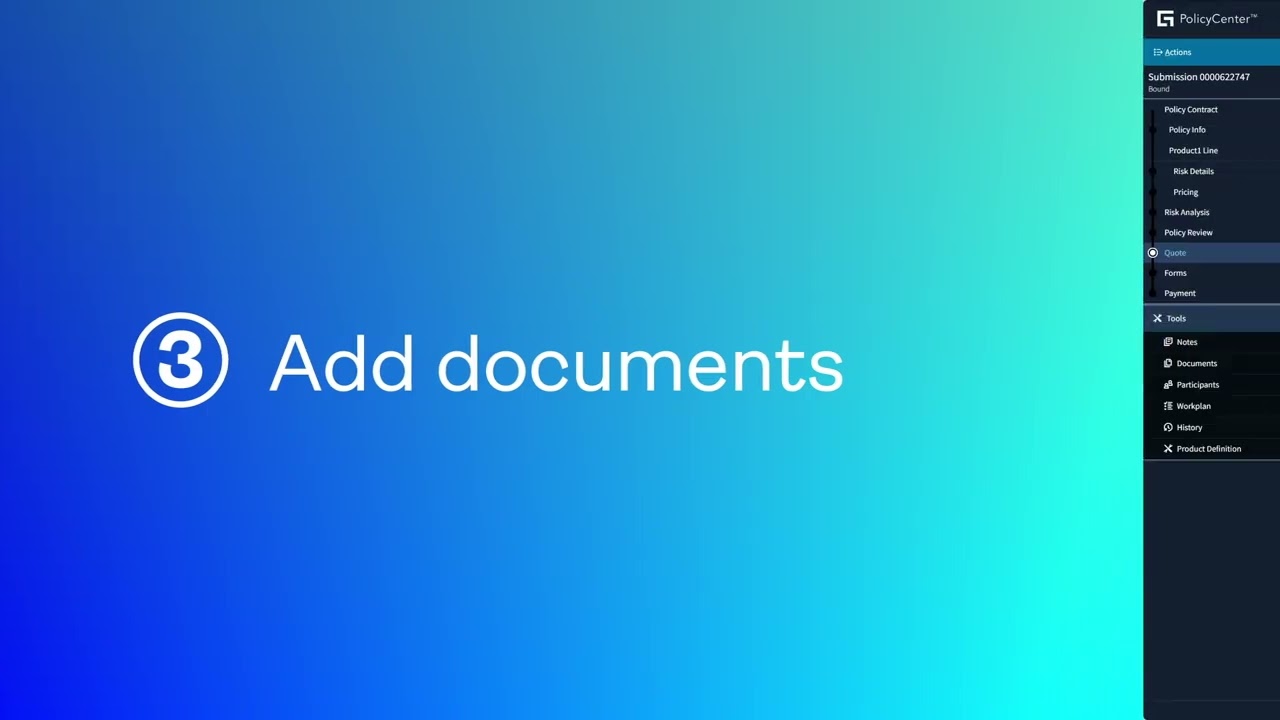
Next, add the documents to be signed. Set the document type and status, upload your documents, and send for eSign. You’ll see the OneSpan Sign package was successfully sent. You can also send documents for signature from jobs and policies. In the next example, we’ll show you how to create a new submission from the Submission Manager. Start by filling in the required details for the policy. Now you can quote. To do that, select Issue Policy from the “Bind Options” menu. Once the submission is bound, click the submission to view the quote. From the Documents section, add a policy document. Set the document type and status, upload the documents, and send for eSign. You’ll see the OneSpan Sign Package was sent for this job.
Now the insured signs. The signing experience is simple. The insured receives an email notification requesting a signature. OneSpan Sign allows for a fully white-labeled experience, from email notifications all the way through the signing ceremony. This helps to build trust with customers and improve completion rates. Once they accept the eSign consent disclosure, they are presented with the documents to sign. With a click, they sign and the document is dated. The signed documents and audit report of the signing process are returned to the record in PolicyCenter.
OneSpan Sign for Guidewire PolicyCenter delivers eSigning that meets the security and compliance requirements of the most demanding and regulated industries, like insurance. Documents are digitally signed, tamper-sealed, and include the most comprehensive audit trail embedded in every document, all without leaving familiar workflows in Guidewire Policy Center.

Информация по комментариям в разработке