Logo video2dn
  • Сохранить видео с ютуба
  • Категории
    • Музыка
    • Кино и Анимация
    • Автомобили
    • Животные
    • Спорт
    • Путешествия
    • Игры
    • Люди и Блоги
    • Юмор
    • Развлечения
    • Новости и Политика
    • Howto и Стиль
    • Diy своими руками
    • Образование
    • Наука и Технологии
    • Некоммерческие Организации
  • О сайте

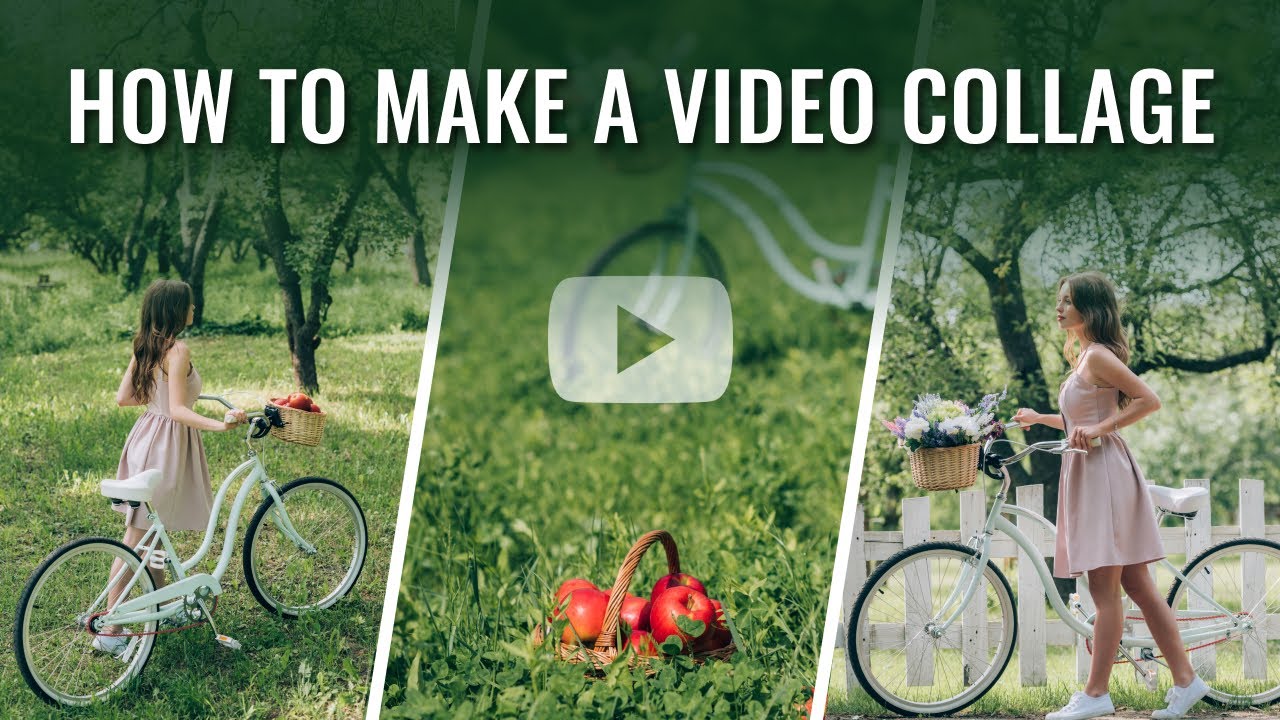
Скачать или смотреть How to Create a Video Collage | Step-by-Step Guide

  • SmartSHOW 3D
  • 2023-10-27
  • 1455
How to Create a Video Collage | Step-by-Step Guide
how to make a video collagehow to collage videoshow to create a video collagehow to do a video collage
  • ok logo

Скачать How to Create a Video Collage | Step-by-Step Guide бесплатно в качестве 4к (2к / 1080p)

У нас вы можете скачать бесплатно How to Create a Video Collage | Step-by-Step Guide или посмотреть видео с ютуба в максимальном доступном качестве.

Для скачивания выберите вариант из формы ниже:

  • Информация по загрузке:

Cкачать музыку How to Create a Video Collage | Step-by-Step Guide бесплатно в формате MP3:

Если иконки загрузки не отобразились, ПОЖАЛУЙСТА, НАЖМИТЕ ЗДЕСЬ или обновите страницу
Если у вас возникли трудности с загрузкой, пожалуйста, свяжитесь с нами по контактам, указанным в нижней части страницы.
Спасибо за использование сервиса video2dn.com

Описание к видео How to Create a Video Collage | Step-by-Step Guide

Want to turn your clips and photos into a dynamic collage? Then, read this article on how to make a video collage in 4 simple steps:
https://smartshow-software.com/how-to...

Let’s see how you can present your clips and pictures in a creative, yet simple way using SmartSHOW 3D, an easy-to-use video collage maker. Just follow the steps below and explore how to do a video collage :

🔹 Add a blank slide 00:19
To create your own video collage, right-click on the timeline and select Insert Blank Slide. This way you’ll be able to make animation from scratch.

🔹 Edit the slide 00:26
Hit the Edit Slide button in the preview window. Choose a solid color, gradient, texture, image or video for the background. Next, click the Add Layer button in the top left corner and select Video to upload your clips.

🔹 Embellish your clips 00:52
Add a frame or mask to your videos, so they don’t blend in with the background. To do that, pick the clip and go to the Layer tab. Scroll down and click Select Mask. From the software’s collection, choose the one that fits your video best.

🔹 Set the animation 01:15
Pick the video and go to the Animation tab. Add a keyframe, move the clip and change the size or add a 3D rotation. Add new keyframes each time, changing the position of the image, its size or rotation. To preview the result, click the Play button.

That’s it! Now you know how to create a video collage on your own.

❔ Need to make a collage from photos in a flash? Then, try out ready-made templates! Check out the steps below.

🔹 Pick the template 02:58
Switch to the Collages tab and select the style you like. Use the Preview mode to choose the template.

🔹 Add your photos 03:41
Add the template you like to the timeline by clicking the Add to Slideshow button. Next, add your photos and preview the result.

Now you know how to collage videos in a few simple steps.

Download SmartSHOW 3D and turn your clips and photos into captivating collages with ease!
https://smartshow-software.com/?utm_s...

Want to try more features? Then check out other tutorials on slideshow making:
⏯    • How to Use Video Mask Layers in SmartSHOW 3D  
⏯    • How to Make a Cinemagraph from a Still Pho...  
⏯    • How to Make a Slideshow with Voiceover: 3 ...  

➜ Subscribe to our channel not to miss any of our new videos:
   / smartshow3d  

Комментарии

Информация по комментариям в разработке

Похожие видео

  • О нас
  • Контакты
  • Отказ от ответственности - Disclaimer
  • Условия использования сайта - TOS
  • Политика конфиденциальности

video2dn Copyright © 2023 - 2025

Контакты для правообладателей [email protected]