Logo video2dn
  • Сохранить видео с ютуба
  • Категории
    • Музыка
    • Кино и Анимация
    • Автомобили
    • Животные
    • Спорт
    • Путешествия
    • Игры
    • Люди и Блоги
    • Юмор
    • Развлечения
    • Новости и Политика
    • Howto и Стиль
    • Diy своими руками
    • Образование
    • Наука и Технологии
    • Некоммерческие Организации
  • О сайте

Скачать или смотреть Ghost of Yōtei. How to capture lightning in Photo Mode

  • Graeme George Hall
  • 2025-11-18
  • 11
Ghost of Yōtei. How to capture lightning in Photo Mode
  • ok logo

Скачать Ghost of Yōtei. How to capture lightning in Photo Mode бесплатно в качестве 4к (2к / 1080p)

У нас вы можете скачать бесплатно Ghost of Yōtei. How to capture lightning in Photo Mode или посмотреть видео с ютуба в максимальном доступном качестве.

Для скачивания выберите вариант из формы ниже:

  • Информация по загрузке:

Cкачать музыку Ghost of Yōtei. How to capture lightning in Photo Mode бесплатно в формате MP3:

Если иконки загрузки не отобразились, ПОЖАЛУЙСТА, НАЖМИТЕ ЗДЕСЬ или обновите страницу
Если у вас возникли трудности с загрузкой, пожалуйста, свяжитесь с нами по контактам, указанным в нижней части страницы.
Спасибо за использование сервиса video2dn.com

Описание к видео Ghost of Yōtei. How to capture lightning in Photo Mode

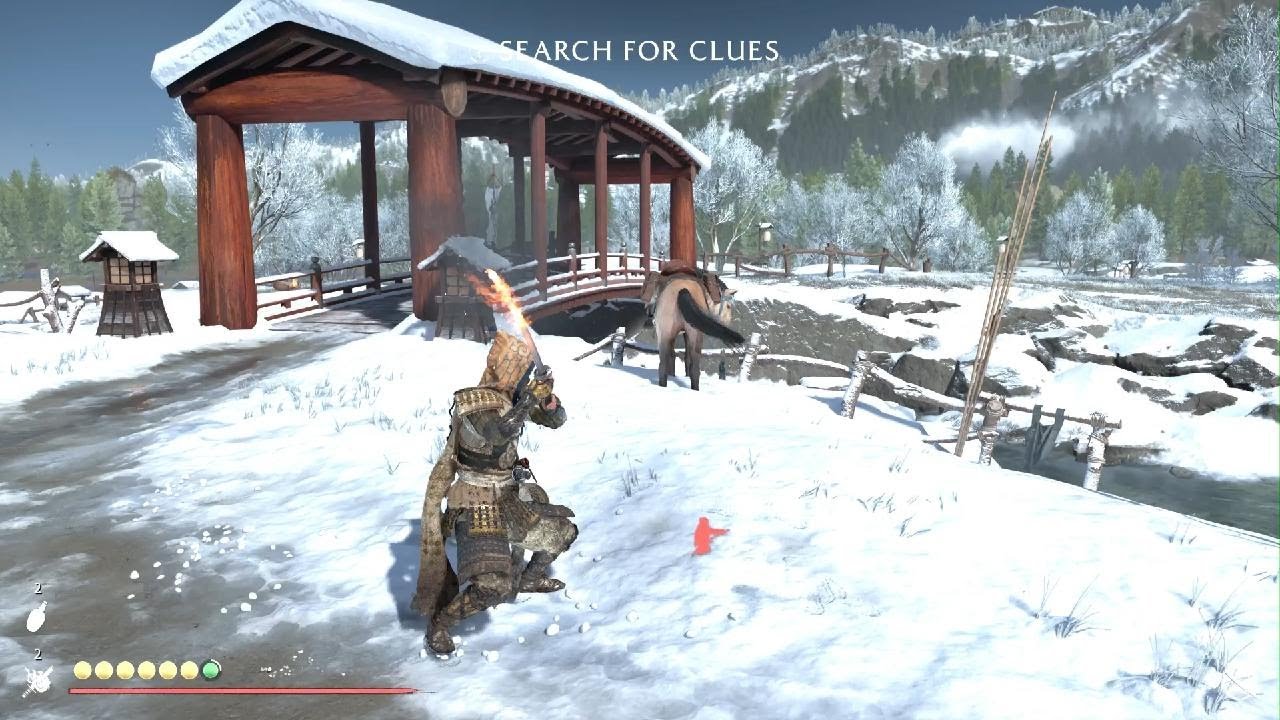
How to capture Lightning Bolts in Photo Mode images in the Sucker Punch video game The Ghost of Yotēi.

It is a bit of a skill and sometimes a chore, but adding lightning to your image capture on photo mode can really add drama and effect.

1. Compose and arrange all other aspects of the picture. Leave the lightning until last.

2. Toggle to off the "Animated Environment" setting.

3. Scroll up one step to "Weather" setting. Select across to "Thunder". You will hear the sound of Thunder in the background.

4. Scroll back down to "Animated Environment" setting. You must be "lightning" fast to VERY QUICKLY toggle between ON and back to OFF again.

5. It is easy to be too slow pressing between Left and Right with the Direction pad, or to be inaccurate and make scrolling errors. PERSEVERE and go back to Step 2 and repeat until successful.
(Sometimes lightning is not possible, for example due to indoor environments or zooming in too tight.)

6. There are many varied animations for different lightning bolts. Continue until you get an appropriate lightning bolt for your shot.

7. Finalise your composition, placing the lightning in the background for best effect.

7. Capture the image, ie Press the Share button on the left and then take a screenshot. Share to any other devices via the PS App. Share the image online via your preferred media platform.

Комментарии

Информация по комментариям в разработке

Похожие видео

  • О нас
  • Контакты
  • Отказ от ответственности - Disclaimer
  • Условия использования сайта - TOS
  • Политика конфиденциальности

video2dn Copyright © 2023 - 2025

Контакты для правообладателей [email protected]