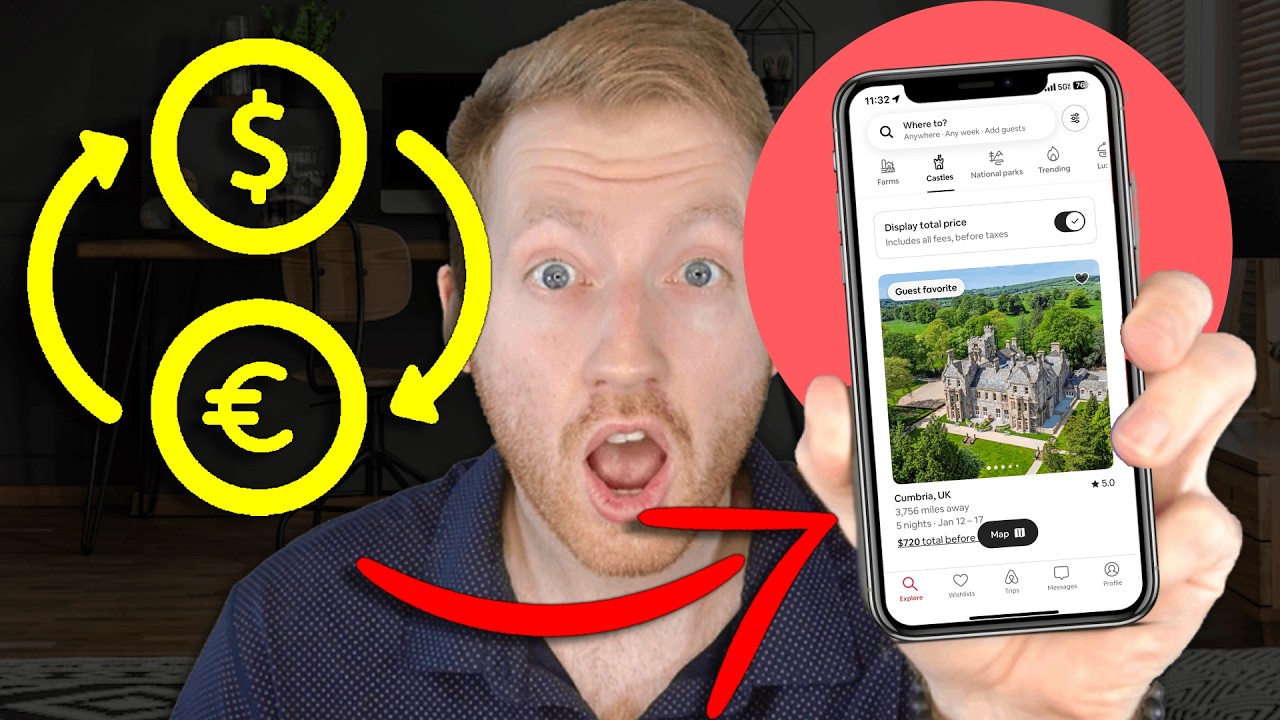
Learn how to quickly change the currency on the Airbnb app (any currency) in just a few simple steps. Easily update your Airbnb settings and find the currency that works for you!
Like this content? Subscribe here: / @thebnbcoach
🚀 Important Links to Boost Your Airbnb Success
1️⃣ 🏡 Become an Airbnb Host & Get a Bonus!
Sign up with my link and get a special bonus—plus, I'll personally help you land your first booking! 👉 https://www.thebnbcoach.com/AirbnbHost
2️⃣ 📈 Maximize Bookings & Profits!
Get expert tips on increasing revenue, automating operations, and scaling your Airbnb business. 👉 https://www.thebnbcoach.com/
In this quick and easy tutorial, you'll learn how to change the currency on the Airbnb app to any currency of your choice. Whether you're traveling or booking listings in a different country, this step-by-step guide will show you how to update your currency settings in under a minute. Simply follow the on-screen instructions to access the profile, select your preferred currency, and instantly see prices and listings in the new currency. With Airbnb supporting a wide range of currencies, you’ll have the flexibility to book and manage your reservations in your preferred currency, no matter where you are in the world. If you're looking to simplify your Airbnb experience or want to switch currencies for your next trip, this video is perfect for you!
▬Contents of this video▬
0:00 - Intro
0:07 - Change Currency on Airbnb App
0:38 - Outro
#AirbnbHost #AirbnbHostTips #AirbnbBusiness #AirbnbHostingTips
In this short tutorial, we'll show you how to change the currency on the Airbnb app in just a few easy steps. Whether you're booking a vacation, managing listings, or simply browsing for a new place to stay, adjusting your currency setting ensures you always see prices in the currency that makes the most sense for you. The process is quick and takes no more than 10 seconds, so you can get back to planning your next trip without any hassle.
To start, all you need to do is open the Airbnb app and tap the profile icon in the bottom right corner of the home screen. From there, you'll navigate to "Payments & Payouts," where you'll find the current currency selected for your account. Simply tap on the currency in the upper-right corner, and you'll be able to scroll through a comprehensive list of available currencies. Select the one you prefer, and you're done! Your Airbnb searches, listings, and prices will now automatically update to reflect the currency you chose.
Airbnb supports a wide range of global currencies, so no matter where you're located or which country you're traveling to, you can customize your experience. Whether you're browsing in Euros, British Pounds, or Japanese Yen, the process is the same and makes managing your bookings that much easier. Plus, this feature ensures that you can avoid currency conversion fees or surprises when you're finalizing your reservation.
If you're new to Airbnb or looking to make the most of your app experience, this video is a must-watch. Don't forget to like and subscribe for more helpful tutorials, and check out our other videos if you're interested in learning how to become an Airbnb host or maximize your use of the platform!
--------------------------------------------------
If you enjoyed this video and want to support me please leave a LIKE, write a comment on this video, and share it with your family/friends. Subscribe and click the 🔔 icon for notifications to follow me to learn more about hosting.
Useful Links:
⚠️Subscribe on Youtube https://www.thebnbcoach.com/Subscribe
👨💻Website link https://www.thebnbcoach.com/
🏡 Airbnb Host Signup (I can personally help get your first booking with my link) https://www.thebnbcoach.com/AirbnbHost
Social Links:
📲Tiktok tiktok.com/@thebnbcoach
📸Instagram instagram.com/thebnbcoach

Информация по комментариям в разработке