Logo video2dn
  • Сохранить видео с ютуба
  • Категории
    • Музыка
    • Кино и Анимация
    • Автомобили
    • Животные
    • Спорт
    • Путешествия
    • Игры
    • Люди и Блоги
    • Юмор
    • Развлечения
    • Новости и Политика
    • Howto и Стиль
    • Diy своими руками
    • Образование
    • Наука и Технологии
    • Некоммерческие Организации
  • О сайте

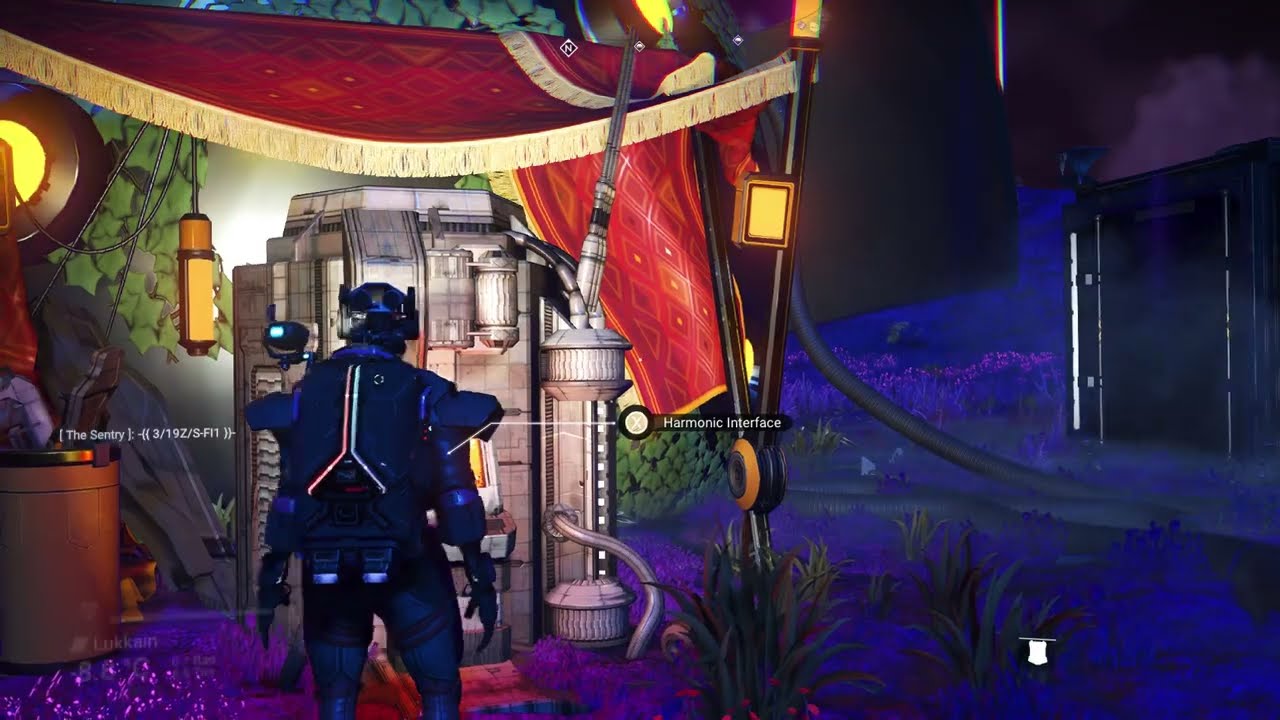
Скачать или смотреть No Man's Sky - Change the color of voltaic staff at one terminal

  • Rævyxn
  • 2025-04-19
  • 3090
No Man's Sky - Change the color of voltaic staff at one terminal
  • ok logo

Скачать No Man's Sky - Change the color of voltaic staff at one terminal бесплатно в качестве 4к (2к / 1080p)

У нас вы можете скачать бесплатно No Man's Sky - Change the color of voltaic staff at one terminal или посмотреть видео с ютуба в максимальном доступном качестве.

Для скачивания выберите вариант из формы ниже:

  • Информация по загрузке:

Cкачать музыку No Man's Sky - Change the color of voltaic staff at one terminal бесплатно в формате MP3:

Если иконки загрузки не отобразились, ПОЖАЛУЙСТА, НАЖМИТЕ ЗДЕСЬ или обновите страницу
Если у вас возникли трудности с загрузкой, пожалуйста, свяжитесь с нами по контактам, указанным в нижней части страницы.
Спасибо за использование сервиса video2dn.com

Описание к видео No Man's Sky - Change the color of voltaic staff at one terminal

A brief video showing how to adjust the color of a not-yet-built voltaic (autophage) staff, without having to go to a different terminal for each color change. Works as of Relics update (spring 2025). Credit to my guy Effex for recording this to share.

Written instructions:
1. Stick the staff pieces in the terminal and then click Assemble (so it brings up the staff’s tech layout/stats).
** Do not actually claim the staff **
2. Exit the MT tech/stats view to go back to the parts selection/Assembly view.
3. Press the Assemble button again. (So you've added your staff pieces once, then assembled twice.)
4. Go back to the parts selection/Assembly view again.
5. Remove one staff piece and put it back in. Click Assemble, and it will be a new color.
(Then if you get into and out of your ship, it should allow you to do it again for additional colors.)
(Also, replace different staff pieces to get different color results.)

You may still have to visit different terminals to see every possible color option, but this gives you more variety at one terminal.

Комментарии

Информация по комментариям в разработке

Похожие видео

  • О нас
  • Контакты
  • Отказ от ответственности - Disclaimer
  • Условия использования сайта - TOS
  • Политика конфиденциальности

video2dn Copyright © 2023 - 2025

Контакты для правообладателей [email protected]