Logo video2dn
  • Сохранить видео с ютуба
  • Категории
    • Музыка
    • Кино и Анимация
    • Автомобили
    • Животные
    • Спорт
    • Путешествия
    • Игры
    • Люди и Блоги
    • Юмор
    • Развлечения
    • Новости и Политика
    • Howto и Стиль
    • Diy своими руками
    • Образование
    • Наука и Технологии
    • Некоммерческие Организации
  • О сайте

Скачать или смотреть Chroma Kit - Unboxing & Setting Up — Phrozen 3D Printer

  • Phrozen 3D Printer
  • 2025-09-14
  • 1391
Chroma Kit - Unboxing & Setting Up — Phrozen 3D Printer
  • ok logo

Скачать Chroma Kit - Unboxing & Setting Up — Phrozen 3D Printer бесплатно в качестве 4к (2к / 1080p)

У нас вы можете скачать бесплатно Chroma Kit - Unboxing & Setting Up — Phrozen 3D Printer или посмотреть видео с ютуба в максимальном доступном качестве.

Для скачивания выберите вариант из формы ниже:

  • Информация по загрузке:

Cкачать музыку Chroma Kit - Unboxing & Setting Up — Phrozen 3D Printer бесплатно в формате MP3:

Если иконки загрузки не отобразились, ПОЖАЛУЙСТА, НАЖМИТЕ ЗДЕСЬ или обновите страницу
Если у вас возникли трудности с загрузкой, пожалуйста, свяжитесь с нами по контактам, указанным в нижней части страницы.
Спасибо за использование сервиса video2dn.com

Описание к видео Chroma Kit - Unboxing & Setting Up — Phrozen 3D Printer

#Phrozen #Tutorial #FDM

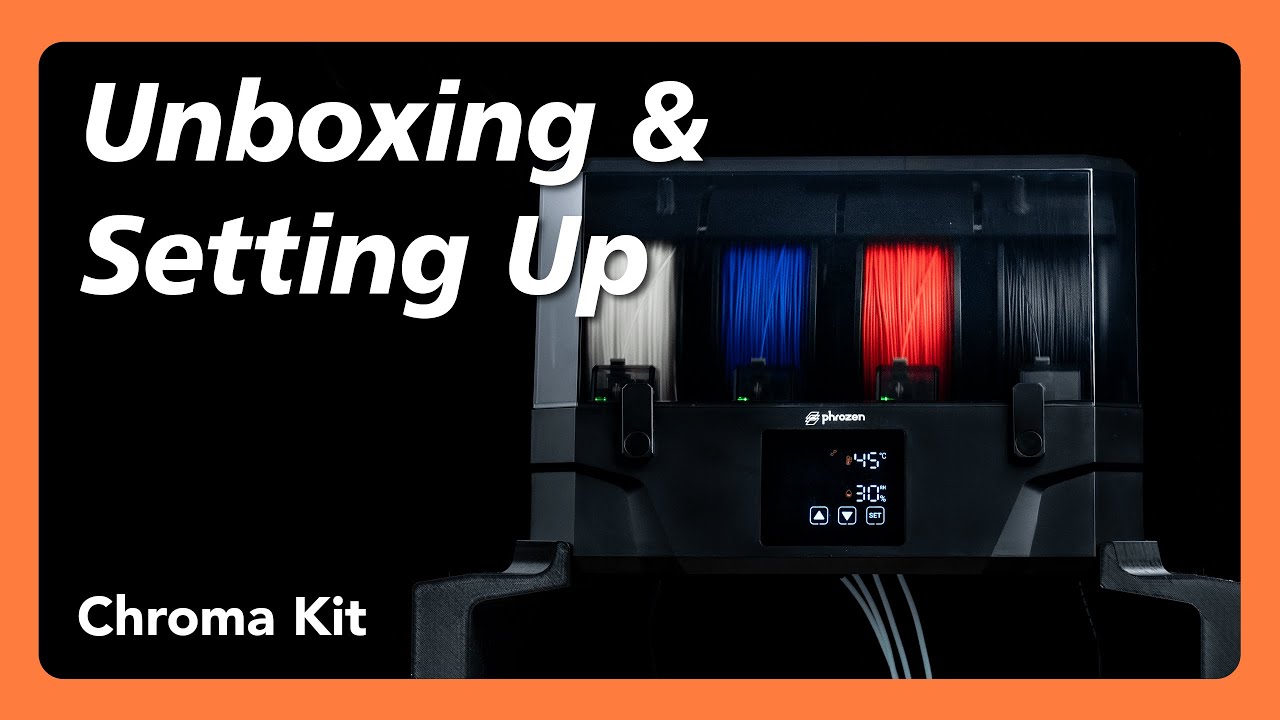
In this video, we’ll guide you through everything you need to know about setting up the Phrozen Chroma Kit with your ARCO. This step-by-step tutorial covers the entire workflow, from unboxing the Chroma Kit, printing the required mounting parts, installing the kit on your ARCO, setting up the reusable spool with refill packs, drying and loading filament, to running a multi-color test print. We’ll also walk you through the installation of the purge conveyor belt so you can see the complete setup and multi-color printing process from start to finish.

Learn more about Chroma Kit: https://phrozen3d.net/WOWHq
-
📌Timestamps:
00:00 Introduction
00:30 Tools Overview
00:38 Downloadable printable parts on PIXUP
01:33 Printing Parts
03:10 Remove Components
04:07 Install the Chroma Kit
06:47 Installing Filament
07:38 Test Printing
08:55 Closing
-
✨If you need any assistance for your printer, please get in touch with our customer support:
https://phrozen3d.net/uLHol
-
📌Other Phrozen products used in this video:
ARCO FDM Printer: https://phrozen3d.net/FfAou
Phrozen High-Speed PLA 3D Printing Filament: https://phrozen3d.net/PKQOt
-
Join Phrozen FDM 3D Printing Facebook Group for all our latest updates and to engage with the community: https://phrozen3d.net/079cj

✨ Download the model featured in the video!
Chroma Kit Strands Removal Belt: https://pixup3d.net/oivHj
Chroma Kit Spool Cover: https://pixup3d.net/4LUTO
Chroma Kit Support Bracket: https://pixup3d.net/bB3hD
Chroma Kit Test – Multi-Color Boat: https://pixup3d.net/XIsqV
-
✨Follow us on:

Facebook ➜ https://phrozen3d.net/CF9rN
Instagram ➜ https://phrozen3d.net/i77kS
TikTok➜ https://phrozen3d.net/2zPmd
Linkedin➜ https://phrozen3d.net/ZGPPQ
Twitter➜ https://phrozen3d.net/OrFF2
Threads➜ https://phrozen3d.net/g5aHH

Комментарии

Информация по комментариям в разработке

Похожие видео

  • О нас
  • Контакты
  • Отказ от ответственности - Disclaimer
  • Условия использования сайта - TOS
  • Политика конфиденциальности

video2dn Copyright © 2023 - 2025

Контакты для правообладателей [email protected]