Logo video2dn
  • Сохранить видео с ютуба
  • Категории
    • Музыка
    • Кино и Анимация
    • Автомобили
    • Животные
    • Спорт
    • Путешествия
    • Игры
    • Люди и Блоги
    • Юмор
    • Развлечения
    • Новости и Политика
    • Howto и Стиль
    • Diy своими руками
    • Образование
    • Наука и Технологии
    • Некоммерческие Организации
  • О сайте

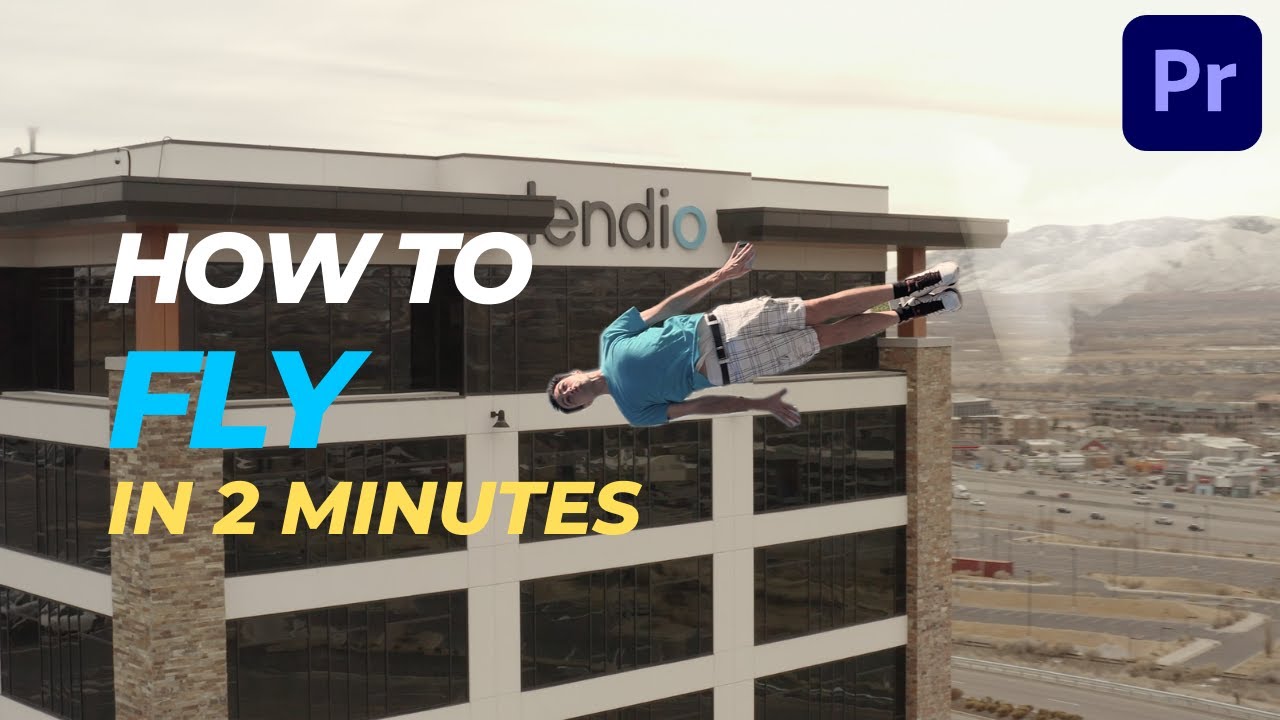
Скачать или смотреть Learn how to fly like a superhero in adobe premiere pro

  • Daylen Pollard
  • 2022-07-08
  • 30940
Learn how to fly like a superhero in adobe premiere pro
visual effectspremiere pro tutorialFlyingSuperman
  • ok logo

Скачать Learn how to fly like a superhero in adobe premiere pro бесплатно в качестве 4к (2к / 1080p)

У нас вы можете скачать бесплатно Learn how to fly like a superhero in adobe premiere pro или посмотреть видео с ютуба в максимальном доступном качестве.

Для скачивания выберите вариант из формы ниже:

  • Информация по загрузке:

Cкачать музыку Learn how to fly like a superhero in adobe premiere pro бесплатно в формате MP3:

Если иконки загрузки не отобразились, ПОЖАЛУЙСТА, НАЖМИТЕ ЗДЕСЬ или обновите страницу
Если у вас возникли трудности с загрузкой, пожалуйста, свяжитесь с нами по контактам, указанным в нижней части страницы.
Спасибо за использование сервиса video2dn.com

Описание к видео Learn how to fly like a superhero in adobe premiere pro

Welcome to adobe premiere pro flight school. Today, you're going to learn how to fly like superman.

Step 1: Film yourself trying to fly.
(The best I could do was jump... sorry to disappoint)

Be sure to get an empty scene with you not in it, and try to film on a tri pod.

(I just use my phone on this cheap tripod I got from Amazon)

Step 2: Place the blank scene on the bottom
And you jumping on the top
Add a cut when you’re at the highest point of your jump
Then right click and “ADD frame hold” to freeze that moment in time
Click effect controls
Then the Free Draw Beizer tool
Draw a mask around yourself - like you’re playing connecting the dots around your body

In the effect panel, search for the transform effect and drop it on there

Click the clock next to position in the transform effect controls to add the start of animation, go forward a few frames and move yourself upward.

Deselect use composition shutter angle

Type a number in there

The higher the number the more blur you’ll have

Drop in some stock footage of the groundbreaking below your feet.
I use the ones from Actionvfx - https://www.actionvfx.com/

That's pretty much it! That's how to fly using adobe premiere pro.

Комментарии

Информация по комментариям в разработке

Похожие видео

  • О нас
  • Контакты
  • Отказ от ответственности - Disclaimer
  • Условия использования сайта - TOS
  • Политика конфиденциальности

video2dn Copyright © 2023 - 2025

Контакты для правообладателей [email protected]