There’s a lot to talk about when it comes to the topic of texturing, and in the Fundamentals of Texturing in Blender course, we’ll cover... all of it! Watch the full Blender course below. 👇
Learn How to Create Textures & Materials in Blender
https://cgcookie.com/course/fundament...
00:00 Intro
00:17 Saving and loading images
00:35 - chapter 2 basics of digital color
00:49 - chapter 3 and 4 overview procedural textures
01:11 - chapter 5 and 6 texturing painting
01:35 - final blender challenge!
2:10 - First Blender lesson to get started
WHAT YOU'LL LEARN IN THIS MATERIALS AND TEXTURE BLENDER COURSE
In a nutshell, in this blender tutorial for beginners you’ll learn all about how Blender saves and loads images, what texture coordinates are and how you can use them to manipulate textures, how to apply two-dimensional image textures to three-dimensional objects using UV unwrapping, and how to solve common UV problems. That’s just chapter one!
In chapter two, we’ll cover the basics of digital color and why it’s important when it comes to texturing. You’ll learn about color management, every blend mode, all the color material nodes, and even how file formats affect the color and quality of your images.
In chapter three we'll cover the principles of physically based shading again, but this time with an emphasis on the textures you’ll need to create.
Chapter four is all about procedural textures and you’ll learn how to combine shader nodes together to create a few different procedural effects from the ground up. By the end of the chapter, if I’ve done my job right, you’ll be ready to tackle the lava shader challenge.
In chapter five we’ll switch over and talk about texture painting, how to prepare a model for painting, how to use the brush system in Blender, how to paint with layers, and at the end, I’ll walk you through painting a low poly ax by hand using nothing but the default Blender brush.
Chapter six will finish things off with a few workflow tips and briefly introduce a few intermediate topics that you might want to explore next such as trim sheets, decals, texture baking, and more.
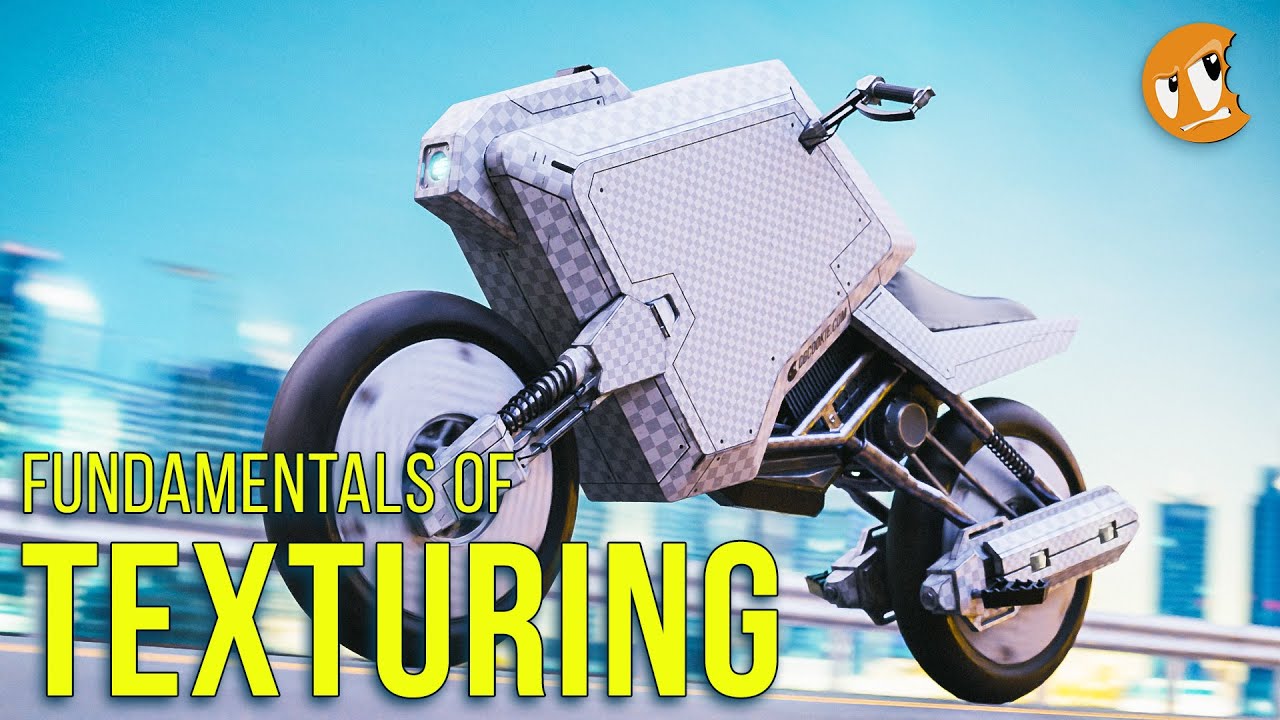
The final challenge will be to take the motorcycle model pictured above and create a custom paint job for it to prove to me, yourself, your mom, the guy who said you couldn’t do it, and the whole world that you’re able to texture stuff on your own and have it look cool. Good luck!
This course builds off all the other fundamentals courses, so you can watch those first if you’d like or jump right in.
Even if you’re brand new to Blender, there’s a good chance that you’re already familiar with textures if you’ve ever played a video game. A texture is just an image mapped to a 3D surface to give it more detail than can be made with polygons.
In older video games or games like Minecraft, the line between geometry and images is pretty obvious. In newer games or in visual effects shots though, it’s a bit less clear where to draw the line. As polygon budgets grew higher with faster computers, the details modelers could make with geometry got smaller. At the same time, more types of textures were able to influence the appearance of a model in more complex ways. Where modeling starts and texturing begins, when it comes to adding details, is going to be unique to each project.
So, if you were tasked with creating a brick wall, should you model bricks or use a brick texture on a plane? It’s up to you, or your boss, or your graphics card, or the polygon count police, but it’s a decision that could go either way depending on the circumstances. For this course, I’ll just assume that any details you haven’t modeled are the details you need to add using textures, and you have options for how you want to create those textures.
You can use photos, either that you find online or take yourself. You can use procedural textures, which are mathematically generated patterns combined in different ways that allow you to control the parameters. You can also always paint the textures, or, as is probably the most common, use a combination of all of the above.
By the end of this course, you should be reasonably comfortable with all of those different methods and have a good understanding of how to approach any texturing project.
---------
The original concept for the sci-fi motorcycle is by Arthit Boontanomchit: https://www.artstation.com/artwork/3d...
---------
"WHO IS CG COOKIE?"
We are real people! CG Cookie is a small crew of Blender artists, baking fresh videos for the Blender community.
"I WANT MORE CG COOKIE IN MY LIFE!"
Got it. Here's where you can reach us!
/ cgcookie
/ cgcookie
/ cgcookieinc
Want Blender news in your mailbox?
Sign up here for spam-free newsletter https://cgcookie.com/newsletter
#CGCookie #blendertutorial #b3d

Информация по комментариям в разработке