Logo video2dn
  • Сохранить видео с ютуба
  • Категории
    • Музыка
    • Кино и Анимация
    • Автомобили
    • Животные
    • Спорт
    • Путешествия
    • Игры
    • Люди и Блоги
    • Юмор
    • Развлечения
    • Новости и Политика
    • Howto и Стиль
    • Diy своими руками
    • Образование
    • Наука и Технологии
    • Некоммерческие Организации
  • О сайте

Скачать или смотреть How to Delete Your FaceIt Account Fast and Easy!

  • Knowledge Wisp
  • 2025-09-14
  • 1605
How to Delete Your FaceIt Account Fast and Easy!
delete faceit accounthow to delete faceitclose faceit accountremove faceit profilefaceit account closurecancel faceitdeactivate faceitgaming accountsaccount managementcompetitive gaminghow totutorialguidefaceit tips2025pc gamingdelete game accountclose gaming account
  • ok logo

Скачать How to Delete Your FaceIt Account Fast and Easy! бесплатно в качестве 4к (2к / 1080p)

У нас вы можете скачать бесплатно How to Delete Your FaceIt Account Fast and Easy! или посмотреть видео с ютуба в максимальном доступном качестве.

Для скачивания выберите вариант из формы ниже:

  • Информация по загрузке:

Cкачать музыку How to Delete Your FaceIt Account Fast and Easy! бесплатно в формате MP3:

Если иконки загрузки не отобразились, ПОЖАЛУЙСТА, НАЖМИТЕ ЗДЕСЬ или обновите страницу
Если у вас возникли трудности с загрузкой, пожалуйста, свяжитесь с нами по контактам, указанным в нижней части страницы.
Спасибо за использование сервиса video2dn.com

Описание к видео How to Delete Your FaceIt Account Fast and Easy!

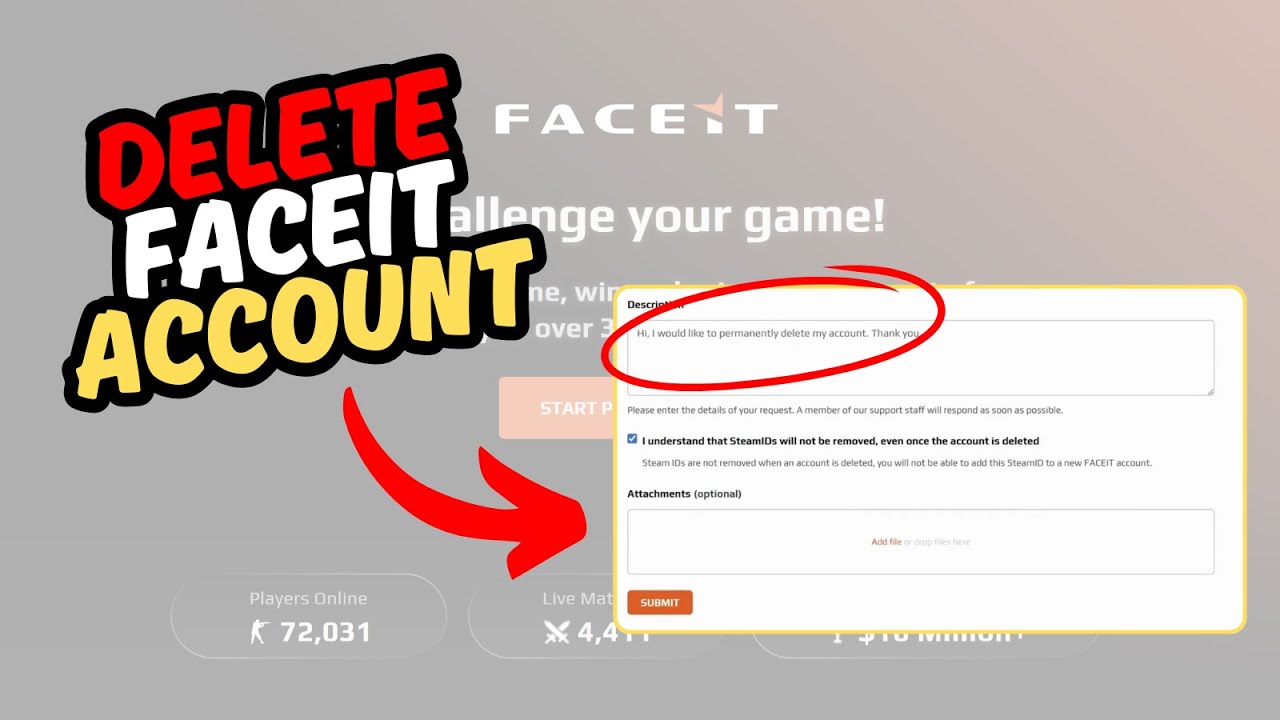
In this video, I will show you how to delete your Face It account.

Link: https://support.faceit.com/hc/en-us/r...

Go to your browser and input this url, which is the support section of Face It. Here, you will want to input your contact email. Then, under the second section, select this option, then choose “Personal Data Removal”.

Next, proceed to put in your Face It profile name, full name and date of birth. Also, make sure to input the email linked to the account you want to delete. Enter your phone number and then the game associated with the account. I will be using Valorant here. Then, select the region you are playing in.

On the subject tab, put “Account Deletion”. Then, go ahead and write a short description to let them know you want to delete the account.

Once you are done, check the box here and submit the form. Once they accept the deletion request, it takes 30 days for them to permanently delete the account as long as you do not login to the account. Thanks for watching.

Комментарии

Информация по комментариям в разработке

Похожие видео

  • О нас
  • Контакты
  • Отказ от ответственности - Disclaimer
  • Условия использования сайта - TOS
  • Политика конфиденциальности

video2dn Copyright © 2023 - 2025

Контакты для правообладателей [email protected]