Logo video2dn
  • Сохранить видео с ютуба
  • Категории
    • Музыка
    • Кино и Анимация
    • Автомобили
    • Животные
    • Спорт
    • Путешествия
    • Игры
    • Люди и Блоги
    • Юмор
    • Развлечения
    • Новости и Политика
    • Howto и Стиль
    • Diy своими руками
    • Образование
    • Наука и Технологии
    • Некоммерческие Организации
  • О сайте

Скачать или смотреть Readable Web Extension for Safari MacOS Browser

  • Sensory App House
  • 2024-06-05
  • 89
Readable Web Extension for Safari MacOS Browser
  • ok logo

Скачать Readable Web Extension for Safari MacOS Browser бесплатно в качестве 4к (2к / 1080p)

У нас вы можете скачать бесплатно Readable Web Extension for Safari MacOS Browser или посмотреть видео с ютуба в максимальном доступном качестве.

Для скачивания выберите вариант из формы ниже:

  • Информация по загрузке:

Cкачать музыку Readable Web Extension for Safari MacOS Browser бесплатно в формате MP3:

Если иконки загрузки не отобразились, ПОЖАЛУЙСТА, НАЖМИТЕ ЗДЕСЬ или обновите страницу
Если у вас возникли трудности с загрузкой, пожалуйста, свяжитесь с нами по контактам, указанным в нижней части страницы.
Спасибо за использование сервиса video2dn.com

Описание к видео Readable Web Extension for Safari MacOS Browser

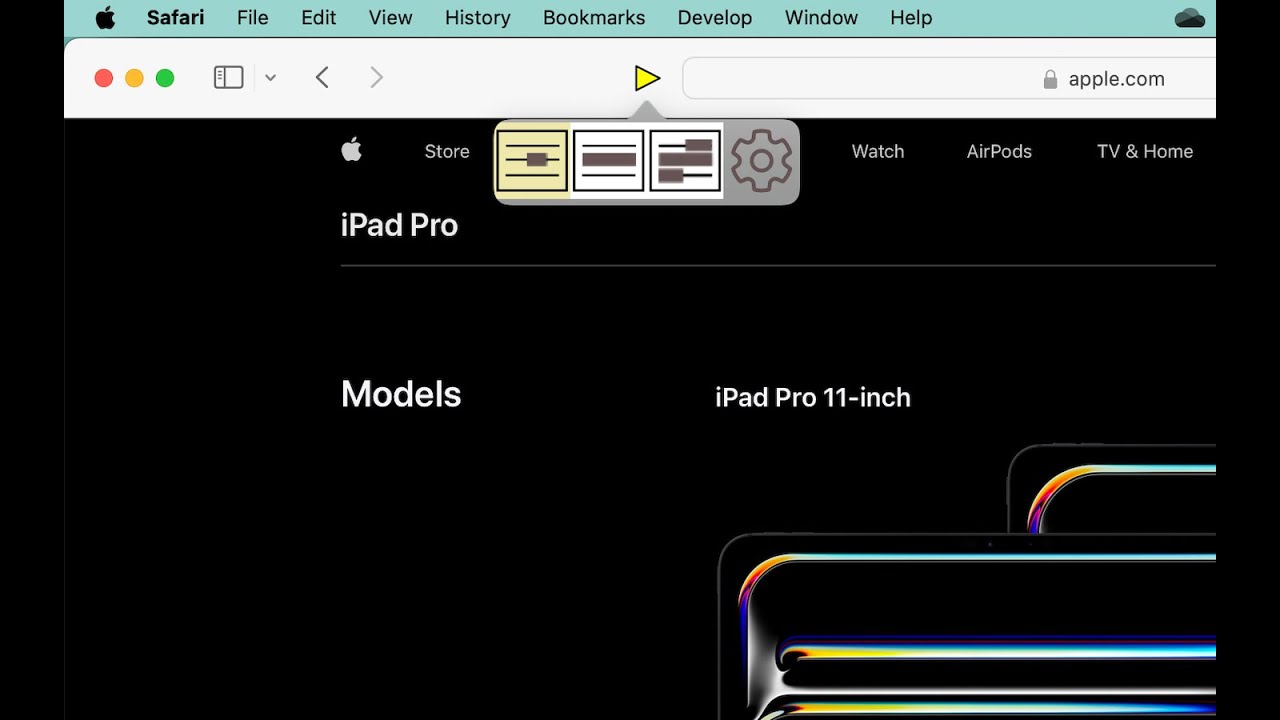
Readable Text to Speech Extension for Web helps listen to text, using the text to speech voices of your Mac.

Readable Web is an Extension for your Safari MacOS browser, that demonstrates the synchronized speech with underline under the mouse. It will speak most accessible web page content by selecting the text with your mouse. You can also have the words or sentences underneath the mouse spoken, and can choose the “mouse hover” setting to speak a word, line or “block” which is normally a sentence. Download on your Mac from:

https://apps.apple.com/gb/app/readabl...

Readable Web includes the novel underline highlighting technique (first created in Readable for Win) for many web pages. On supporting web sites, Readable will underline individual words as they are spoken, when the mouse hovers over the sentence. You can choose the colour of the underline highlight from Readable web settings.

The Readable web extension uses the text to speech voices available on your computer. You will likely find a wide range of text to speech voices available, often with very high quality, in a wide range of languages.

Using Readable Web extension is simple. Select a paragraph of text with your mouse, and Readable will speak that text, and also show an underline highlight if selected and available. To stop speech, left click your mouse or mouse pad, or press the SHIFT key. To control speech underneath the mouse, you can choose the settings "CTRL+Move [mouse] to speak". The CTRL key acts as your "speak" button for the mouse. Pressing CTRL again, or OPTION key, will repeat the section of speech.

Please note that when Readable Web extension is running, mouse selected text will be spoken. If you want to copy that text to the clipboard, wait for speaking to stop. Alternatively, put the Readable Web extension into "Silent Mode" in the settings, and then you can copy and paste as normal (without speech being created).

Please note Readable does not speak PDF files shown in the browser, we recommend the Sensory PDF Reader for speaking PDF files.

Комментарии

Информация по комментариям в разработке

Похожие видео

  • О нас
  • Контакты
  • Отказ от ответственности - Disclaimer
  • Условия использования сайта - TOS
  • Политика конфиденциальности

video2dn Copyright © 2023 - 2025

Контакты для правообладателей [email protected]