Logo video2dn
  • Сохранить видео с ютуба
  • Категории
    • Музыка
    • Кино и Анимация
    • Автомобили
    • Животные
    • Спорт
    • Путешествия
    • Игры
    • Люди и Блоги
    • Юмор
    • Развлечения
    • Новости и Политика
    • Howto и Стиль
    • Diy своими руками
    • Образование
    • Наука и Технологии
    • Некоммерческие Организации
  • О сайте

Скачать или смотреть Mulcher balancing process with ArBalance or Balanset-1A

  • Vibromera OU
  • 2023-03-13
  • 631
Mulcher balancing process with ArBalance or Balanset-1A
  • ok logo

Скачать Mulcher balancing process with ArBalance or Balanset-1A бесплатно в качестве 4к (2к / 1080p)

У нас вы можете скачать бесплатно Mulcher balancing process with ArBalance or Balanset-1A или посмотреть видео с ютуба в максимальном доступном качестве.

Для скачивания выберите вариант из формы ниже:

  • Информация по загрузке:

Cкачать музыку Mulcher balancing process with ArBalance or Balanset-1A бесплатно в формате MP3:

Если иконки загрузки не отобразились, ПОЖАЛУЙСТА, НАЖМИТЕ ЗДЕСЬ или обновите страницу
Если у вас возникли трудности с загрузкой, пожалуйста, свяжитесь с нами по контактам, указанным в нижней части страницы.
Спасибо за использование сервиса video2dn.com

Описание к видео Mulcher balancing process with ArBalance or Balanset-1A

Vibromera offers modern solutions in the field of vibration diagnostics and dynamic balancing of rotating equipment. We present the portable dual-channel systems *Balanset-1A* and **Balanset-1A OEM**, designed for vibration analysis and rotor balancing directly on operating machines and in industrial conditions.

⚙️ AVAILABLE EQUIPMENT

🔧 *Balanset-1A*
Product link: https://vibromera.eu/product/balanset-1/

STANDARD DELIVERY SET:

Balanset-1A measuring unit (2 channels)
2 vibration sensors (accelerometers)
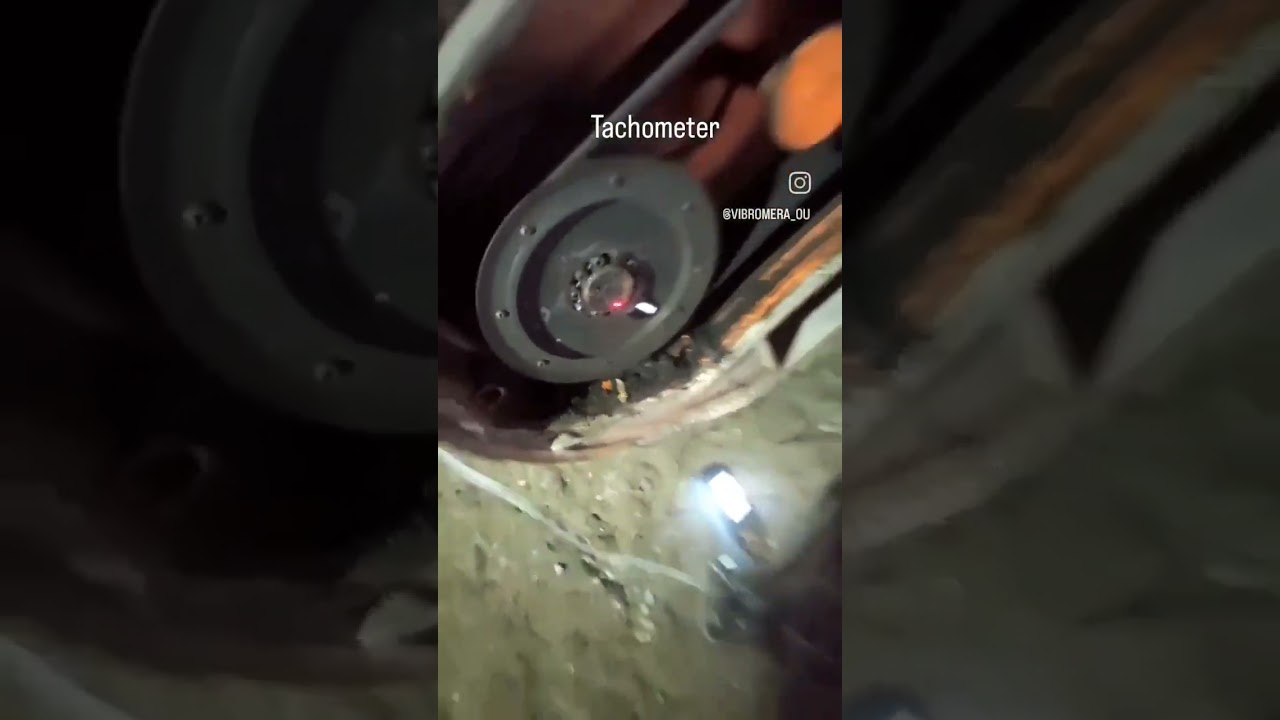
Laser tachometer (phase reference sensor)
Reflective tape
Magnetic stand
Electronic scales
Balancing and vibration analysis software (USB flash drive)
Rugged hard case for transportation

🛠 TECHNICAL CAPABILITIES

🔍 Vibrometer mode:
Measurement of vibration velocity (RMS): 0.02–80 mm/s
Frequency range: 5–550 Hz (up to 1000 Hz)
Rotational speed measurement: 100–100,000 RPM
Vibration phase measurement: 0–360° (accuracy ±1°)
FFT spectrum analysis
Display of overall vibration, harmonics, and spectra

⚖️ Balancing mode:
Single-plane and two-plane balancing
Automatic calculation of correction weights
Polar charts
Balancing tolerance calculation according to ISO 1940
Saving influence coefficients
Rebalancing using archived data

🛒 HOW TO ORDER

Visit the website: https://vibromera.eu
Select the required device
Add it to the cart and complete the order

Available payment methods:
Bank transfer
Credit or debit card
PayPal

🚚 DELIVERY

DHL Service
Shipping cost: *110 EUR*

🛡 WARRANTY

All devices are supplied with a **2-year warranty**, covering repair or replacement in case of manufacturing defects or device failure.

📞 EXTENDED TECHNICAL SUPPORT

Extended technical support is available by subscription and includes:

Support via WhatsApp (photo and video assistance, fast responses)
Consultations on sensor installation, software setup, and troubleshooting
Assistance with vibration analysis and decision-making
Individual recommendations for your specific equipment

Subscription details: https://vibromera.eu/pricing-all/

📸 SOCIAL MEDIA

Instagram — application examples and customer cases:
  / vibromera_ou  


🌐 Website: https://vibromera.eu

📧 Email: [email protected]

📞 WhatsApp: +372 5836 4849

EQUIPMENT COMPLETENESS

The standard Balanset-1A package includes everything required for vibration diagnostics and rotor balancing: the measuring device, vibration sensors, laser tachometer, reflective tape, magnetic stand, electronic scales, software, and a transport case. A Windows-based laptop is required for operation.

PROCESS OF ROTOR BALANCING

Install the vibration sensors perpendicular to the rotor axis of rotation.
Mount the tachometer on the magnetic stand.
Apply reflective tape to the pulley and aim the RPM sensor at the tape.
Connect the sensors to the device and the device to the laptop.
Start the software.
Select two-plane balancing.
Enter the rotor name and location.
Weigh the trial weight and enter its mass and installation radius.
Run the rotor and measure the initial vibration level.
Install the trial weight in the first plane (sensor 1 side).
Run the rotor and take the second measurement.
Verify that vibration amplitude or phase has changed by at least 20%.
Move the trial weight to the second plane (sensor 2 side).
Run the rotor and take the third measurement.
The software will calculate the required correction weights and angles.
Remove the trial weight.
The angle is measured in the direction of rotor rotation from the trial weight position.
Weigh and install the correction weights.
Run the rotor and verify balancing quality.
If required, add correction weight as prompted by the software and repeat the check.

SUPPORT

We provide extended technical support via WhatsApp. You can send photos and videos during operation, and our specialists will promptly assist and provide recommendations.

🇵🇹 PORTUGAL CONTACT DETAILS

Nikolai Shelkovenko
Address: Rua Alcaide de Faria 193, 4100-035, Porto, Portugal
Phone: +351 963 457 233
Email: [email protected]

Portuguese Tax Identification Number (NIF): 314539760
VAT: PT314539760

Legal information:
LUCID Registration Number: DE4462352769937

Комментарии

Информация по комментариям в разработке

Похожие видео

  • О нас
  • Контакты
  • Отказ от ответственности - Disclaimer
  • Условия использования сайта - TOS
  • Политика конфиденциальности

video2dn Copyright © 2023 - 2025

Контакты для правообладателей [email protected]