Logo video2dn
  • Сохранить видео с ютуба
  • Категории
    • Музыка
    • Кино и Анимация
    • Автомобили
    • Животные
    • Спорт
    • Путешествия
    • Игры
    • Люди и Блоги
    • Юмор
    • Развлечения
    • Новости и Политика
    • Howto и Стиль
    • Diy своими руками
    • Образование
    • Наука и Технологии
    • Некоммерческие Организации
  • О сайте

Скачать или смотреть Freezing Transformation while doing an Animation

  • 3D Stuff
  • 2022-06-25
  • 49
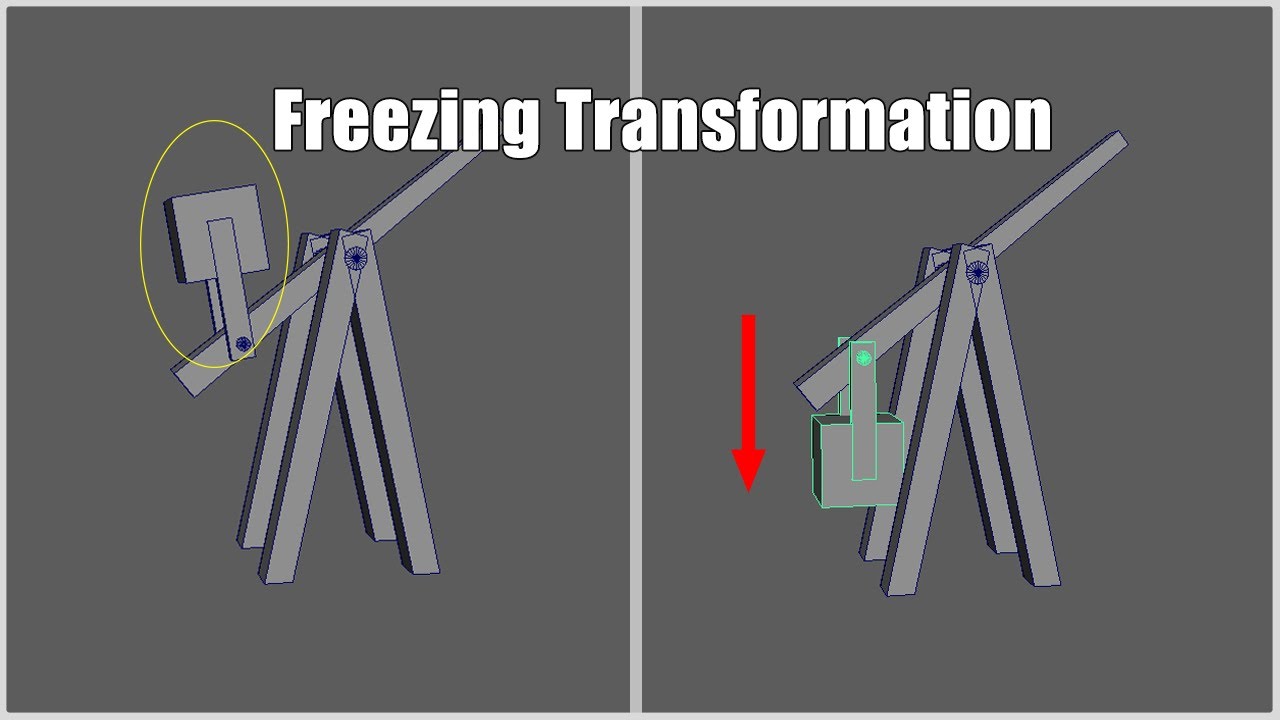
Freezing Transformation while doing an Animation
  • ok logo

Скачать Freezing Transformation while doing an Animation бесплатно в качестве 4к (2к / 1080p)

У нас вы можете скачать бесплатно Freezing Transformation while doing an Animation или посмотреть видео с ютуба в максимальном доступном качестве.

Для скачивания выберите вариант из формы ниже:

  • Информация по загрузке:

Cкачать музыку Freezing Transformation while doing an Animation бесплатно в формате MP3:

Если иконки загрузки не отобразились, ПОЖАЛУЙСТА, НАЖМИТЕ ЗДЕСЬ или обновите страницу
Если у вас возникли трудности с загрузкой, пожалуйста, свяжитесь с нами по контактам, указанным в нижней части страницы.
Спасибо за использование сервиса video2dn.com

Описание к видео Freezing Transformation while doing an Animation

How to freeze an attribute value during an animation.


Note:
It's usually better to place the object you want to freeze inside a group and freeze the group instead of the object itself.

___________________________________________________________________________________________

List of common shortcuts in Maya:

Q - exit tool
W - move
R - scale
E - rotate
J - (hold + drag) Move, Rotate, Scale Tool Snapping
G - repeat last command
P - Parent
shift + P - Unparent

B - soft selection
F - zooming to selection
ctrl + A - open attribute editor/channel box
ctrl + delete - deletes vertex points or edge loops
ctrl + D - Edit Duplicate
shift + D - Edit Duplicate with Transform

1 - standard mode
2 - subdivision preview with wireframe
3 - subdivision preview
4 - wireframe
5 - shaded mode
6 - texture mode

M3 (middle mouse button) - rotating, scaling, moving without directly touching the Pivot
___________________________________________________________________________________________

Hey guys, I decided to create this new channel to upload quick and easy to follow tutorials for 3D programs like Autodesk MAYA, ZBrush or Substance Painter. Mainly to improve the workflow with 3D-Modelling.

The most important thing I want to keep with this channel, is that each of the videos aren't too long and usually under 60 seconds for everyone to find a quick and easy solution without useless context. Obviously some parts can't be explained in under 1 minute but that's still what I try to achieve with these videos.

Комментарии

Информация по комментариям в разработке

Похожие видео

  • О нас
  • Контакты
  • Отказ от ответственности - Disclaimer
  • Условия использования сайта - TOS
  • Политика конфиденциальности

video2dn Copyright © 2023 - 2025

Контакты для правообладателей [email protected]