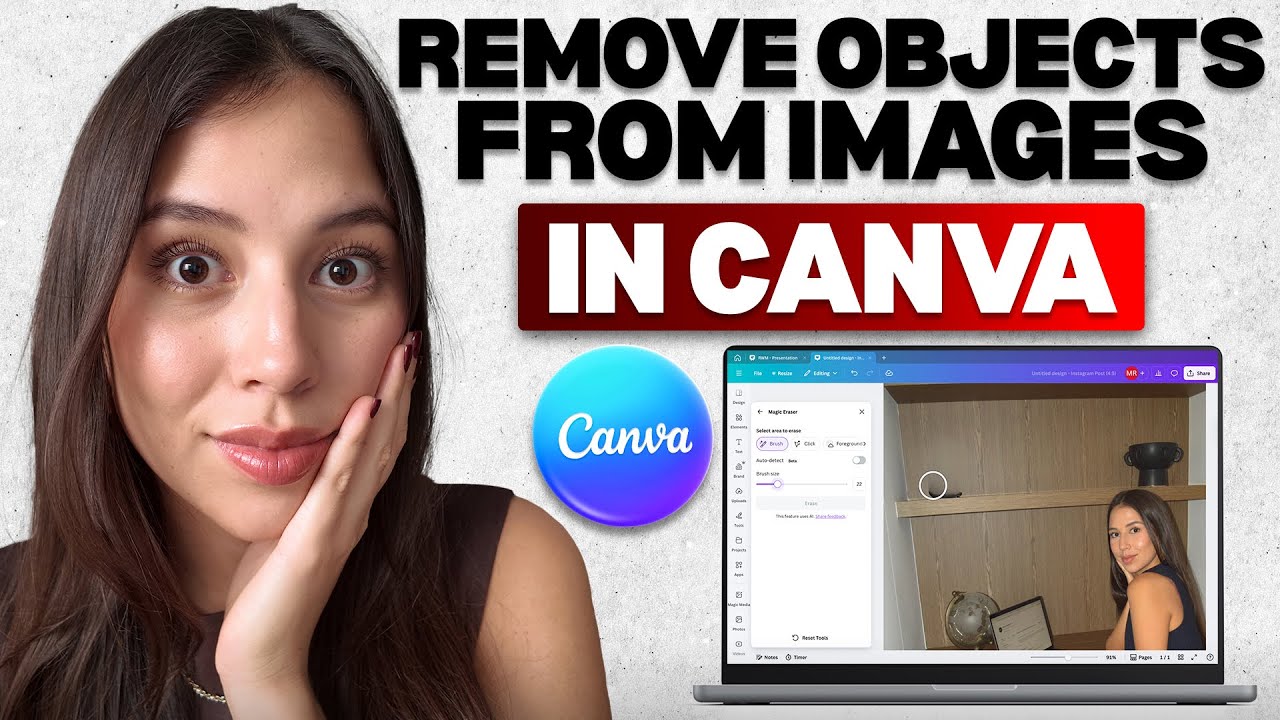
In this video, I’ll go over how to remove objects from images in Canva using the Magic Eraser tool step by step. I’ll show you how to open the Canva app, upload a photo, and adjust the picture so it’s ready for editing. Then we’ll click on the edit option, pick Magic Eraser, and choose the right brush size to clean up details. By the end, you’ll know how to erase unwanted objects, fix mistakes, and make your photos look clean and professional.
Be sure to watch this video all the way as I cover how to remove background distractions, edit photos in Canva, and erase objects like text, logos, or random items. You’ll see how to use the Magic Eraser for quick edits, create high quality images, and improve designs for social media posts, YouTube thumbnails, blogs, and digital marketing. These steps save time, simplify editing, and help you get polished results without advanced photo software. Following along will give you confidence in Canva photo editing and better looking designs every time.
Removing objects in Canva is simple when you know how to use Magic Eraser the right way. This tool helps you erase people, clean up backgrounds, and remove unwanted parts of any picture. Canva photo editing makes it easy to create sharp visuals, professional thumbnails, and clean designs for all your projects. By mastering this feature, you can quickly remove objects in images with Canva and create content that looks pro with just a few clicks.
If you want to see more tutorials, check out our other videos:
How to Make an Aesthetic Vision Board in Canva (Step-by-Step Tutorial!)
• How to Make an Aesthetic Vision Board in C...
How to Organize Your Uploads in Canva (Easiest Method!)
• How to Organize Your Uploads in Canva (Eas...
Subscribe to our channel for easy-to-follow tutorials, tips, and tricks! GuideWise is here to help you learn new skills, solve problems, and make life easier.
Thank you for watching and have a great day!
– Mari
#CanvaTutorial #PhotoEditing #MagicEraser
Timeline:
0:00 - Introduction
0:12 - Opening Canva App
0:15 - Tapping “Uploads” Icon
0:29 - Adjusting the Chosen Photo
0:35 - Clicking “Edit” Option
0:38 - Selecting Magic Eraser
0:53 - Customizing Edit Brush Size
1:00 - Finalizing by Pressing Select
Disclaimer: Some of the links above may be affiliate links, which means that if you click on them, I may receive a small commission. The commission is paid by the retailers at no cost to you, and this helps support our channel and keep our videos free. Thank you! All information in our videos is compiled from online sources and our own experience, and we encourage you to do your own research. We appreciate your support!

Информация по комментариям в разработке