Logo video2dn
  • Сохранить видео с ютуба
  • Категории
    • Музыка
    • Кино и Анимация
    • Автомобили
    • Животные
    • Спорт
    • Путешествия
    • Игры
    • Люди и Блоги
    • Юмор
    • Развлечения
    • Новости и Политика
    • Howto и Стиль
    • Diy своими руками
    • Образование
    • Наука и Технологии
    • Некоммерческие Организации
  • О сайте

Скачать или смотреть iRulu Head Up Display Review

  • ReviewedByPhil
  • 2016-04-26
  • 226
iRulu Head Up Display Review
reviewhudhead up displaycardashboardodometerdiagnosticobd2obdii
  • ok logo

Скачать iRulu Head Up Display Review бесплатно в качестве 4к (2к / 1080p)

У нас вы можете скачать бесплатно iRulu Head Up Display Review или посмотреть видео с ютуба в максимальном доступном качестве.

Для скачивания выберите вариант из формы ниже:

  • Информация по загрузке:

Cкачать музыку iRulu Head Up Display Review бесплатно в формате MP3:

Если иконки загрузки не отобразились, ПОЖАЛУЙСТА, НАЖМИТЕ ЗДЕСЬ или обновите страницу
Если у вас возникли трудности с загрузкой, пожалуйста, свяжитесь с нами по контактам, указанным в нижней части страницы.
Спасибо за использование сервиса video2dn.com

Описание к видео iRulu Head Up Display Review

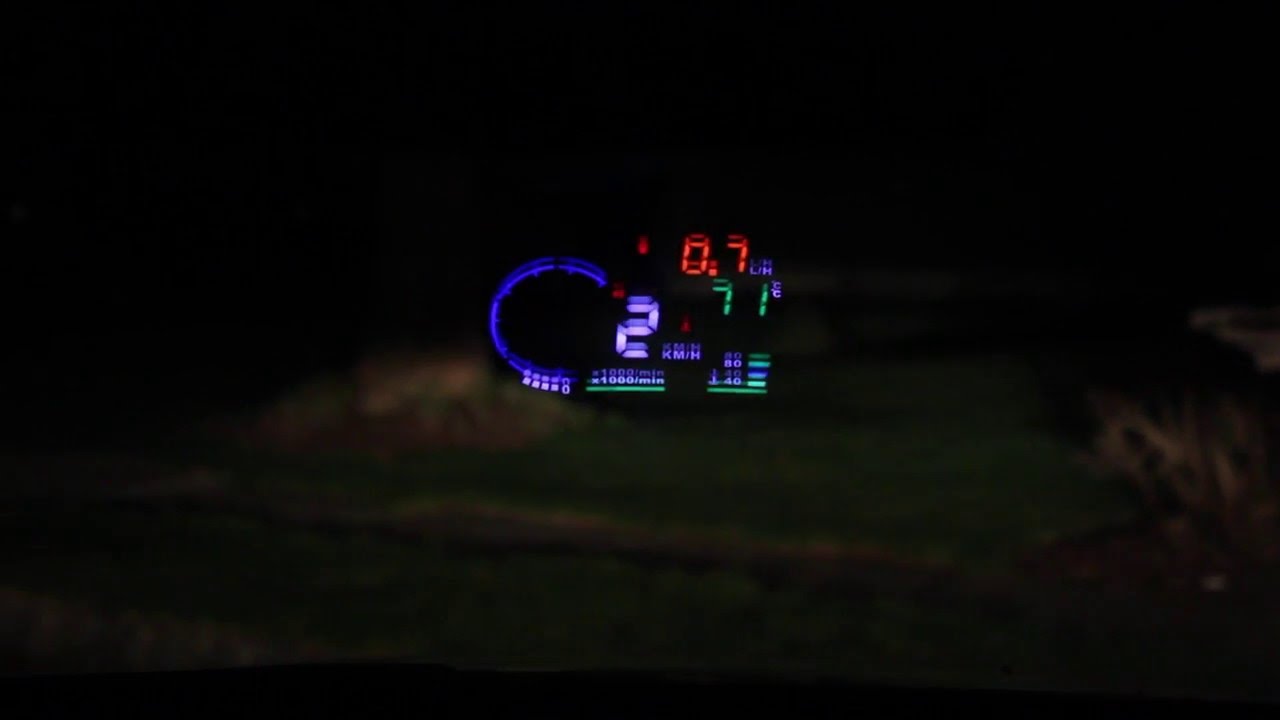
Visible during day, but much brighter at night, configuration is a bit tricky. Amazon Affiliate Product Link: http://amzn.to/1qQm29T

This kit comes with the head up display projector, 5 ft power cord with OBD II port plug, a sticker mirror, a non-slip silicone pad, and an instruction manual. The head up display measures 5”W x 3”L x 1/2” thick. On the left hand side, you’ve got the microUSB power port, the on/off switch, and a rocker button for changing the settings. The unit is plug-and-play and plugs into your car’s diagnostic port. The placement of this port varies with each vehicle but it’s typically found somewhere under your dashboard.

The silicone sticky mat helps keeps the display projector on a flat surface on your dashboard. It should stick readily to a clean dashboard but can also be removed pretty easily. If it ever stops being sticky, rinse it with cool water and allow it to dry and it will become sticky again. The sticky mirror is optional and should be used if you have a hard time seeing the HUDs display in the glass of the windshield or if there is a double reflection. For me, I found that I didn’t need it.

The HUD has a fairly bright display and is readable during the day, but is easier to see at night. The different meters are color coded so you can differentiate what each is telling you. The settings for the HUD can be changed by entering the menu mode, but aren't explained well and you'll have to do some research on how to do it properly for your vehicle. To access the settings, press in the rocker switch in and hold it until the settings mode appears. Then click the rocker until you reach the desired setting (number coded). Roll the rocker forward or backward to change the current setting. The settings aren’t self explanatory and you have to refer to the instruction manual to understand what you’re looking at. It’s kind of annoying since you can’t change the settings unless your car is running. However, once you get the HUD displaying how you want it to, it’s pretty handy. You can see metrics like, speed, revolutions per minute, fuel consumption and engine temperature to name a few. I'm not convinced it's entirely less distracting than looking down at your dashboard, but there's more information that can be seen on the display.

Amazon Affiliate Product Link: http://amzn.to/1qQm29T

Комментарии

Информация по комментариям в разработке

Похожие видео

  • О нас
  • Контакты
  • Отказ от ответственности - Disclaimer
  • Условия использования сайта - TOS
  • Политика конфиденциальности

video2dn Copyright © 2023 - 2025

Контакты для правообладателей [email protected]