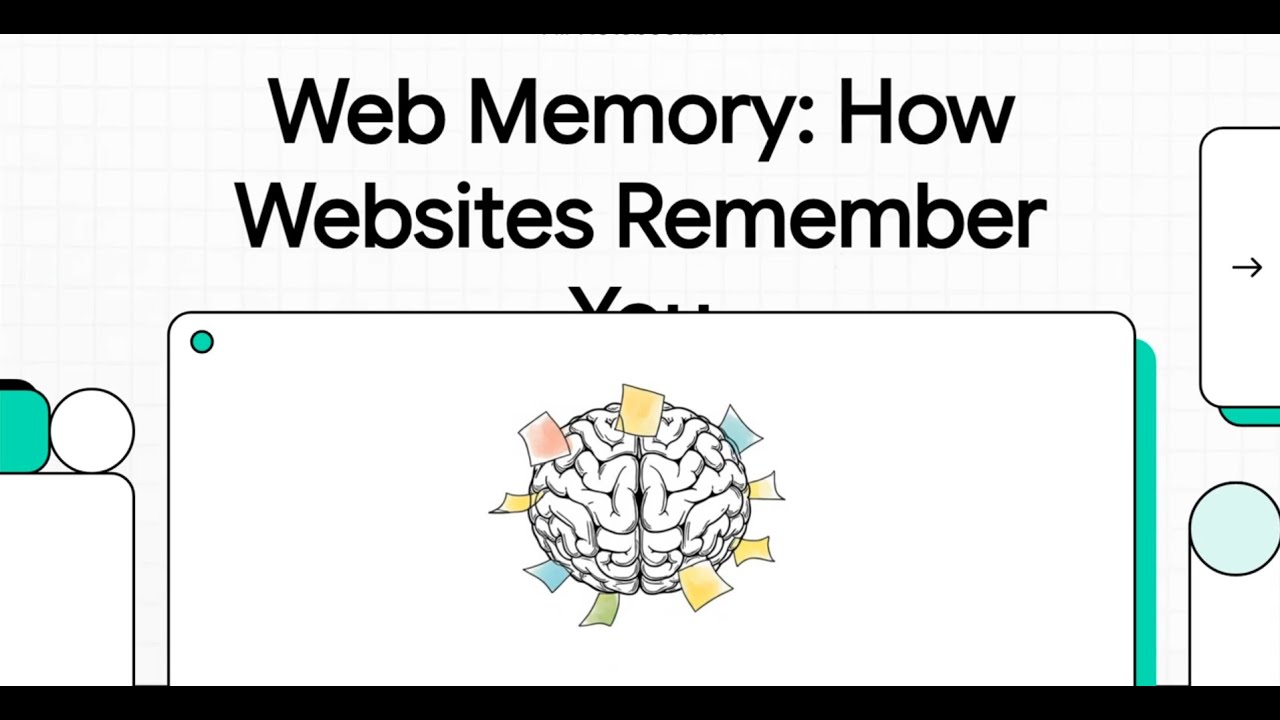
This video, part of the "Web Science and Fundamentals" series from the LearnByLLM channel, explores how websites remember user interactions. It begins by addressing the fundamental challenge of the web: the Hypertext Transfer Protocol (HTTP) is inherently "stateless," meaning it forgets previous interactions, treating every new request as if it's from a completely new user. This short memory would make essential web functions, like remembering items in a shopping cart or maintaining login status, impossible without special mechanisms.
The video then introduces and explains these crucial web memory mechanisms:
• Cookies: The oldest solution, cookies are described as small identification cards or name tags that a web server gives to your browser. These small text files contain a unique ID. When you first visit a site, the server sends a cookie to your browser, which stores it on your computer. For subsequent requests to that site, your browser automatically attaches a copy of this cookie, allowing the server to recognize you. Key features include their small size (around 4 kilobytes), storage on the client-side, expiration dates, and the fact that they are sent with every request, potentially increasing network traffic. Common uses are remembering login status, personal site settings (like dark theme), and user tracking for advertising.
• Sessions: Developed for greater security, sessions are likened to a locked cabinet in the store's back room. Instead of storing sensitive information directly on your computer, the server stores the main data (like shopping cart details) securely on its own memory. Your browser only receives a small key—a session ID—typically carried within a cookie. When you make subsequent requests, your browser sends this session ID, allowing the server to retrieve your specific session data. This method is much more secure for sensitive information.
• LocalStorage: This is a modern browser-based storage mechanism described as your personal, permanent digital wallet. Data stored here remains even after you close and reopen your browser. It offers a much larger storage capacity than cookies (around 5 to 10 megabytes) and, crucially, data is never automatically sent to the server. Use cases include storing settings for web applications that don't require server interaction or keeping drafts of long texts.
• SessionStorage: Similar to LocalStorage but temporary, SessionStorage is compared to your pants pocket. Information stored here is only available for the duration of the current browser tab or window and is cleared as soon as the tab or window is closed. This is ideal for holding temporary information for a specific visit, such as data filled in a multi-step form.
The video also provides a practical demonstration on how to view these web memory mechanisms. Users can access their browser's DevTools by pressing F12 and navigating to the "Application" tab to inspect Cookies, Local Storage, and Session Storage, viewing their values, domains, and expiration dates.
The video concludes by summarizing these concepts and teasing the next video, which will cover HTML, the foundational language for building web pages.

Информация по комментариям в разработке