Logo video2dn
  • Сохранить видео с ютуба
  • Категории
    • Музыка
    • Кино и Анимация
    • Автомобили
    • Животные
    • Спорт
    • Путешествия
    • Игры
    • Люди и Блоги
    • Юмор
    • Развлечения
    • Новости и Политика
    • Howto и Стиль
    • Diy своими руками
    • Образование
    • Наука и Технологии
    • Некоммерческие Организации
  • О сайте

Скачать или смотреть How to set daylight cycle function (=Simulation of Sunrise and Sunset)

  • WESTRO Tomasz Sylwestrowicz
  • 2024-08-12
  • 56
How to set daylight cycle function (=Simulation of Sunrise and Sunset)
  • ok logo

Скачать How to set daylight cycle function (=Simulation of Sunrise and Sunset) бесплатно в качестве 4к (2к / 1080p)

У нас вы можете скачать бесплатно How to set daylight cycle function (=Simulation of Sunrise and Sunset) или посмотреть видео с ютуба в максимальном доступном качестве.

Для скачивания выберите вариант из формы ниже:

  • Информация по загрузке:

Cкачать музыку How to set daylight cycle function (=Simulation of Sunrise and Sunset) бесплатно в формате MP3:

Если иконки загрузки не отобразились, ПОЖАЛУЙСТА, НАЖМИТЕ ЗДЕСЬ или обновите страницу
Если у вас возникли трудности с загрузкой, пожалуйста, свяжитесь с нами по контактам, указанным в нижней части страницы.
Спасибо за использование сервиса video2dn.com
Описание к видео How to set daylight cycle function (=Simulation of Sunrise and Sunset)

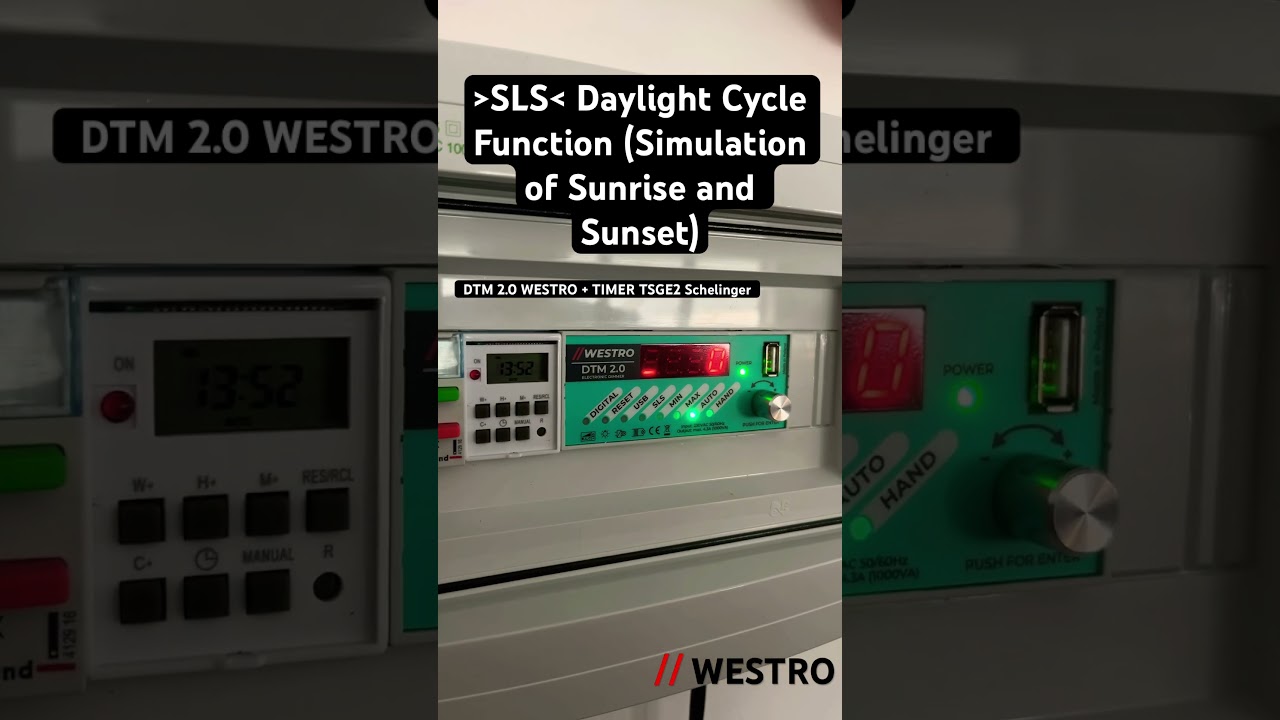
SLS - Daylight Cycle Function (=Simulation of Sunrise and Sunset)

The DTM 2.0 controller features a sunrise and sunset simulation function, allowing users to adjust lighting to match the natural day cycle. Users can independently define the dawn and dusk times, i.e., the time for lightening and dimming. The SLS function (Sunrise and Sunset Simulation) requires connection to an external clock, with its contacts connected to terminals 12 and L (phase). Shorting the clock contacts initiates the lightening process, while opening them initiates the dimming process.
By default, the Rise and Dimming time when SLS is selected is set to 30 and 15 minutes.
urn the knob to select the "SLS" option (= green LED), the display will show OFF if the function is disabled or ON if the function is enabled. Press the control knob to select the desired function and then confirm by pressing the knob. You can choose from the following settings:
"Lightening time settings" - horizontal lines move upwards on the display, time can be set in the range of 1-250 minutes, after selecting the appropriate value, press the knob to obtain an audio signal.
"Dimming time settings" - horizontal lines move downwards on the display, time can be set in the range of 1-250 minutes, after selecting the appropriate value, press the knob to obtain an audio signal.
"ON" - enables the SLS function,
"OFF" - disables the SLS function.
During operation in the SLS function, you can use manual control "HAND" at any time. The SLS function operates in the background until the scheduled cycle is completed.

Комментарии

Информация по комментариям в разработке

Похожие видео

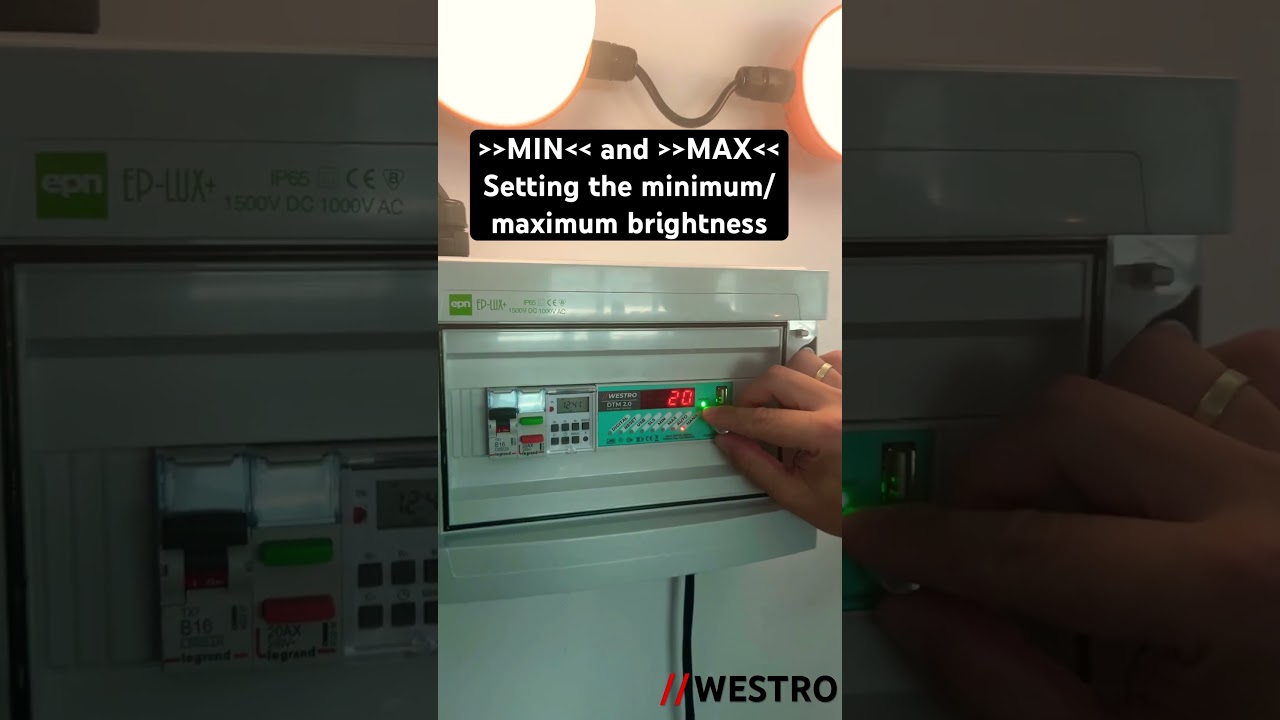
  • Setting the minimum/maximum brightness DTM2.0 #westro #dimmer #poultryequipment #henhouse
    Setting the minimum/maximum brightness DTM2.0 #westro #dimmer #poultryequipment #henhouse
    1 год назад
  • О нас
  • Контакты
  • Отказ от ответственности - Disclaimer
  • Условия использования сайта - TOS
  • Политика конфиденциальности

video2dn Copyright © 2023 - 2025

Контакты для правообладателей [email protected]