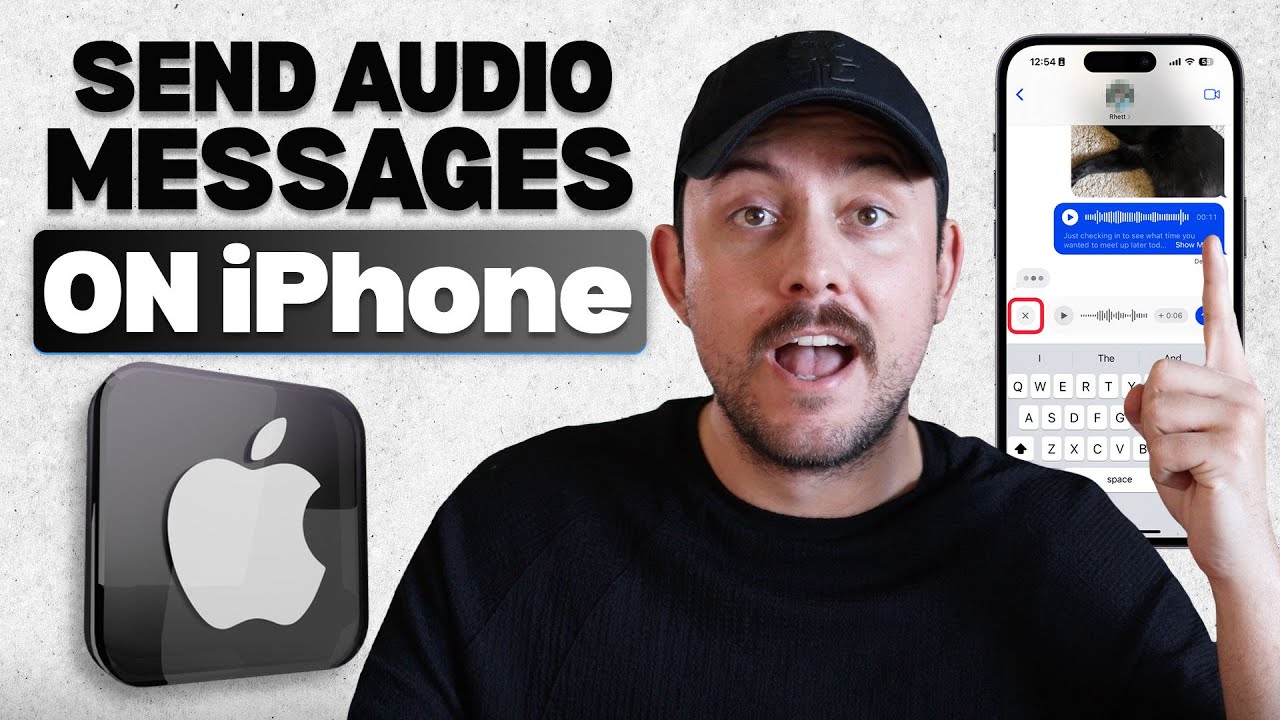
In this video, I’ll go over how to send audio messages on your iPhone using the built-in Messages app. I walk through how to open a conversation, tap the plus icon, and use the audio waveform tool to start recording. These steps make it easy to send a quick voice message with clear sound on any iPhone. This guide helps anyone who wants simple iPhone tips, faster texting, and easy iMessage features for daily conversations.
Be sure to watch this video all the way as I cover how to record a voice clip, check your audio, and send it inside the Messages app. I show how the audio button works, how long you can record, and how to manage each voice message before sending it. These details help you communicate faster with smooth iMessage tools on your iPhone. By the end, sending audio messages will feel natural, quick, and stress free.
iPhone audio messages give you a simple way to share clear voice clips, save time, and communicate in a more personal way. This recap highlights how to open Messages, tap the audio waveform, record clean audio, and send each voice message in seconds. These iPhone tips help with texting, daily chats, and basic iMessage features on any iPhone model. This video supports anyone wanting easy iOS tools, quick communication, and simple steps for sending audio messages.
If you want to see more tutorials, check out our other videos:
How to Transcribe Voice Memos on iPhone | Convert Audio to Text Easily
• How to Transcribe Voice Memos on iPhone | ...
How to Record Audio on iPhone with Voice Memos (Step-by-Step Tutorial)
• How to Record Audio on iPhone with Voice M...
Subscribe to our channel for easy-to-follow tutorials, tips, and tricks! GuideWise is here to help you learn new skills, solve problems, and make life easier.
Thank you for watching and have a great day!
– Brett
#iPhoneTips #iMessage #iOSGuide
Timeline:
0:00 - Introduction
0:06 - Opening Messages App
0:07 - Selecting Conversation
0:18 - Pressing Plus Icon and Tapping Audio Waveform
0:21 - Recording Voice Message
0:36 - Sending Message
Disclaimer: Some of the links above may be affiliate links, which means that if you click on them, I may receive a small commission. The commission is paid by the retailers at no cost to you, and this helps support our channel and keep our videos free. Thank you! All information in our videos is compiled from online sources and our own experience, and we encourage you to do your own research. We appreciate your support!

Информация по комментариям в разработке