Logo video2dn
  • Сохранить видео с ютуба
  • Категории
    • Музыка
    • Кино и Анимация
    • Автомобили
    • Животные
    • Спорт
    • Путешествия
    • Игры
    • Люди и Блоги
    • Юмор
    • Развлечения
    • Новости и Политика
    • Howto и Стиль
    • Diy своими руками
    • Образование
    • Наука и Технологии
    • Некоммерческие Организации
  • О сайте

Скачать или смотреть ST2512 Internal Hard Drive mobile rack Installation Guide

  • Unestech Store
  • 2024-12-16
  • 5
ST2512 Internal Hard Drive mobile rack Installation Guide
  • ok logo

Скачать ST2512 Internal Hard Drive mobile rack Installation Guide бесплатно в качестве 4к (2к / 1080p)

У нас вы можете скачать бесплатно ST2512 Internal Hard Drive mobile rack Installation Guide или посмотреть видео с ютуба в максимальном доступном качестве.

Для скачивания выберите вариант из формы ниже:

  • Информация по загрузке:

Cкачать музыку ST2512 Internal Hard Drive mobile rack Installation Guide бесплатно в формате MP3:

Если иконки загрузки не отобразились, ПОЖАЛУЙСТА, НАЖМИТЕ ЗДЕСЬ или обновите страницу
Если у вас возникли трудности с загрузкой, пожалуйста, свяжитесь с нами по контактам, указанным в нижней части страницы.
Спасибо за использование сервиса video2dn.com

Описание к видео ST2512 Internal Hard Drive mobile rack Installation Guide

Overview:
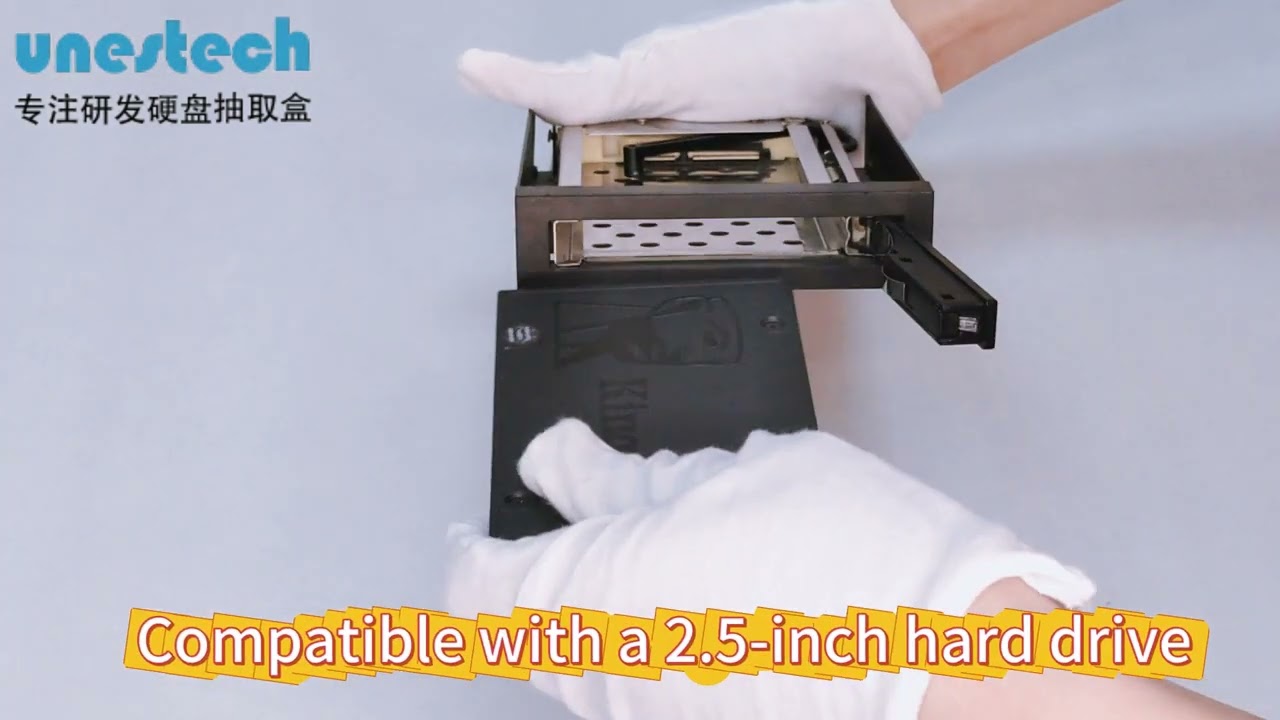
The ST2512 is a 2.5-inch SATA internal hard drive mobile rack designed for easy and tool-less hard drive replacement in various applications such as industrial environments, small servers, and transportation systems. It supports hot-swapping, allowing for the replacement of hard drives without shutting down the system or cutting power.

1. Interface and Connections:
The ST2512 has a SATA 15pin power interface and a SATA 7pin signal interface at the rear of the unit. These interfaces allow for connection to a SATA power source and data transfer.

2. Installation Process:

Ensure the system is powered off before beginning the installation.
Slide the hard drive into the ST2512 extraction box until it clicks into place.
Secure the hard drive with the provided screws through the side holes.
Connect the SATA 15pin power cable to the hard drive and the other end to a power source.
Connect the SATA 7pin signal cable to the hard drive and the other end to the SATA port on your system.

7. Hot Swapping:
The ST2512 supports hot-swapping, which means you can replace the hard drive without turning off the system or cutting power. This feature increases system resilience, expandability, and flexibility, reducing downtime due to hard drive failures.

Please ensure to follow all safety precautions and guidelines provided in the user manual when installing and using the ST2512. This guide provides a basic overview of the installation process, and for detailed technical specifications and additional support, refer to the user manual included with the product.

Unestech offical website: https://www.unestech.com
Unestech alibaba website: https://www.dgsuntec.en.alibaba.com
Any problem contact: [email protected]

Комментарии

Информация по комментариям в разработке

Похожие видео

  • О нас
  • Контакты
  • Отказ от ответственности - Disclaimer
  • Условия использования сайта - TOS
  • Политика конфиденциальности

video2dn Copyright © 2023 - 2025

Контакты для правообладателей [email protected]