Logo video2dn
  • Сохранить видео с ютуба
  • Категории
    • Музыка
    • Кино и Анимация
    • Автомобили
    • Животные
    • Спорт
    • Путешествия
    • Игры
    • Люди и Блоги
    • Юмор
    • Развлечения
    • Новости и Политика
    • Howto и Стиль
    • Diy своими руками
    • Образование
    • Наука и Технологии
    • Некоммерческие Организации
  • О сайте

Скачать или смотреть How to texture paint in Blender 2.8 with layers just like in Photoshop

  • globglob
  • 2018-12-19
  • 40108
How to texture paint in Blender 2.8 with layers just like in Photoshop
  • ok logo

Скачать How to texture paint in Blender 2.8 with layers just like in Photoshop бесплатно в качестве 4к (2к / 1080p)

У нас вы можете скачать бесплатно How to texture paint in Blender 2.8 with layers just like in Photoshop или посмотреть видео с ютуба в максимальном доступном качестве.

Для скачивания выберите вариант из формы ниже:

  • Информация по загрузке:

Cкачать музыку How to texture paint in Blender 2.8 with layers just like in Photoshop бесплатно в формате MP3:

Если иконки загрузки не отобразились, ПОЖАЛУЙСТА, НАЖМИТЕ ЗДЕСЬ или обновите страницу
Если у вас возникли трудности с загрузкой, пожалуйста, свяжитесь с нами по контактам, указанным в нижней части страницы.
Спасибо за использование сервиса video2dn.com

Описание к видео How to texture paint in Blender 2.8 with layers just like in Photoshop

QUICK ANSWER AT 1:10
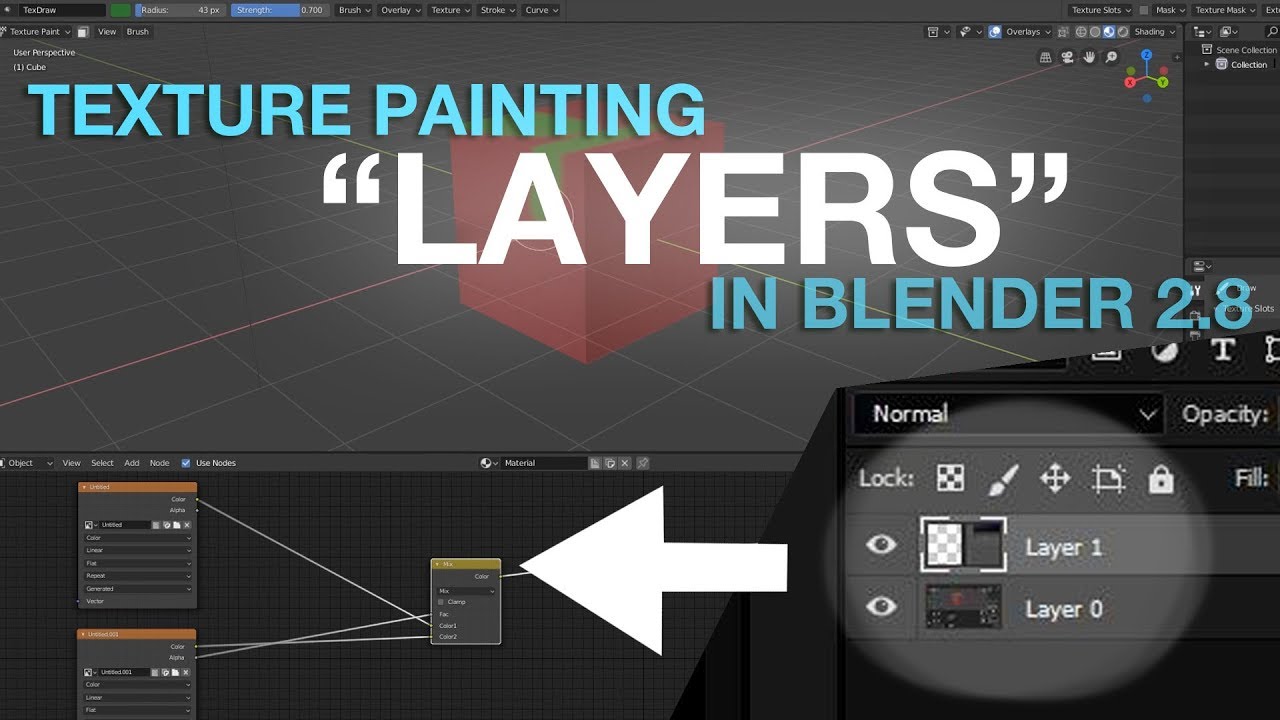
Create a new texture and change it's alpha value to 0, use the alpha as the factor of a mix node with this new texture on input 1 and the rest of your nodes on input 2.
---------------------
I've been extensively using the mix node in Blender but couldn't figure out how to simply add paint on top of my node setup without having to blend it or do some weird trick. The answer was actually so simple... hopefully it will help someone else!

You should also experiment with the different blending mode of the Mix node for adding shadows and highlights!

Instead of using an Alpha you can use a mask (a black and white texture, handpainted or from a noise node from example) as a factor to tell Blender where you want each of the two image texture to be applied. You can keep adding mix nodes after mix nodes to create some crazy textures, mixing procedural, handpainted, and image textures together seamlessly! And then baking all that to export to your game engine.

If you have any question please leave a comment and I'll try to help.

Join me on Discord:
  / discord  

More about me:
https://linktr.ee/globglob3d

Комментарии

Информация по комментариям в разработке

Похожие видео

  • О нас
  • Контакты
  • Отказ от ответственности - Disclaimer
  • Условия использования сайта - TOS
  • Политика конфиденциальности

video2dn Copyright © 2023 - 2025

Контакты для правообладателей [email protected]