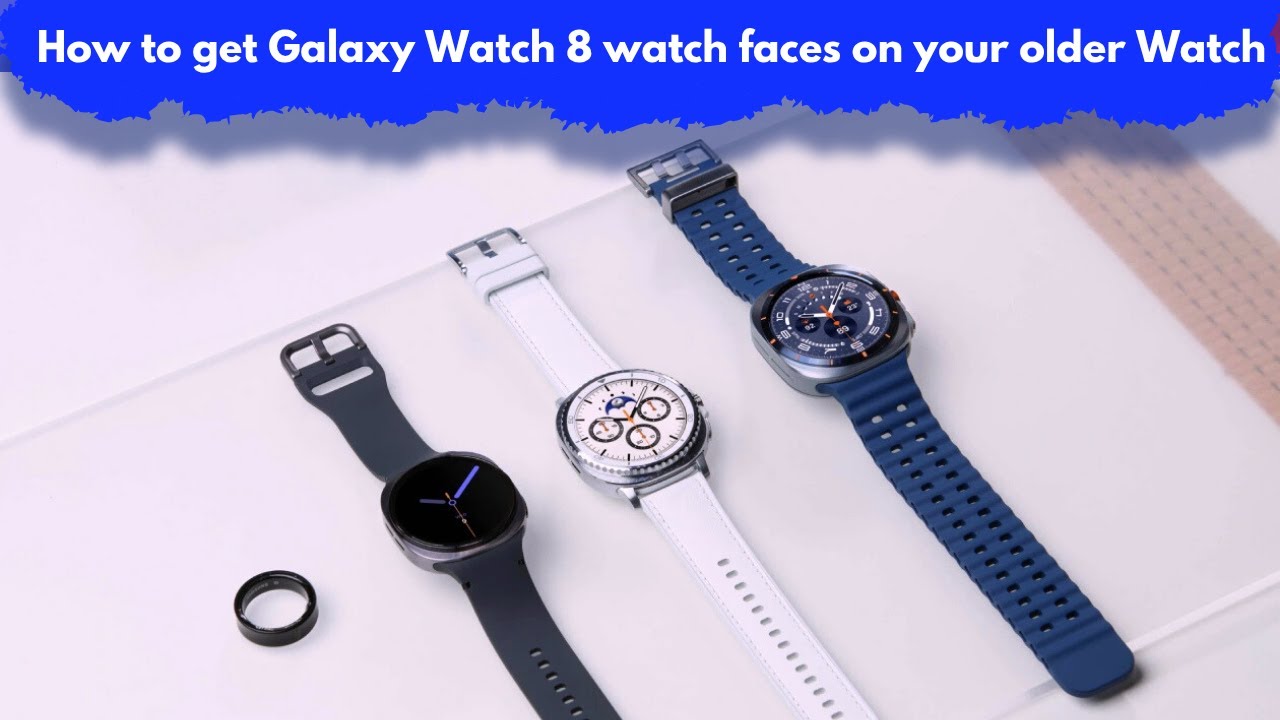
How to get Galaxy Watch 8 watch faces on your older Galaxy Watch?
Want the sleek Galaxy Watch 8 watch faces on your older Galaxy Watch? Good news — you can get the modern and stylish Watch 8 faces without upgrading your device!
In this video, I’ll show you step-by-step how to install Galaxy Watch 8 watch faces on older models like Galaxy Watch 4, 5, or 6. Whether you're using Wear OS or Samsung's One UI Watch, this guide is beginner-friendly and works smoothly.
🛠️ What You'll Learn:
Where to find Galaxy Watch 8 watch faces
How to sideload or install them via your phone
Tips to make them look and work like the real thing
Best apps and tools to use (e.g., Facer, WatchMaker)
⌚ Compatible with:
Galaxy Watch 4,
Galaxy Watch 5,
Galaxy Watch 6,
✨ Give your old Galaxy Watch a fresh new look with the latest design from Watch 8!
👍 Don’t forget to like, share, and subscribe for more smart watch tips and customization hacks.
#Tags:
#GalaxyWatch8, #GalaxyWatchFaces, #GalaxyWatchCustomization, #SamsungWatchTips, #WearOS, #GalaxyWatch4, #GalaxyWatch5, #GalaxyWatch6, #WatchFaceDownload, #SmartwatchTips, #FacerWatchFaces, #WatchFaceTutorial, #SamsungSmartWatch, #WearOSWatchFaces, #GalaxyWatchTricks,
Legal Disclaimer:
This tutorial is for educational purposes only. Smart4Home does not own, operate, host, resell, or distribute any streaming apps, add-ons, websites, IPTV services, or related content. The video may mention unverified services, and we cannot confirm whether they have the legal licenses required to distribute the content. It is the responsibility of the user to verify the legality of any app or service in their region. We strongly encourage streaming only content that is freely available in the Hisense VIDAA Smart TV: How to Install ANY Apps! domain. The end-user assumes full responsibility for any media accessed.
Информация по комментариям в разработке