Your Business Automated: http://yourbusinessautomated.com
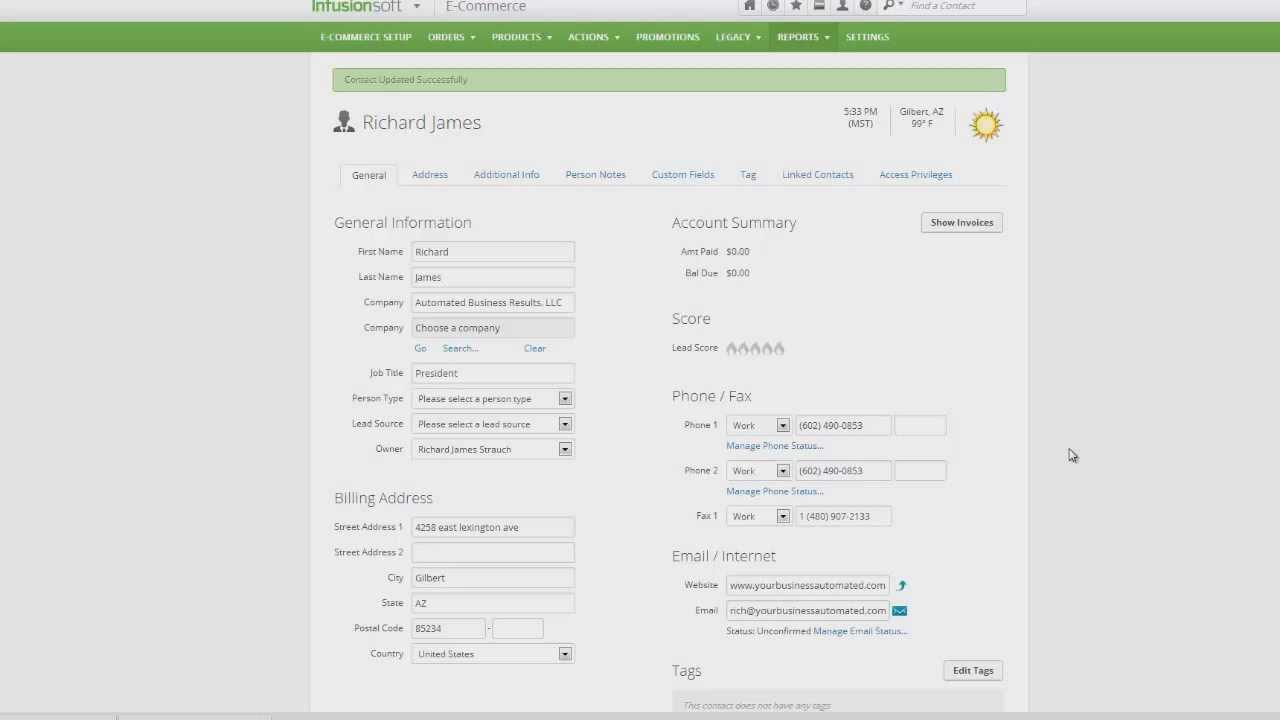
Hi, this is Richard James with Automated Business Results. I want to take a second today to show you exactly what and how you should do to run some reports that'll help you with your cash flow management. So quickly going to show you how to enter an order and then why that's important about cash flow, so let's go ahead and enter an order for me on my record here. You can see my record is here. Go down to orders and as soon as we get there, we can click on Add An Order, and we can go in here and we're going to name the order up here according to what we want, so I'm going to pretend I'm a bankruptcy firm here, so it's a Chapter 7 Filing or payment plan and today's date, and we're going to click save. Then I'm going to go ahead and I'm going to enter an item on here for me, and we do that, just pops up over here like this and I just type in Chapter 7 and we click on Save. It's $2600. That's what we should be charging for a Chapter 7. I know most of you might be freaking out if you're a bankruptcy attorney going there's no way. Then I'm going to say well, today, I'm going to make a payment of $200 when I hired the firm. So I'm going to say I made the $200 payment, and you can put in a credit card but for today, I'm going to just say that it's a cash payment. I'm going to click Save.
What's going to happen is you're going to get a payment plan on the other world here, right? So there's your payment plan. It shows that you have your next payment on the 13th. You've already paid this payment and according to this, you're current. Now if somebody comes in and wants to add more money to the account at some time in the future, you can simply change it. It's completely customizable. Let's say I want to pay another $400 on the account and it happens actually tomorrow and I'm going to pay cash. I'm going to hit Save. Now the question just has to be for them okay, so do you want that $400 in cash to go towards your future payments or do you want us to change the payment plan so you still make the payment next week? If they say they still want to make it so that it's next week, you have to change it. If they say no, just apply it towards it and I want to keep the same plan, then you keep it the same and the system automatically applies it and you print them off the receipt showing that they don't have a payment due until the 27th. If they want to change it, you just go in here and change this to $600, just like this, and you'll change it to the date that they paid it, which is the 30th. You're going to say okay, they're still going to make that next payment on the 13th but instead of 12 payments, now they're going to make 10 payments because we just paid another two payments, right?
Alright, there you go, customizable. Now we got a $200 payment today and $200 every two weeks. You can preview the invoice by clicking on it here. You can send the invoice by using the email invoice field. You can have the invoice emailed every time it goes out. These are all customizable, but here's the reason why this is important. Incidentally, if you're a bankruptcy firm, I recommend you put the filing fee on a separate order and that would be not on this order. This way you can track it separately and you can make the filing fee first payment start when this one's over so you could make it happen on 10, 15 or whatever. This way it won't show as a payment due.
So here's the All Sales Report. You would run it, and we could run it for today and show what sales came in today Here we go. It showed okay, I bought $2600, I paid $200 down, and I have a balance of zero because I'm on plan. If I wasn't on plan, that wouldn't show a balance zero or if I didn't have a payment plan, it wouldn't show a balance of zero, which is why the payment plan is important. The reason is so you can watch your cash flow later on. I'll show you that in a second.
The other report that's vital for you to be able to run is your Failed Invoice Report. We didn't have any failed invoice reports, so this is what happens when somebody misses a payment. This is where you'll actually be able to see who owes you money. When you run this report, you can run it for a date range, again, and you won't see any in here so when I run this, you see nothing because there are no failed reports but had we had one decline, you would see one show up there.

Информация по комментариям в разработке