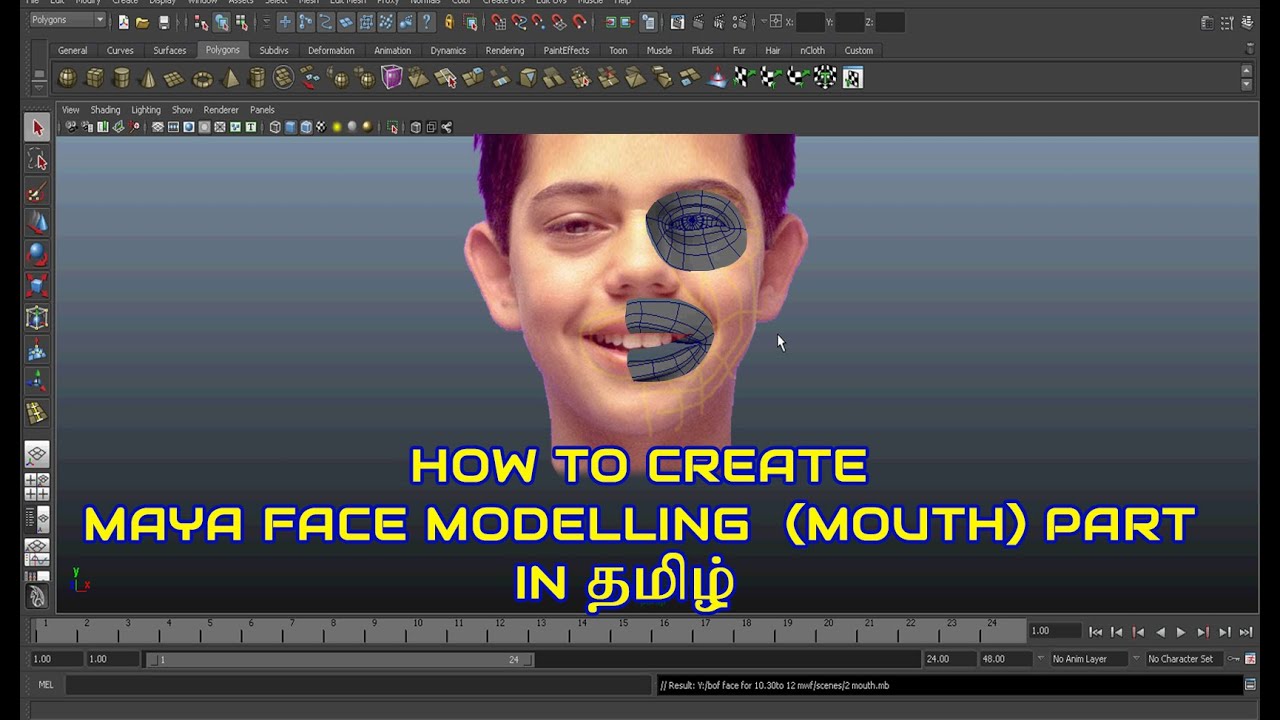
In this Maya modeling tutorial, Wei, discusses how to model the lips and mouth in Maya. He discusses topology and reference images to start the model. This is a low polygon modeling exercise which is useful for game development. The techniques taught here can be translated to any 3d modeling software.
In this project we will create a subdivision surface head using polygon tools. You will be modeling a head from given reference photography or your own head (you will need to take your own reference in this case). For this project we will be working in the Polygons menu set. Create a new Maya file to begin.
You should be familiar with the polygon tools and so the instructions for this assignment will be less explicit than previous projects, however new concepts will be explained. The tutorial below gives you a general idea for how to model a human head such as edge loop placement, but your model will vary in the specifics. You will want to make your head match your reference as closely as possible. Be sure to review the Image Plane prerequisite exercise so you can properly set up your reference images in Maya. Also be sure to go through the Subdivision Modeling exercise as there are important concepts to understand.
Before diving into modeling your head, it is a good idea to get a sense of how a human face is put together. Since we are so naturally attuned to human faces, it can be both daunting and challenging to try to model something that our brains can interpret so flawlessly. We can immediately pick up on little changes that can make or break the believability of your model. Since there is plenty of history to go off of in the arts when it comes to recreating the human figure, it's a good idea to look back and pull from what has already been established. When taking away all the technical and computational aspects, modeling essentially becomes sculpture. And since sculpting is such an old practice, we shall look at what it teaches us.
.......................................................................................................................
To know More:
AUTODESK MAYA 3D FACE MODELLING IN TAMIL | RIYAS TUTORIALS | #FACEMODEL1
• Видео
Adobe Photoshop Tutorial: Photoshop basics for beginners: • Adobe Photoshop Tutorial: Photoshop basics...
ADOBE PHOTOSHOP TOOLS FOR BEGINNERS TAMIL TUTORIALS #CLASS2
• ADOBE PHOTOSHOP CS6 TITLE ANIMATION IN TAM...
ADOBE PHOTOSHOP CS6 BRUSH & TRANSFORM TOOL IN TAMIL | RIYAS TUTORIALS |#CLASS3
https://www.youtube.com/watch?v=KkALt...
ADOBE PHOTOSHOP CS6 TITLE ANIMATION IN TAMIL #TextAnimation1
https://www.youtube.com/watch?v=t2989...
.....................................................................................................................
FOR PROMOTION CONTACT: 9940820068
modeling,3d modeling,character modeling,3d modeling (film job),face modeling,3d modeling (profession),modeling tutorial,head modeling,face modeling tutorial,3dmodeling,3d,maya face modeling tutorial,maya head modeling tutorial,character modeling tutorial,low poly modeling,maya modeling tutorial,head,blender,tutorial,plane modeling,face,max modeling,3d head modeling,maya modeling,face modeling blender 3d,character3d,3d model,face,3d modeling,3d models,3d face model,diy 3d face model,maya 3d face model,faces,3d head,face modeling,3d model of face,3d scanning,model,3d scan,3d face maker,3d head model,face model capture,3d face software,3d face topology,face model synthesis,how to 3d model,3d modeling (film job),2d to 3d face,3d face scan,make 3d face,image to 3d model,photo to 3d model,3d character

Информация по комментариям в разработке