Learn how to configure HttpTest to simulate slower response times using Flurl and improve your testing strategies.
---
This video is based on the question https://stackoverflow.com/q/63636575/ asked by the user 'reaz' ( https://stackoverflow.com/u/5711260/ ) and on the answer https://stackoverflow.com/a/63755399/ provided by the user 'Todd Menier' ( https://stackoverflow.com/u/62600/ ) at 'Stack Overflow' website. Thanks to these great users and Stackexchange community for their contributions.
Visit these links for original content and any more details, such as alternate solutions, latest updates/developments on topic, comments, revision history etc. For example, the original title of the Question was: How to simulate longer response time (not timeout) using HttpTest (flurl)
Also, Content (except music) licensed under CC BY-SA https://meta.stackexchange.com/help/l...
The original Question post is licensed under the 'CC BY-SA 4.0' ( https://creativecommons.org/licenses/... ) license, and the original Answer post is licensed under the 'CC BY-SA 4.0' ( https://creativecommons.org/licenses/... ) license.
If anything seems off to you, please feel free to write me at vlogize [AT] gmail [DOT] com.
---
Simulating Longer Response Times in HttpTest Using Flurl
Introduction
In the world of software development and testing, ensuring that our applications can handle varying response times is critical. If you've ever faced a scenario where you needed to simulate a longer response time in your unit tests, you might have wondered how to achieve this using HttpTest in the Flurl library. Unfortunately, this functionality isn’t directly supported. However, there are workarounds that you can use to create the effect of a slow response. In this guide, we'll explore how you can simulate longer response times while testing your applications effectively.
Understanding the Problem
When testing, especially with unit tests, the goal is to keep tests fast and efficient. However, there are situations, such as in integration tests, where simulating slower API responses could provide valuable insights on how your application behaves under these conditions. The challenge lies in configuring HttpTest, as it doesn’t readily allow for delays before returning a configured response, like those provided by the RespondWith* methods.
Solution Overview
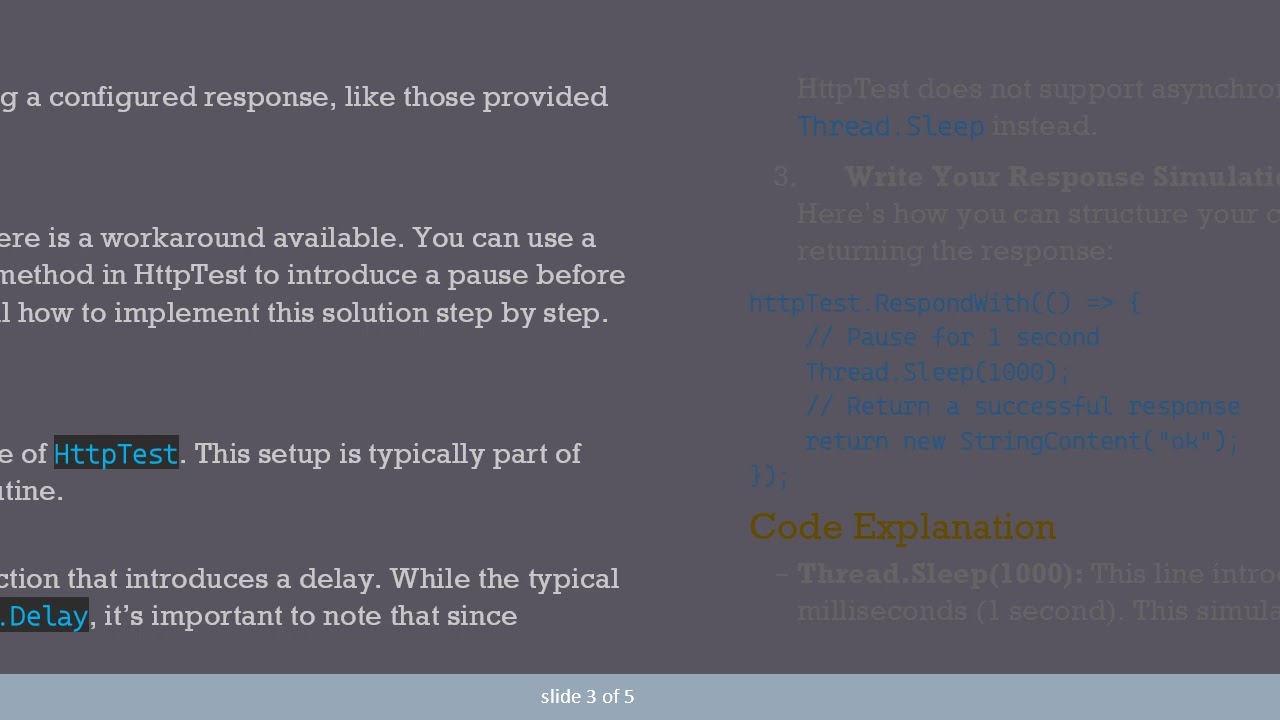
While it might seem like a limitation, there is a workaround available. You can use a low-level overload of the RespondWith method in HttpTest to introduce a pause before sending a response. Here, we will detail how to implement this solution step by step.
Step-by-Step Implementation
Setup Your HttpTest
To start, ensure you have an instance of HttpTest. This setup is typically part of your test method or initialization routine.
Utilizing RespondWith
You can use RespondWith with a function that introduces a delay. While the typical approach might suggest using Task.Delay, it’s important to note that since HttpTest does not support asynchronous operations in this context, we will use Thread.Sleep instead.
Write Your Response Simulation Code
Here’s how you can structure your code to add a delay of 1 second before returning the response:
[[See Video to Reveal this Text or Code Snippet]]
Code Explanation
Thread.Sleep(1000): This line introduces a pause in the execution for 1000 milliseconds (1 second). This simulates a slow server response effectively.
return new StringContent("ok");: After the pause, a simple “ok” response is returned, indicating that the server successfully handled the request.
Conclusion
Simulating longer response times can be a valuable addition to your testing toolkit, especially in integration testing scenarios. While HttpTest does not natively support this feature, utilizing the workaround with Thread.Sleep provides a simple and effective solution. By incorporating these techniques into your tests, you can ensure your application behaves correctly under various network conditions, ultimately leading to a more robust and user-friendly software.
Deploying this knowledge will enhance your testing strategy and help you to identify potential issues before they impact your users. Happy testing!

Информация по комментариям в разработке