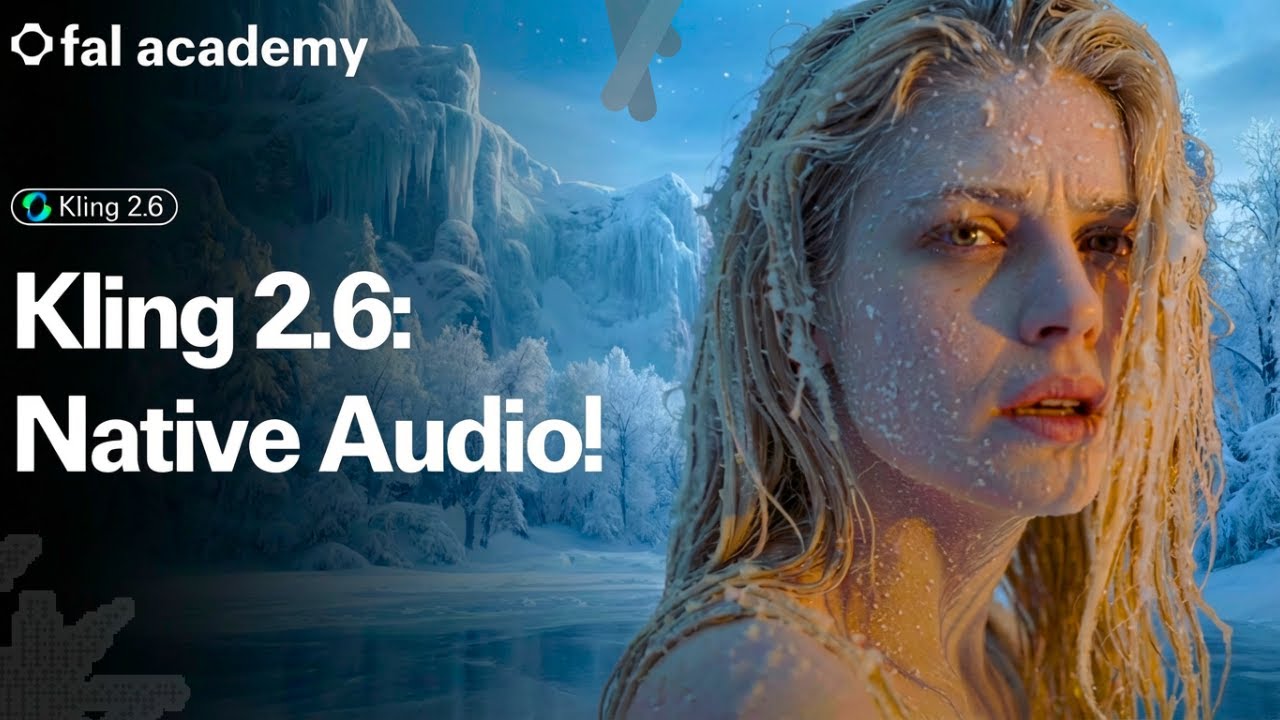
🚀 Welcome to the 13th episode of fal Academy!
This one is a huge evolution of AI video generation. Kling 2.6 is officially here, and for the first time ever, it brings native audio directly into video generation. In this video, we go deep into how Kling 2.6 generates video, voice, sound effects, and ambient audio in a single pass, how it performs in both image-to-video and text-to-video, and how you can easily run it on fal.
🔗 Links:
🌟 Kling 2.6 Model Pages:
Image-to-Video: https://fal.ai/models/fal-ai/kling-vi...
Text-to-Video: https://fal.ai/models/fal-ai/kling-vi...
🎥 About Kling 2.6
Kling 2.6 is the first true native audio-video generation model from Kling. Unlike previous “silent” video models, Kling 2.6 generates visuals, voiceovers, sound effects, and ambient atmosphere together in one unified generation, creating fully immersive videos without any post-production audio work.
With Kling 2.6, creators can generate:
Spoken monologues with natural lip sync
Full narration over visuals
Multi-character dialogue
Music performances including singing and rap
-Environmental ambience like wind, traffic, crowds, and ocean waves
Object and action sound effects like footsteps, glass breaking, slicing, and machinery
It excels at audio-visual synchronization, aligning voice rhythm, emotional tone, camera motion, and sound design into a single cohesive output. Whether you start from text or a single image, Kling 2.6 can instantly turn it into a fully produced, cinematic audio-visual scene.
Kling 2.6 supports both:
Text-to-Audio-Visual: Generate a complete voiced and sound-designed video from a single prompt
Image-to-Audio-Visual: Bring static images to life with motion, dialogue, and atmosphere
With full control over who speaks, what they say, emotion, pacing, and sound layering, Kling 2.6 turns AI video creation into something that finally feels like real directing, not just animation.
👉 Don’t forget to subscribe to fal Academy for upcoming tutorials, deep dives, and creative showcases. This is just the beginning!
Chapters:
0:00 - 00:09 - Intro
00:10 - 2:19 - Part 1: Image-to-Video
2:20 - 4:25 - Part 2: Text-to-Video
4:26 - 4:42 - Outro
Информация по комментариям в разработке