Logo video2dn
  • Сохранить видео с ютуба
  • Категории
    • Музыка
    • Кино и Анимация
    • Автомобили
    • Животные
    • Спорт
    • Путешествия
    • Игры
    • Люди и Блоги
    • Юмор
    • Развлечения
    • Новости и Политика
    • Howto и Стиль
    • Diy своими руками
    • Образование
    • Наука и Технологии
    • Некоммерческие Организации
  • О сайте

Скачать или смотреть How to Apply for e-Rozgaar Training Program | Application Process

  • e-Rozgaar Program
  • 2023-05-16
  • 1347
How to Apply for e-Rozgaar Training Program | Application Process
  • ok logo

Скачать How to Apply for e-Rozgaar Training Program | Application Process бесплатно в качестве 4к (2к / 1080p)

У нас вы можете скачать бесплатно How to Apply for e-Rozgaar Training Program | Application Process или посмотреть видео с ютуба в максимальном доступном качестве.

Для скачивания выберите вариант из формы ниже:

  • Информация по загрузке:

Cкачать музыку How to Apply for e-Rozgaar Training Program | Application Process бесплатно в формате MP3:

Если иконки загрузки не отобразились, ПОЖАЛУЙСТА, НАЖМИТЕ ЗДЕСЬ или обновите страницу
Если у вас возникли трудности с загрузкой, пожалуйста, свяжитесь с нами по контактам, указанным в нижней части страницы.
Спасибо за использование сервиса video2dn.com
Описание к видео How to Apply for e-Rozgaar Training Program | Application Process

Admissions for the next Online and On-Campus Training Batch are Open! 🌟📢


Want to apply? Follow this procedure to join the next training batch of e-Rozgaar’s Program:


1️⃣ Apply/Register on the Website 🖥️
Visit our website https://erozgaar.pitb.gov.pk, 🔗 click apply/register, and register yourself by submitting your personal, educational, training mode, and course track details. 📝


2️⃣ Log in to Candidate Portal 🔐
After successful registration, you’ll receive the candidate portal login username and password on your registered email and contact number. Log in to the candidate portal using that information. 💻


3️⃣ Attempt Test 📚
After logging in to your portal, you will be asked to attempt a test. the test is compulsory to complete the application. Every candidate has 72 hours to attempt the test after registration. ⏳


4️⃣ Wait for Shortlisting 📋
Merit lists of shortlisted candidates will be announced after the admissions are closed. Candidates will be informed via email/SMS. (within a month) 📩📱


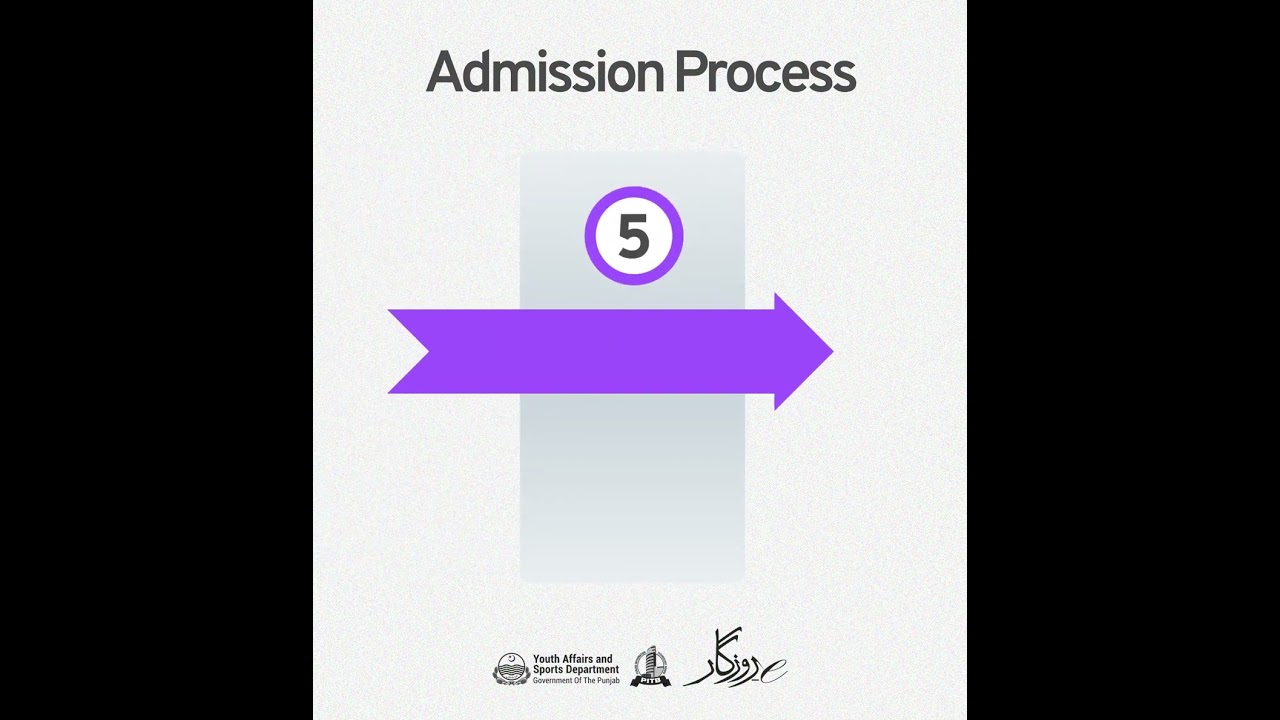
5️⃣ Document Verification 📄
Shortlisted candidates will upload their documents by logging in to their candidate portal. 📂


6️⃣ Wait for Classes 🎓
Candidates with verified documents will be called for classes. ⏳


⚠️ If you skip any of the mentioned steps, you will not be able to join e-Rozgaar Training Program. ⛔


❓ Questions? Ask us in the comments. 💬


#HumSikhaye_AapKamaye #eRozgaar #ہم_سکھائیں_آپ_کمائیں #Freelancing #DigitalSkills #YouthEmpowerment #Technical #ContentMarketingandAdvertising #CreativeDesign #ecommerce #digitalmarketing #socialmediamarketing #uiuxdesign

Комментарии

Информация по комментариям в разработке

Похожие видео

  • What Is Git & Github ? #coding #shorts #softwareengineer
    What Is Git & Github ? #coding #shorts #softwareengineer
    2 года назад
  • О нас
  • Контакты
  • Отказ от ответственности - Disclaimer
  • Условия использования сайта - TOS
  • Политика конфиденциальности

video2dn Copyright © 2023 - 2025

Контакты для правообладателей [email protected]