Logo video2dn
  • Сохранить видео с ютуба
  • Категории
    • Музыка
    • Кино и Анимация
    • Автомобили
    • Животные
    • Спорт
    • Путешествия
    • Игры
    • Люди и Блоги
    • Юмор
    • Развлечения
    • Новости и Политика
    • Howto и Стиль
    • Diy своими руками
    • Образование
    • Наука и Технологии
    • Некоммерческие Организации
  • О сайте

Скачать или смотреть Hello WatchKit 1: Apple Watch Simulator

  • happywatch
  • 2015-01-15
  • 9765
Hello WatchKit 1: Apple Watch Simulator
Apple Inc. (Publisher)Apple WatchSoftware (Industry)Tutorial (Media Genre)Xcode (Software)IOS (Operating System)
  • ok logo

Скачать Hello WatchKit 1: Apple Watch Simulator бесплатно в качестве 4к (2к / 1080p)

У нас вы можете скачать бесплатно Hello WatchKit 1: Apple Watch Simulator или посмотреть видео с ютуба в максимальном доступном качестве.

Для скачивания выберите вариант из формы ниже:

  • Информация по загрузке:

Cкачать музыку Hello WatchKit 1: Apple Watch Simulator бесплатно в формате MP3:

Если иконки загрузки не отобразились, ПОЖАЛУЙСТА, НАЖМИТЕ ЗДЕСЬ или обновите страницу
Если у вас возникли трудности с загрузкой, пожалуйста, свяжитесь с нами по контактам, указанным в нижней части страницы.
Спасибо за использование сервиса video2dn.com

Описание к видео Hello WatchKit 1: Apple Watch Simulator

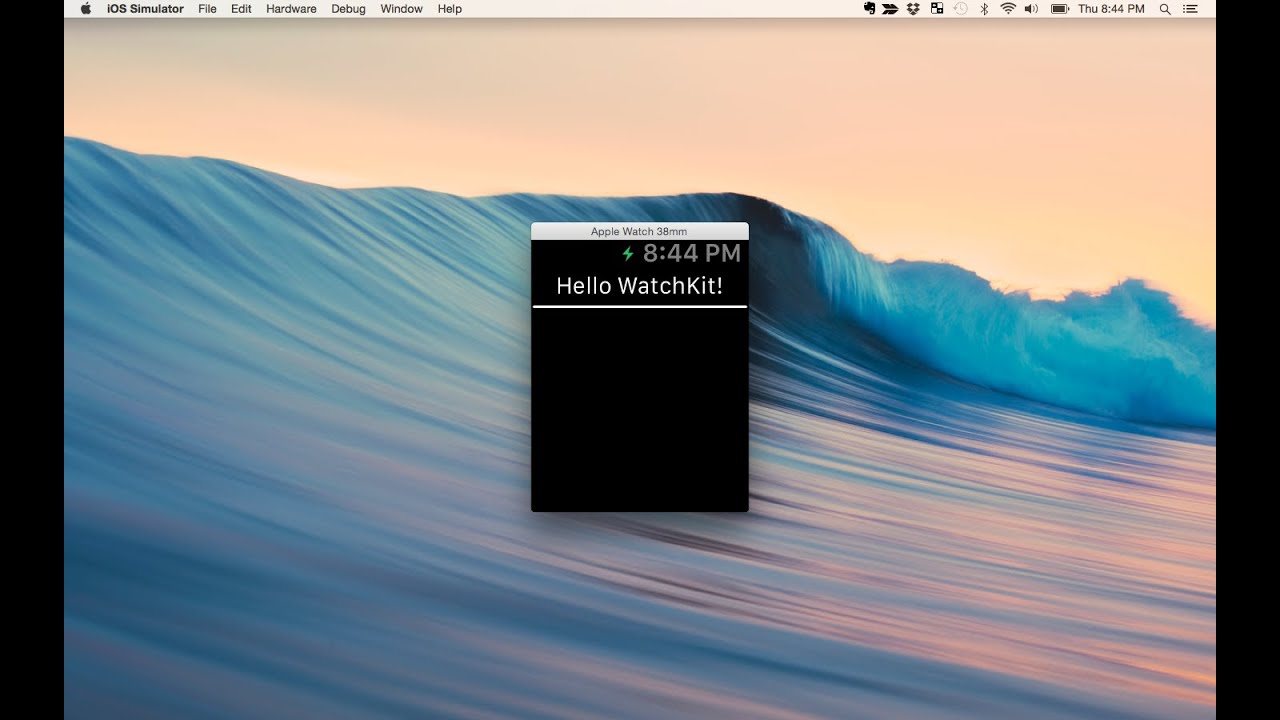
We walk through building a simple "Hello World" app with Xcode. Then we run it in the iOS Simulator for Apple Watch.

This is a multi-part video tutorial series. Subscribe to be notified when the next episode releases:    / @happywatch  

Download the finished code from GitHub: https://github.com/happywatch/hello-w...

Latest tutorials: http://happy.watch
Twitter:   / happywatchblog  
Facebook:   / happywatchblog  

THIS EPISODE

Create a new target for a WatchKit App. Activate the new build scheme. Inspect the files that are produced in the Project Navigator. In the WatchKit Extension, you'll notice the Interface Controller. In the Watch App, you'll notice the Storyboard.

Drag a label and a separator object onto the interface. Open the Assistant Editor and create an outlet for the label. In the awakeWithContext function, call setText on the label.

Build and run the app to see it in the iOS Simulator for Apple Watch.

CREDITS

Swift coach: @benmorrow

Intro jingle from http://bensound.com

Комментарии

Информация по комментариям в разработке

Похожие видео

  • О нас
  • Контакты
  • Отказ от ответственности - Disclaimer
  • Условия использования сайта - TOS
  • Политика конфиденциальности

video2dn Copyright © 2023 - 2025

Контакты для правообладателей [email protected]