Logo video2dn
  • Сохранить видео с ютуба
  • Категории
    • Музыка
    • Кино и Анимация
    • Автомобили
    • Животные
    • Спорт
    • Путешествия
    • Игры
    • Люди и Блоги
    • Юмор
    • Развлечения
    • Новости и Политика
    • Howto и Стиль
    • Diy своими руками
    • Образование
    • Наука и Технологии
    • Некоммерческие Организации
  • О сайте

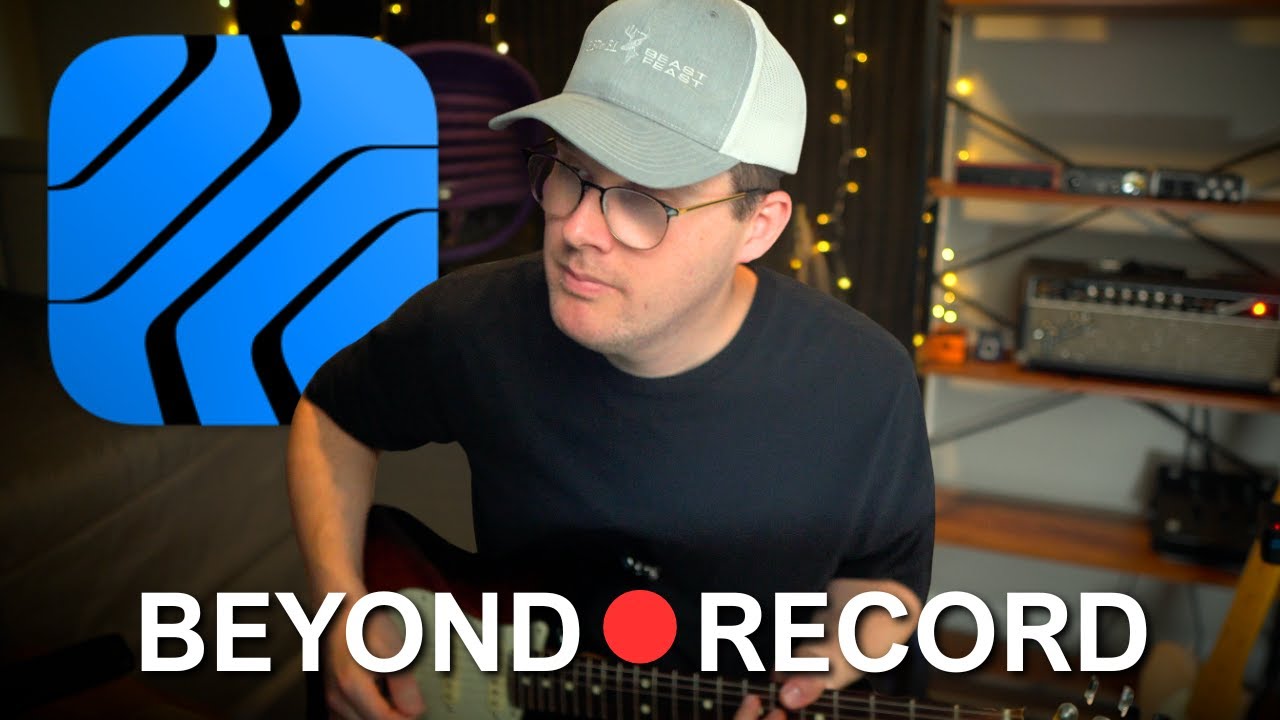
Скачать или смотреть These Studio One Settings Will Change How You Record!

  • The Home Studio Producer
  • 2025-08-22
  • 2673
These Studio One Settings Will Change How You Record!
Studio One 7Recording in Studio OnePre-Roll RecordingCount in for recordingDAW RecordingHome StudioHome studio tutorialsmusic productionMusic education
  • ok logo

Скачать These Studio One Settings Will Change How You Record! бесплатно в качестве 4к (2к / 1080p)

У нас вы можете скачать бесплатно These Studio One Settings Will Change How You Record! или посмотреть видео с ютуба в максимальном доступном качестве.

Для скачивания выберите вариант из формы ниже:

  • Информация по загрузке:

Cкачать музыку These Studio One Settings Will Change How You Record! бесплатно в формате MP3:

Если иконки загрузки не отобразились, ПОЖАЛУЙСТА, НАЖМИТЕ ЗДЕСЬ или обновите страницу
Если у вас возникли трудности с загрузкой, пожалуйста, свяжитесь с нами по контактам, указанным в нижней части страницы.
Спасибо за использование сервиса video2dn.com

Описание к видео These Studio One Settings Will Change How You Record!

🛍️ My Amazon Gear List: https://amzlink.to/az0ukaevU72xY

CORRECTION: Input Quantization only applies to MIDI Tracks. To quantize your audio tracks simply hit Q after recording.

Here are several Studio One Record settings that are some-what hidden in the interface! In this tutorial, I’ll show you how to use Pre-Roll, Pre-Count, Pre-Record, Auto Punch, and Post Roll to take your recording sessions beyond simply hitting record. Stop missing your cues, fix mistakes faster, and discover features most Studio One users never touch. Post-Roll is a feature unique to Presonus Studio One version 7 users, but most of the other record functions will apply for version 5, and 6 users as well.

🛍️ Gear Used In This Video:
Boss Tuner Pedal: https://amzn.to/4mREcnX
Boss Blues Driver: https://amzn.to/3HzoCi1
Reverb Pedal: https://amzn.to/3JmVQll
Fender Stratocaster (Mine is a version 1, here is version 2): https://amzn.to/41mgJ6h

⏰ Timestamps
0:00 Intro
1:00 How most people simply hit record in Presonus Studio One
1:44 How to enable Pre-Recording for your audio in Studio One
2:58 Pre-recording in action
4:32 How to enable Pre-Count in the record panel of Studio One
6:00 How to change the Pre-Count length
6:47 What is Auto-Punch?
8:51 Improve your Auto-Punch by using Post-Roll
10:36 Layers and takes within Studio One
13:42 How to enable Input Quantization in Studio One

✋ Disclaimer: Some links are affiliate links which means if you buy something I may make a small commission at no additional cost to you. As an Amazon Associate, I earn from qualifying purchases.

Комментарии

Информация по комментариям в разработке

Похожие видео

  • О нас
  • Контакты
  • Отказ от ответственности - Disclaimer
  • Условия использования сайта - TOS
  • Политика конфиденциальности

video2dn Copyright © 2023 - 2025

Контакты для правообладателей [email protected]