Logo video2dn
  • Сохранить видео с ютуба
  • Категории
    • Музыка
    • Кино и Анимация
    • Автомобили
    • Животные
    • Спорт
    • Путешествия
    • Игры
    • Люди и Блоги
    • Юмор
    • Развлечения
    • Новости и Политика
    • Howto и Стиль
    • Diy своими руками
    • Образование
    • Наука и Технологии
    • Некоммерческие Организации
  • О сайте

Скачать или смотреть Nomadic Watches | How-To Guide - Fíor 555 GMT

  • Nomadic Watches
  • 2025-01-24
  • 949
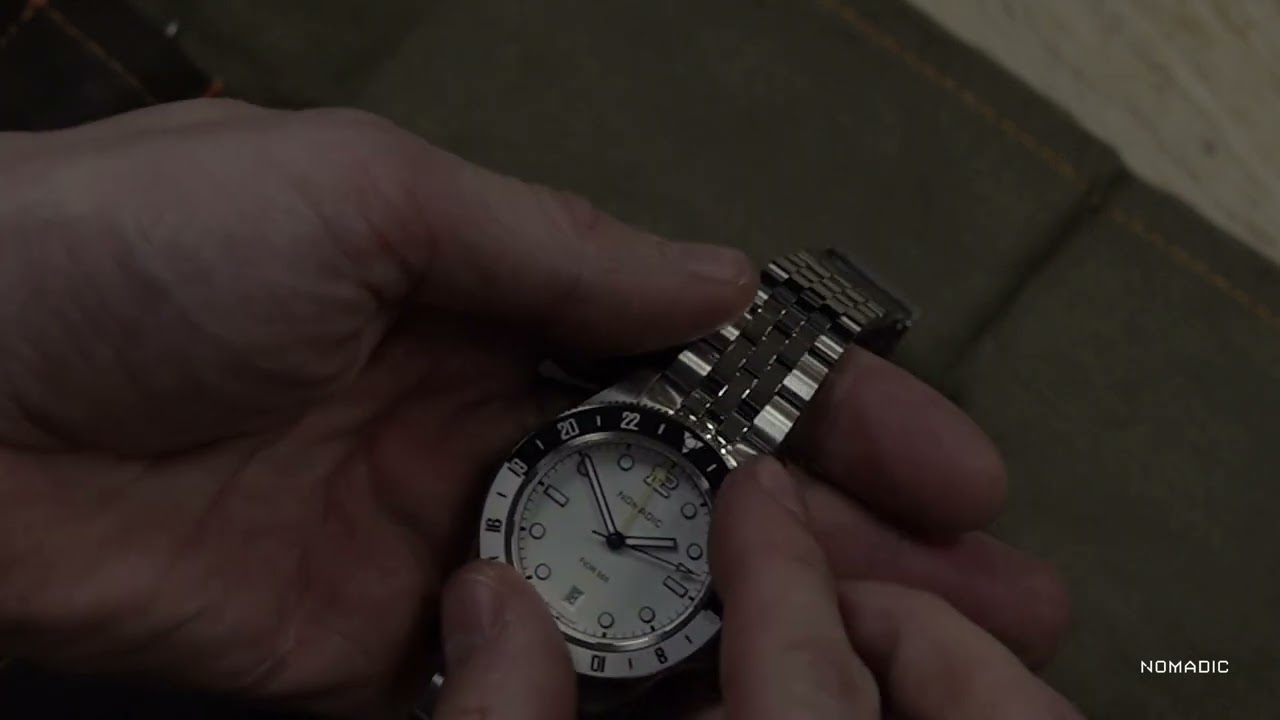
Nomadic Watches | How-To Guide - Fíor 555 GMT
  • ok logo

Скачать Nomadic Watches | How-To Guide - Fíor 555 GMT бесплатно в качестве 4к (2к / 1080p)

У нас вы можете скачать бесплатно Nomadic Watches | How-To Guide - Fíor 555 GMT или посмотреть видео с ютуба в максимальном доступном качестве.

Для скачивания выберите вариант из формы ниже:

  • Информация по загрузке:

Cкачать музыку Nomadic Watches | How-To Guide - Fíor 555 GMT бесплатно в формате MP3:

Если иконки загрузки не отобразились, ПОЖАЛУЙСТА, НАЖМИТЕ ЗДЕСЬ или обновите страницу
Если у вас возникли трудности с загрузкой, пожалуйста, свяжитесь с нами по контактам, указанным в нижней части страницы.
Спасибо за использование сервиса video2dn.com

Описание к видео Nomadic Watches | How-To Guide - Fíor 555 GMT

Instructions for Setting a GMT Watch

1. Unscrew the Crown

Turn the crown counterclockwise to unscrew it. This will pop the crown out to its neutral position.

In this position, you can wind the watch to store power in the power reserve.
Turn the crown clockwise about 40 times to fully wind the watch when you first use it.

2. Set the Date

Pull the crown out one click to enter the date-setting position.

Turn the crown anti-clockwise to adjust the date.

Avoid setting the date between 9 PM and 3 AM, as the date-changing mechanism could be engaged and may be damaged.

3. Set the GMT Hand

To adjust the GMT hand, turn the crown in the opposite direction from the one used to set the date.

Align the GMT hand with the desired time zone, typically referenced on the 24-hour scale of the watch dial or bezel.

4. Set the Local Time

Pull the crown out one more click (to the furthest position) to enter the time-setting mode.

Turn the crown to set the local time.

Be mindful of the AM/PM cycle when setting the time, as the hour hand completes a 12-hour cycle.

5. Secure the Crown

Once all settings are adjusted, push the crown back to the neutral position.

Screw the crown back in by turning it clockwise to ensure it is secure and the watch maintains its water resistance.

Комментарии

Информация по комментариям в разработке

Похожие видео

  • О нас
  • Контакты
  • Отказ от ответственности - Disclaimer
  • Условия использования сайта - TOS
  • Политика конфиденциальности

video2dn Copyright © 2023 - 2025

Контакты для правообладателей [email protected]