Logo video2dn
  • Сохранить видео с ютуба
  • Категории
    • Музыка
    • Кино и Анимация
    • Автомобили
    • Животные
    • Спорт
    • Путешествия
    • Игры
    • Люди и Блоги
    • Юмор
    • Развлечения
    • Новости и Политика
    • Howto и Стиль
    • Diy своими руками
    • Образование
    • Наука и Технологии
    • Некоммерческие Организации
  • О сайте

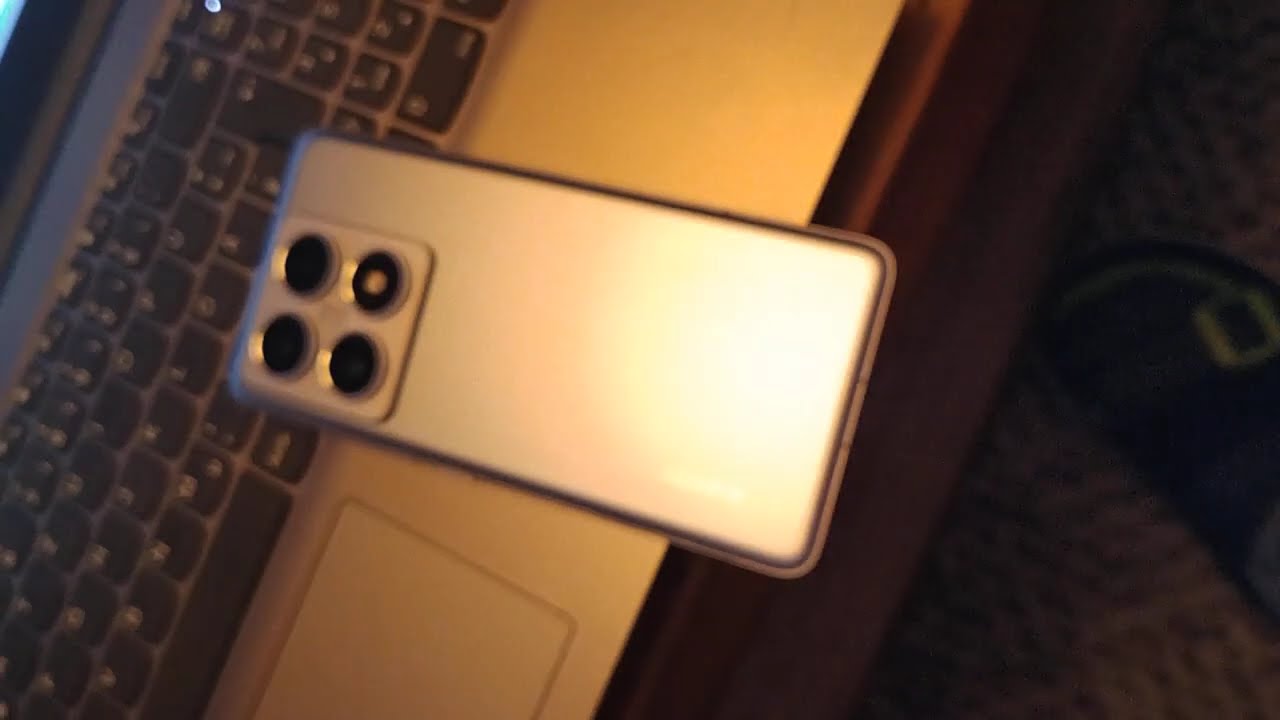
Скачать или смотреть Xiaomi 14T Pro heavy Battery drain

  • Cyberartist / Cybotron71 (Marco Vernaglione)
  • 2025-12-04
  • 98
Xiaomi 14T Pro heavy Battery drain
  • ok logo

Скачать Xiaomi 14T Pro heavy Battery drain бесплатно в качестве 4к (2к / 1080p)

У нас вы можете скачать бесплатно Xiaomi 14T Pro heavy Battery drain или посмотреть видео с ютуба в максимальном доступном качестве.

Для скачивания выберите вариант из формы ниже:

  • Информация по загрузке:

Cкачать музыку Xiaomi 14T Pro heavy Battery drain бесплатно в формате MP3:

Если иконки загрузки не отобразились, ПОЖАЛУЙСТА, НАЖМИТЕ ЗДЕСЬ или обновите страницу
Если у вас возникли трудности с загрузкой, пожалуйста, свяжитесь с нами по контактам, указанным в нижней части страницы.
Спасибо за использование сервиса video2dn.com

Описание к видео Xiaomi 14T Pro heavy Battery drain

Disclaimer: The Video is self recorded and it is my Xiaomi device. It just for to be able to post. The information is in the textlines below:

I bought a Xiaomi 14T Pro last month (October 2025) and encountered Heavy Battery drain.

The ideas to optimize uninstalling Bloatware were good to reduce or avoid ADs coming from system installed software like Game App Centers etc.

But they did not help to avoid the heavy battery drain. After much research and experimentation, i found the culprit.

It is the Xiaomi Hyper AI Engine.

So for better Usable device Time, one can "uninstall" Xiaomi Hyper AI Engine, if one has no interest in AI supported features, or can temporarely disable this by kill the Process.

To kill the Xiaomi Hyper AI engine, go to the Quicksettings, go to edit them, add the symbol for Active Apps. Save it. Then tap on it and you see Xiaomi Hyper AI Engine. Tap on Quit/Stop.

Before, after charging to 100%, i had drain from 100% to 94% over night, in Ultimate Energy saver mode.

After stopping the AI process, i had 100% at night after charging and was 100% at the morning after 7 hours.

Disantvantage: If you want to use AI Features you must restart your phone before.

If one has no indent to use AI assisted features, could completely disable the AI Functions, by "uninstall" Xiaomi Hyper AI Engine, using ADB App Control.

For more battery available time then i also "Uninstalled" the Google AI Core, and the Gemini app. The Device now is behaving like a good mobile phone with no excessive battery drain!


No disantantages encontered, but the lack of AI assisted Stuff, which i do not need.


#xiaomi
#battery
#batterylife
#xiaomihyperos2
#batterydrain
#aicore
#gemini

Комментарии

Информация по комментариям в разработке

Похожие видео

  • О нас
  • Контакты
  • Отказ от ответственности - Disclaimer
  • Условия использования сайта - TOS
  • Политика конфиденциальности

video2dn Copyright © 2023 - 2025

Контакты для правообладателей [email protected]