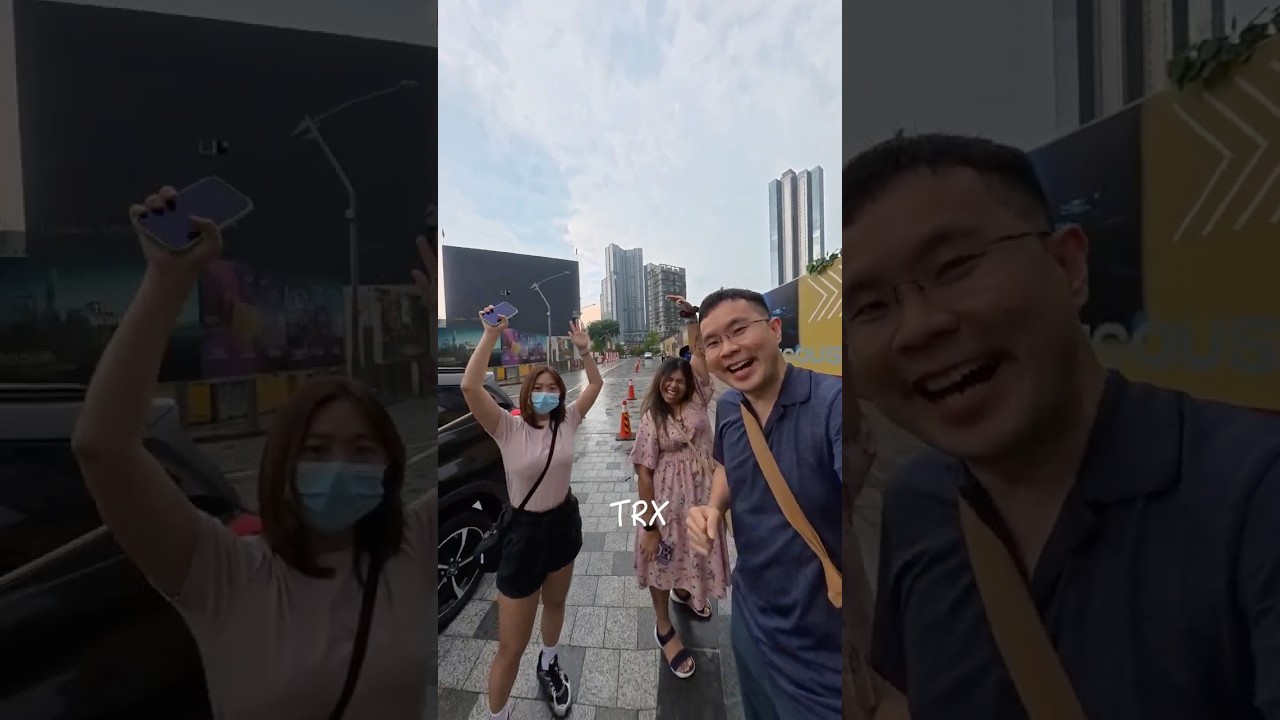
Filmed with the @DJI Osmo 360 and edited on its proprietary app, DJI Studio — which still lacks many basic editing features.
I was already aware of that, but when I tried to edit at my own pace and workflow, I found many flaws and missing functions I needed most.
So, if you’re planning a seamless transition from @insta360 to DJI’s ecosystem for 360 video editing, the answer is no — Insta360 is still the clear leader.
As usual, influencers, YouTubers, and KOLs — who often have sponsorships or agreements with DJI — won’t mention that DJI Studio is still in its early stage and not truly built for professional video editing.
For example, I can’t bulk-select or zoom out to view the full timeline using keyboard shortcuts. I’m used to pressing Shift + Z to fit the entire timeline on screen. In DJI Studio, I have to rely on the traditional method of clicking zoom in/out repeatedly just to see the whole video.
While this is still acceptable, I hope DJI improves export rendering speed in future updates.
Also, all movements — zoom in or out — require manual keyframes, which is very time-consuming. On the bright side, it forces me to learn fine-tuning, but it reminds me too much of Adobe After Effects, where you have to create a keyframe before adding the next one for animation or movement.
I also tried the DJI Mimo app for editing 360 videos, but it’s not great. I’d rather transfer everything to a laptop where I can use a larger screen and have granular control over scenes, coverage, and animations. Even basic tasks like trimming the front and back of a clip aren’t intuitive, and I need to rewire my workflow compared to apps like @CapCutofficial.
At one point, I simply edited frames and zooming in DJI Mimo, exported the clip, and then used Instagram’s Edits app to adjust things like playback speed for certain sections.
Hopefully, new updates will make 360 video editing easier. I expect DJI will eventually develop plug-in modules for popular editors. Right now, only @Adobe Premiere Pro is supported — but I hope DaVinci Resolve, Final Cut Pro X, and even CapCut will soon support seamless 360 editing too.
By the way, I didn’t use a lens protector with my DJI Osmo 360 — I recorded fully “naked.” I may buy one in the future for protection, but we all know adding anything in front of the lens can cause funky image issues. So far, though, I haven’t seen major problems from other users’ footage.
I also have the latest DJI Mic 3, which connects perfectly with the Osmo 360. Next, I’ll test it in a talking/vlogging setup so you can hear the quality of this tiny but powerful mic.

Информация по комментариям в разработке