(READ FULL DESCRIPTION TO FIND OUT HOW TO REMOVE SHINY LOCKS IN SWORD/SHIELD)
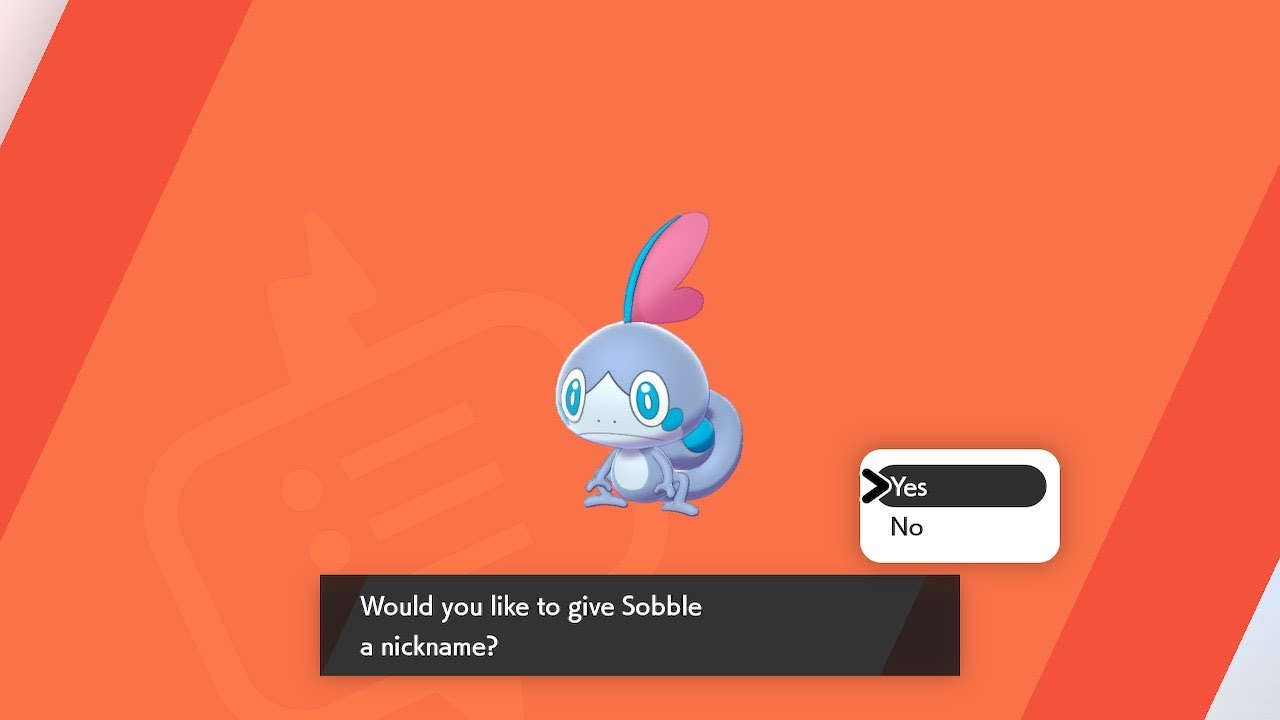
Shiny Sobble is mine! Quite befitting of the chameleon that it is, the final shiny starter of the Galar trio was quite the mercurial and elusive beauty, and took a fair bit longer than Scorbunny did to reveal its true colours to me - though thankfully not close to as long as Grookey took!
I was dedicating as much time as I could to hunting Sobble over the past week, as I wanted to obtain it not only before Pokemon: Legends Arceus releases, but also before a large Smash Bros. tournament occurring on Saturday that I had sacrificed doing any practice whatsoever for, solely because I was a man possessed when it came to finding all 3 shiny Galar starters by the end of January - I CRAVED to finish the set as soon as I could! Thankfully, my newfound determination has been rewarded in due kind, as not only have I completed the Galar shiny starter set, but I have also obtained every single shiny starter in series history as of writing too!
From shiny Treecko all the way back in December 2008, to shiny Sobble in January of 2022 - it's really a fantastic feat, even if this is the 4th time I've obtained every shiny starter, as new games continually get released and add even more wonderful shinies to hunt for! I'm not sure whether I'll bother with hunting the starters in Legends Arceus yet, but, if hunting the Galar starters by removing the shiny locks in Sword/Shield have shown you anything, it's to never count any kind of hunt out! ;)
HOW TO HUNT SHINY LOCKED POKEMON IN SWORD/SHIELD:
Step 1: Check if your Switch can be patched. If it can, jailbreak it! Comprehensive guide on how to jailbreak your Switch: https://nh-server.github.io/switch-gu...
Step 2: Dump your copy of Pokemon Sword/Shield using NXDumpTool, including the necessary update data with the Isle of Armour and Crown Tundra DLC.
Step 3: Rip the RomFS & ExeFS directories of your copies of Sword/Shield, either using NXDumpTool itself, or through the Switch emulator Yuzu. I would recommend at least using NXDumpTool for dumping the ExeFS.
Step 4: Download PkNX: (tool to remove shiny locks):
https://github.com/kwsch/pkNX
Step 5: Opening PkNX, enter the headings labelled "Gift" & "Static", and scroll down the list looking for the specific Gift & static encounter Pokemon you wish to hunt. Any instances where "ShinyLock" is labelled "2" (means the shiny lock is active and the Pokemon can't be shiny) must be swapped to "0" (the default: Pokemon can be shiny, with 1/4096 shiny odds), then saved.
Step 6: Once you have any saved edits, a directory containing the edits you have made will be automatically generated and saved in the same location as your game's RomFS & ExeFS dumps, with the same filename as your game's title ID. (0100ABF008968000 for Sword, 01008DB008C2C000 for Shield) Once you have made all the edits you want, copy this directory into the SD Card you used to jailbreak your Switch, and place it in the "contents" directory located within your "atmosphere" folder in your SD Card. (Create "contents" if it is not already there)
Step 7: You're now ready to hunt shiny locked Pokemon in Sword & Shield! Remember the Switch does not stay jailbroken when powered off, so you must place the Switch in RCM mode and boot the Switch into custom firmware every single time you turn on the Switch and want to use mods on it. Once this step is done, the mods you have made will apply automatically to your copy of Pokemon Sword/Shield, and you can hunt shiny locked Pokemon with no issues. Happy hunting!!
If there are any issues during this process, or you simply wish to use pre-packed files to save time, click the link below, download the .zip file that corresponds to the game you wish to do shiny lock removal in, and place the contents of the .zip in the root of your Switch's microSD card as instructed in the paragraph underneath the list of all the Pokemon who've had their shiny locks removed: (keep in mind that even with the pre-packed files provided, Step 1 must still be fulfilled to actually apply the shiny lock removal mod - if your Switch can't be jailbroken, then you won't be able to do this even with the pre-packed files. Sorry!)
https://gamebanana.com/mods/485459

Информация по комментариям в разработке