Logo video2dn
  • Сохранить видео с ютуба
  • Категории
    • Музыка
    • Кино и Анимация
    • Автомобили
    • Животные
    • Спорт
    • Путешествия
    • Игры
    • Люди и Блоги
    • Юмор
    • Развлечения
    • Новости и Политика
    • Howto и Стиль
    • Diy своими руками
    • Образование
    • Наука и Технологии
    • Некоммерческие Организации
  • О сайте

Скачать или смотреть LEDGO Versatile LG-V58C2K1 LED Studio Light | 60 Second Set-up

  • Vistek
  • 2017-09-20
  • 5057
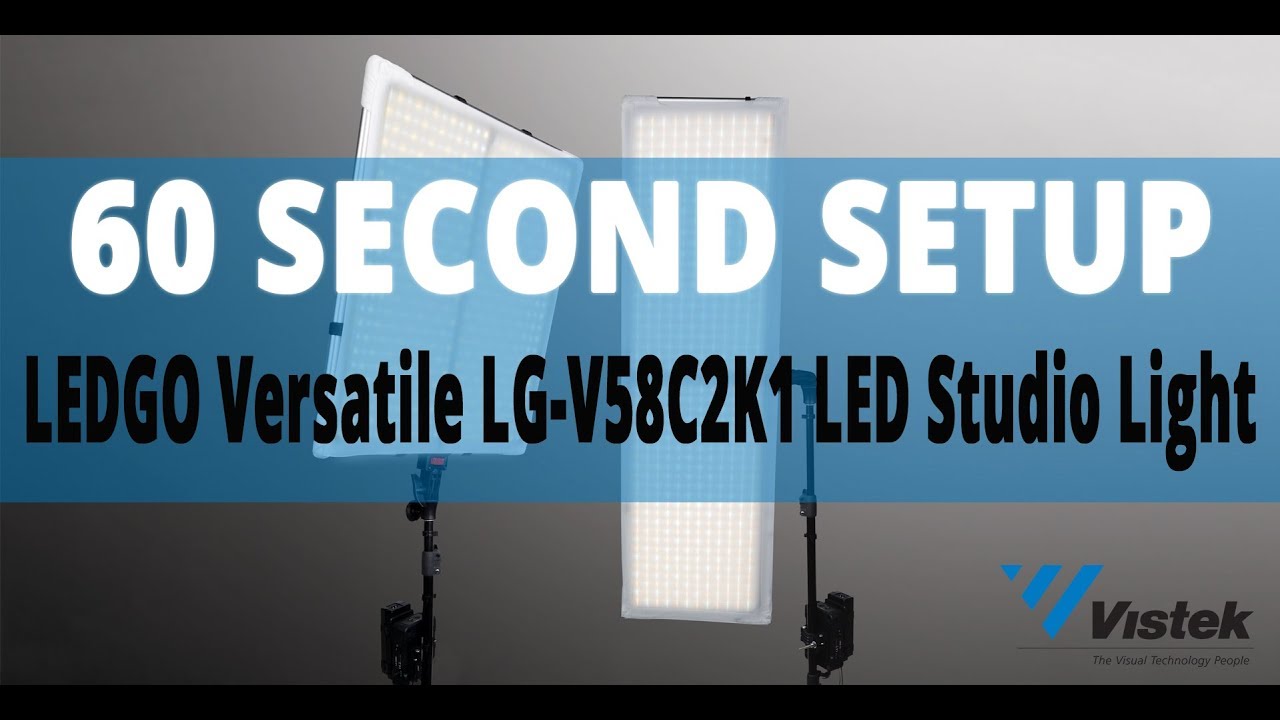
LEDGO Versatile LG-V58C2K1 LED Studio Light | 60 Second Set-up
LEDGOPhotography Lighting EquipmentVideo LightingLEDGO Versatilevideo lightingled lightsvistekledgo versatileled lightingLED Lightingled panelLED Panelled goStudio Lightingstudio lightingPhotography LightingVistekstudio lightHow Tohow to
  • ok logo

Скачать LEDGO Versatile LG-V58C2K1 LED Studio Light | 60 Second Set-up бесплатно в качестве 4к (2к / 1080p)

У нас вы можете скачать бесплатно LEDGO Versatile LG-V58C2K1 LED Studio Light | 60 Second Set-up или посмотреть видео с ютуба в максимальном доступном качестве.

Для скачивания выберите вариант из формы ниже:

  • Информация по загрузке:

Cкачать музыку LEDGO Versatile LG-V58C2K1 LED Studio Light | 60 Second Set-up бесплатно в формате MP3:

Если иконки загрузки не отобразились, ПОЖАЛУЙСТА, НАЖМИТЕ ЗДЕСЬ или обновите страницу
Если у вас возникли трудности с загрузкой, пожалуйста, свяжитесь с нами по контактам, указанным в нижней части страницы.
Спасибо за использование сервиса video2dn.com

Описание к видео LEDGO Versatile LG-V58C2K1 LED Studio Light | 60 Second Set-up

LEDGO Versatile LG-V58C2K1 Flexible LED Light with AC Adapter, Control box, Tiles (x2), Frame (x2) and Backing (x2)

LEDGO Products & Accessories Available at Vistek: https://www.vistek.ca/search/-LED%20G...

LEDGO Products also available for rental at Vistek! Please visit https://www.vistek.ca/rentals/ for more information.

Setup Instructions:

1. ASSEMBLING THE RECTANGULAR FRAME: Separate the six rods that form the Rectangular Frame (1000 x 350 x 20mm) from the four Square Frame rods.

2. To form the frame, connect the rods together by aligning the circular button found at the end of each rod to the hole found in each adjoining rod, and push the button in to allow the rod to slide in and lock into place.

3. ASSEMBLING THE SQUARE FRAME: Repeat Step 2 with the four rods that form the Square Frame (580 x 580 x 20mm).

4. Attach the backing for the Rectangular Frame, slipping the elastic cloth over each corner of the frame while using the velcro straps on the side to keep the backing in place.

5. Attach the corresponding LED strips to the backing by aligning them and pressing along the edges of the strips to fix them into place.

6. Attach the diffusing cloth to the Rectangular Frame by slipping it over each corner of the frame (LED strip-facing side).

7. Attach the stand mount to the bottom of the Rectangular Frame by screwing it into place using the red knob. Adjust the angle of the mount to your liking.

8. The entire panel can now be mounted onto a light or C stand, and is fully adjustable using the knobs on the mount.

9. Affixing a adjustable plate to a stand allows it to hold the Control Box with built in V-Mount. The unit connects to the plate by snapping down into place.

Alternatively, the Control Box/V-Mount can be hung from the wire extending from the top of the unit.

10. The cable that runs from the LED strip connects to the top of the Control Box. Be sure to align the groove on the connector with the groove found in the socket on the Control Box.

11. Repeat steps 4 to 8 for the Square Frame, assembling it in the same fashion. The cable extending from the LED strip connects in the same way as Step 10.

12. NEW FEATURE in this version: A short connector allows for different lengths of head cable to be attached, providing an alternative to the standard cable that's available.

13. If using the AC Adapter for power, strap it onto the included adapter plate and slide onto the V-Mount on Control Box. The power cord connects to the top of the AC adapter.

Alternatively, the V-Mount Plate on the Control Box enables the use of 2 Sony style l series batteries (not included).

14. Connect the 15V DC cable into the corresponding socket on the side of the Control Box. The lights can now be powered on.

15. Dimmer and Colour Temperature knobs allow you to control intensity and colour temperature from 3200-5600k.

16: OPTIONAL ACCESSORIES: LEDGO 2.4G WiFi Control Box can be used in combination with LEDGO WiFi Remote App for controlling the lights remotely (up to 512 channels) from a maximum distance of 15 metres. To learn more, visit: https://www.vistek.ca/store/ProVideoL...

17. Did we mention how flexible and "versatile" the LED lights are? Bend, fold, and manipulate the lights to suit your needs!

----------------------------------------------------------------------------------------------------------

#vistek60secondsetup #LEDGO #howto

Комментарии

Информация по комментариям в разработке

Похожие видео

  • О нас
  • Контакты
  • Отказ от ответственности - Disclaimer
  • Условия использования сайта - TOS
  • Политика конфиденциальности

video2dn Copyright © 2023 - 2025

Контакты для правообладателей [email protected]