Discover how to convert string properties to numeric properties in Gremlin for accurate sorting. Learn different methods and get insights into using Amazon Neptune effectively.
---
This video is based on the question https://stackoverflow.com/q/64992013/ asked by the user 'mmr25' ( https://stackoverflow.com/u/6629184/ ) and on the answer https://stackoverflow.com/a/64996849/ provided by the user 'Kelvin Lawrence' ( https://stackoverflow.com/u/5442034/ ) at 'Stack Overflow' website. Thanks to these great users and Stackexchange community for their contributions.
Visit these links for original content and any more details, such as alternate solutions, latest updates/developments on topic, comments, revision history etc. For example, the original title of the Question was: gremlin convert string propery to numeric property
Also, Content (except music) licensed under CC BY-SA https://meta.stackexchange.com/help/l...
The original Question post is licensed under the 'CC BY-SA 4.0' ( https://creativecommons.org/licenses/... ) license, and the original Answer post is licensed under the 'CC BY-SA 4.0' ( https://creativecommons.org/licenses/... ) license.
If anything seems off to you, please feel free to write me at vlogize [AT] gmail [DOT] com.
---
Converting Graph Properties: Transforming String Timestamps to Numeric Types in Gremlin
In graph databases, data types play a crucial role, especially when it comes to sorting and querying. One common problem that arises is the need to convert timestamp properties from string format to numeric format. This situation can lead to unexpected behaviors in sorting, where string sorting differs drastically from numeric sorting. In this guide, we'll explore how to convert string timestamps to numeric properties using Gremlin, thereby ensuring that your sorting works as intended.
The Problem
When dealing with timestamps, you might find them stored as strings in your graph database. This format can cause sorting issues:
String Sorting: 1, 10, 2
Numeric Sorting: 1, 2, 10
As demonstrated, string sorting does not yield the correct order, which can lead to complications in your data analysis or presentation. The user in question faced this challenge within their graph operations and sought ways to convert these string timestamps into a numeric format, specifically using Gremlin queries.
Proposed Solutions
To address the issue effectively, we will discuss several viable methods to convert string properties to numeric properties within a Gremlin graph database. Here are the options:
Method 1: Convert in Application Code
The simplest and most effective method to convert string timestamps to numeric values is to handle the conversion directly in your application. Here’s a step-by-step approach:
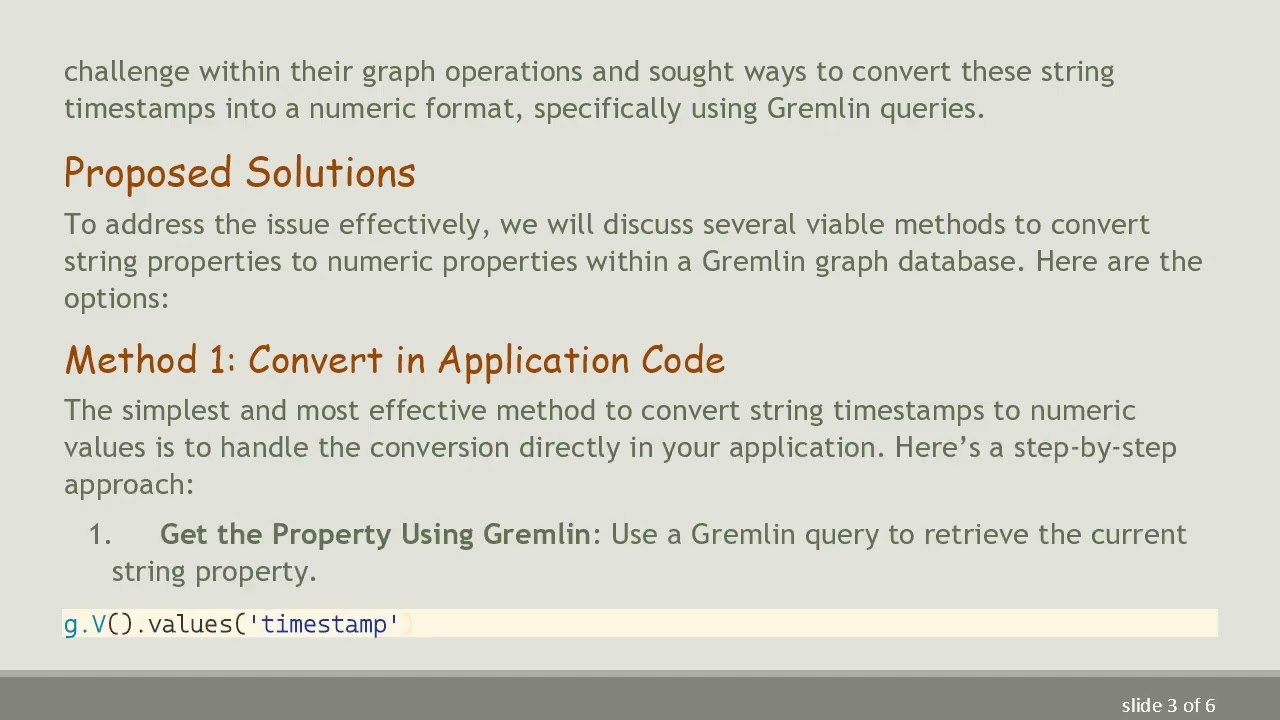
Get the Property Using Gremlin: Use a Gremlin query to retrieve the current string property.
[[See Video to Reveal this Text or Code Snippet]]
Convert to Integer in Your Application: In your application code, convert the retrieved string value to a long (or numeric) type.
Write Back the Value: Use Gremlin to update the graph and replace the old string property with the new numeric value. Make sure to use the Cardinality.single keyword to ensure that the new numeric value replaces the old one.
[[See Video to Reveal this Text or Code Snippet]]
This method is straightforward and allows you to maintain control over the data transformation process.
Method 2: Export and Update CSV
If your graph database isn't very large, exporting the entire graph to a CSV file can be an efficient way to perform bulk updates:
Export the Graph: Use Gremlin or other tools to export your data to CSV format.
Update the CSV File: Open the CSV file in a suitable editor or script and convert the string timestamps to numeric values in the required format.
Reload the Graph: Import the updated CSV file back into your graph database.
This approach can be simpler for one-time conversions, especially when handling large data.
Method 3: Inline Code (Not Applicable for Amazon Neptune)
While using inline code (lambdas) to transform data dynamically can be an efficient method in flexibility, it isn't an option with Amazon Neptune due to their restrictions. Thus, for users with access to other environments, this might be a potential method, but for Neptune users, the other methods would be more appropriate.
Addressing Null Pointer Exceptions
The question mentioned difficulties with the Order.desc method throwing null pointer exceptions. This is often due to issues with the data or version compatibility. Both Order.decr and Order.desc should theoretically work:
Verify Gremlin Client Versions: Ensure that your Gremlin Client and Neptune engine versions are up to date to minimize compatibility issues.
Conclusion
Converting string timestamps to numeric properties in Gremlin is essential for accurate data sorting and querying. By following the outlined methods, you can effectively manage this

Информация по комментариям в разработке