Logo video2dn
  • Сохранить видео с ютуба
  • Категории
    • Музыка
    • Кино и Анимация
    • Автомобили
    • Животные
    • Спорт
    • Путешествия
    • Игры
    • Люди и Блоги
    • Юмор
    • Развлечения
    • Новости и Политика
    • Howto и Стиль
    • Diy своими руками
    • Образование
    • Наука и Технологии
    • Некоммерческие Организации
  • О сайте

Скачать или смотреть Fix Destiny 2 Error Code Bee

  • HalfGēk
  • 2023-03-04
  • 1306
Fix Destiny 2 Error Code Bee
  • ok logo

Скачать Fix Destiny 2 Error Code Bee бесплатно в качестве 4к (2к / 1080p)

У нас вы можете скачать бесплатно Fix Destiny 2 Error Code Bee или посмотреть видео с ютуба в максимальном доступном качестве.

Для скачивания выберите вариант из формы ниже:

  • Информация по загрузке:

Cкачать музыку Fix Destiny 2 Error Code Bee бесплатно в формате MP3:

Если иконки загрузки не отобразились, ПОЖАЛУЙСТА, НАЖМИТЕ ЗДЕСЬ или обновите страницу
Если у вас возникли трудности с загрузкой, пожалуйста, свяжитесь с нами по контактам, указанным в нижней части страницы.
Спасибо за использование сервиса video2dn.com

Описание к видео Fix Destiny 2 Error Code Bee

Here's how to Fix Destiny 2 Error Code Bee.

Error Code Bee is a common error in Destiny 2 that can occur due to several reasons, including network issues or server problems. Here are some troubleshooting steps you can try to fix the Destiny 2 Error Code Bee:

1. Check your internet connection: Ensure that your internet connection is stable and strong. Try resetting your router or modem and restarting your device.

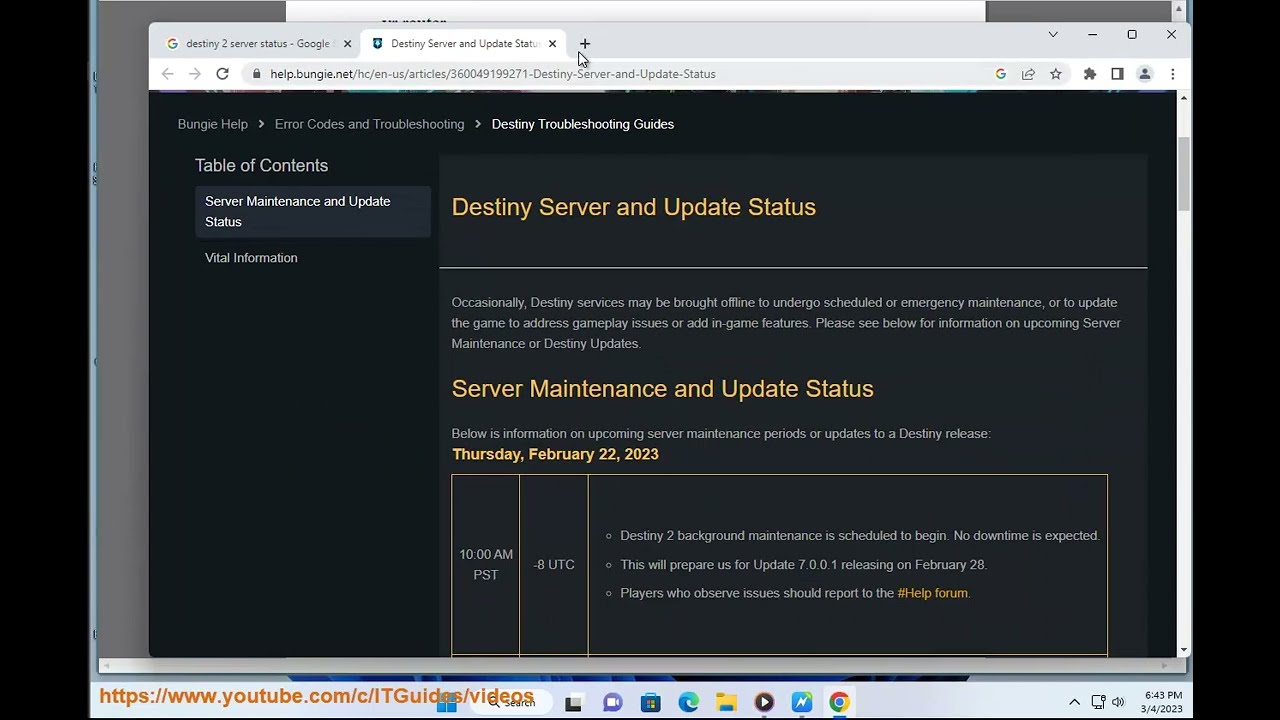
2. Check Destiny 2 Server Status: Check the status of Destiny 2 servers on Bungie's website or social media channels. If the server is down, you need to wait until it is back up.

3. Disable UPnP in your router: If you have Universal Plug and Play (UPnP) enabled, disable it as it may cause connectivity issues. You can disable UPnP in your router settings.

4. Destiny 2 Ports forwarding: Forward ports 3074, 3097, and 3478-3480 to your console or PC.

5. Try a wired connection: If you're using a wireless connection, try switching to a wired connection.

6. Reset Network Settings: Reset your network settings and re-configure them to ensure there are no issues.

7. Contact Support: If the above steps do not work, contact Bungie support for further assistance.

If you're still encountering the Error Code Bee, it could be due to server-side issues, and the only option is to wait until the problem is resolved.

Learn more@ https://www.youtube.com/c/ITGuides/se....

Комментарии

Информация по комментариям в разработке

Похожие видео

  • О нас
  • Контакты
  • Отказ от ответственности - Disclaimer
  • Условия использования сайта - TOS
  • Политика конфиденциальности

video2dn Copyright © 2023 - 2025

Контакты для правообладателей [email protected]